
Why Fully Live Does Not Always Mean Stronger Proof
A live interoperability demo matters when buyers need to see real-time data exchange. But every added connection introduces another risk, including API dependency, partner login, remote platform availability, and the show-floor network. If one weak link fails, the most important handoff may never be seen.
Stronger proof comes from showing the critical exchange clearly, not from keeping every step live. Protect fragile steps with a recorded sequence or local fallback rather than letting them control the entire presentation.
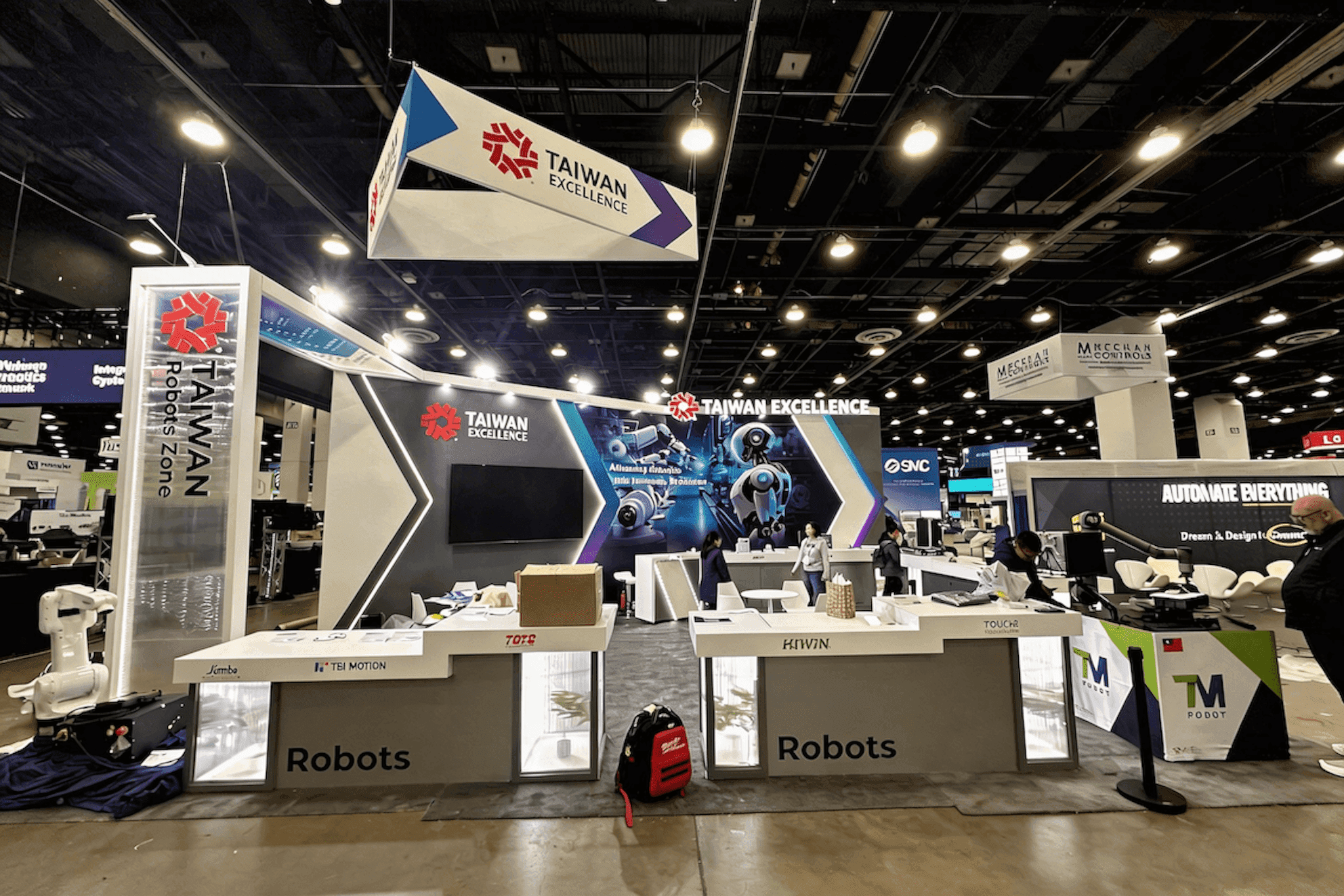
Live interaction works best for meaningful real-time exchange, while recorded and hybrid sequences help protect partner logins, APIs, and other unstable system dependencies.
Live, Recorded, or Hybrid: Where Each Format Works Best
The format should follow the risk in the workflow.
Live Demo
A visitor action triggers a visible exchange across active systems. Use a live demo when real-time interaction is central to what buyers need to understand.
Recorded Demo
A controlled sequence shows the expected workflow without depending on remote platforms, partner logins, or active APIs. It works well for complex backend, partner-controlled, or slow-to-reset steps.
Hybrid Demo
A live visitor action is combined with recorded or locally stored system steps. This keeps the demonstration interactive while protecting fragile data handoffs and external dependencies.
Format | Best Used For | Main Risk | What It Needs |
|---|---|---|---|
Live | Meaningful real-time exchange across active systems | Network, API, login, or partner failure | Fast reset path and local or recorded fallback |
Recorded | Complex, partner-controlled, or slow-to-reset steps | Can feel passive or hide what is not live | Presenter context and clear labeling |
Hybrid | Live visitor action with controlled backend steps | Confusing transitions between live and recorded content | Clear handoffs, presenter ownership, and reset plan |
Choose One Data Handoff to Keep Live
A multi-system demo is easier to follow when one important data handoff happens in real time. That could be a FHIR demo sending a patient record, an EHR integration demo returning an update, or two connected healthcare systems confirming that the same information arrived correctly.
Make the before-and-after state visible. Less important API calls, logins, and partner-system steps can remain recorded or locally stored. One well-chosen live exchange usually proves more than a longer sequence built on several fragile dependencies.
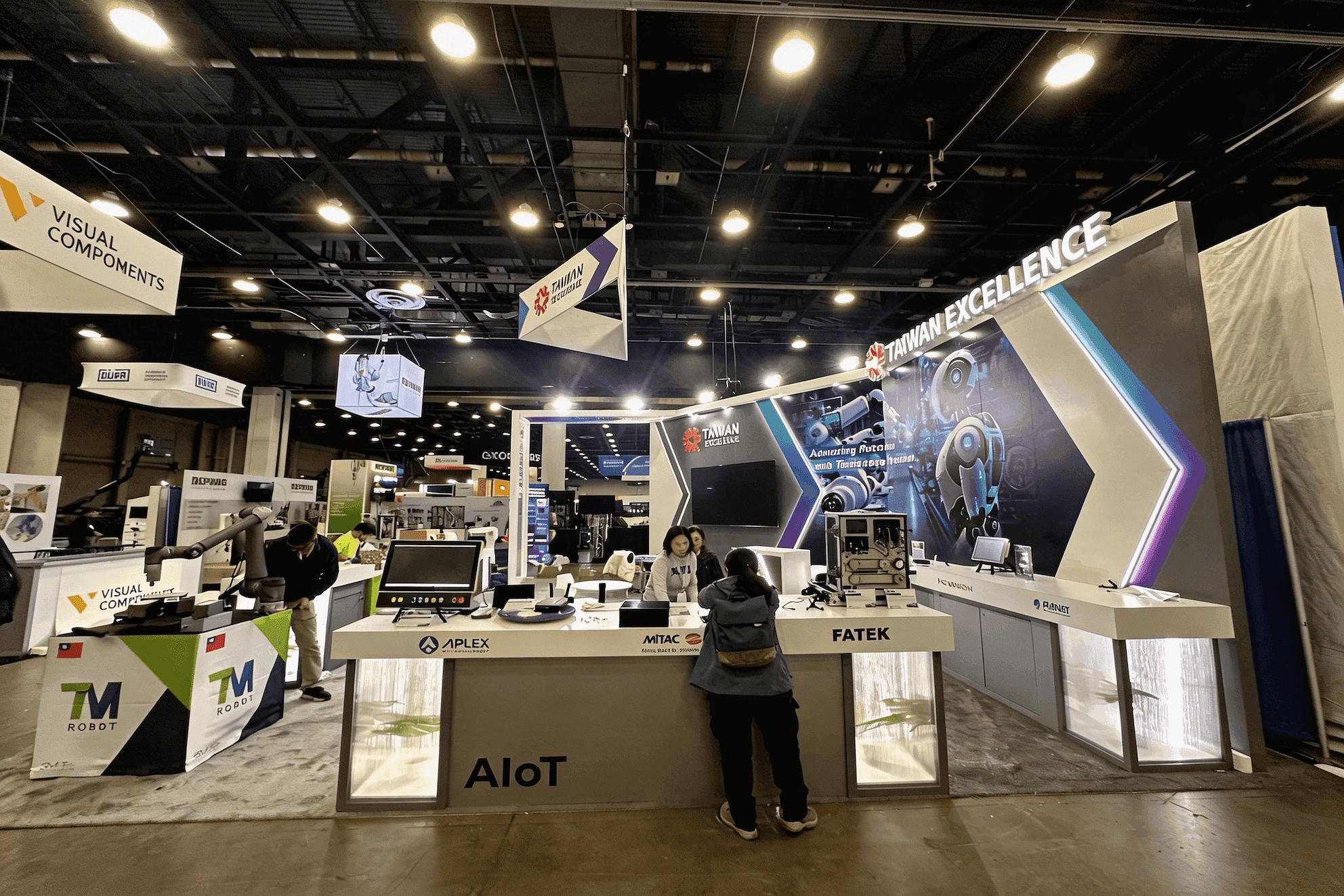
A clear interoperability demo keeps one important data handoff live, then shows how the receiving system uses that information within the same healthcare journey.
Keep Every System in One Healthcare Journey
Partner systems work best when they support the same patient journey, clinical workflow, or administrative workflow. Start with one shared event—such as a referral, admission, authorization, or discharge—and show how healthcare data exchange moves the case from one system to the next.
Avoid giving each partner a separate product pitch, opening several dashboards without a common starting point, or letting architecture become the only narrative.
A 20x30 booth plan can separate the main workflow, partner-system stations, technical follow-up, executive meetings, and equipment access while keeping the connected healthcare journey visible.
A Hybrid EHR-to-Patient-App Demo in Practice
How the Sequence Works
A patient updates information in a mobile app. The change appears in an EHR test environment, and the care-team view highlights what changed. The presenter then explains the clinical action that follows.
Only the patient update and EHR receipt run live. The final clinical step uses a controlled local sequence, preserving a real data handoff without making the full workflow depend on every connected system.
A Cross-Industry Layout Reference
The Inhabit OPTECH 2025 20x30 project was a verified enterprise software-demo project with multiple software stations, overhead branding, and space for visitor conversations.
It was not a healthcare or HIMSS project, but the layout offers a useful reference: keep the public workflow easy to find, give each presentation point a clear owner, and move deeper technical conversations away from the main demo path.
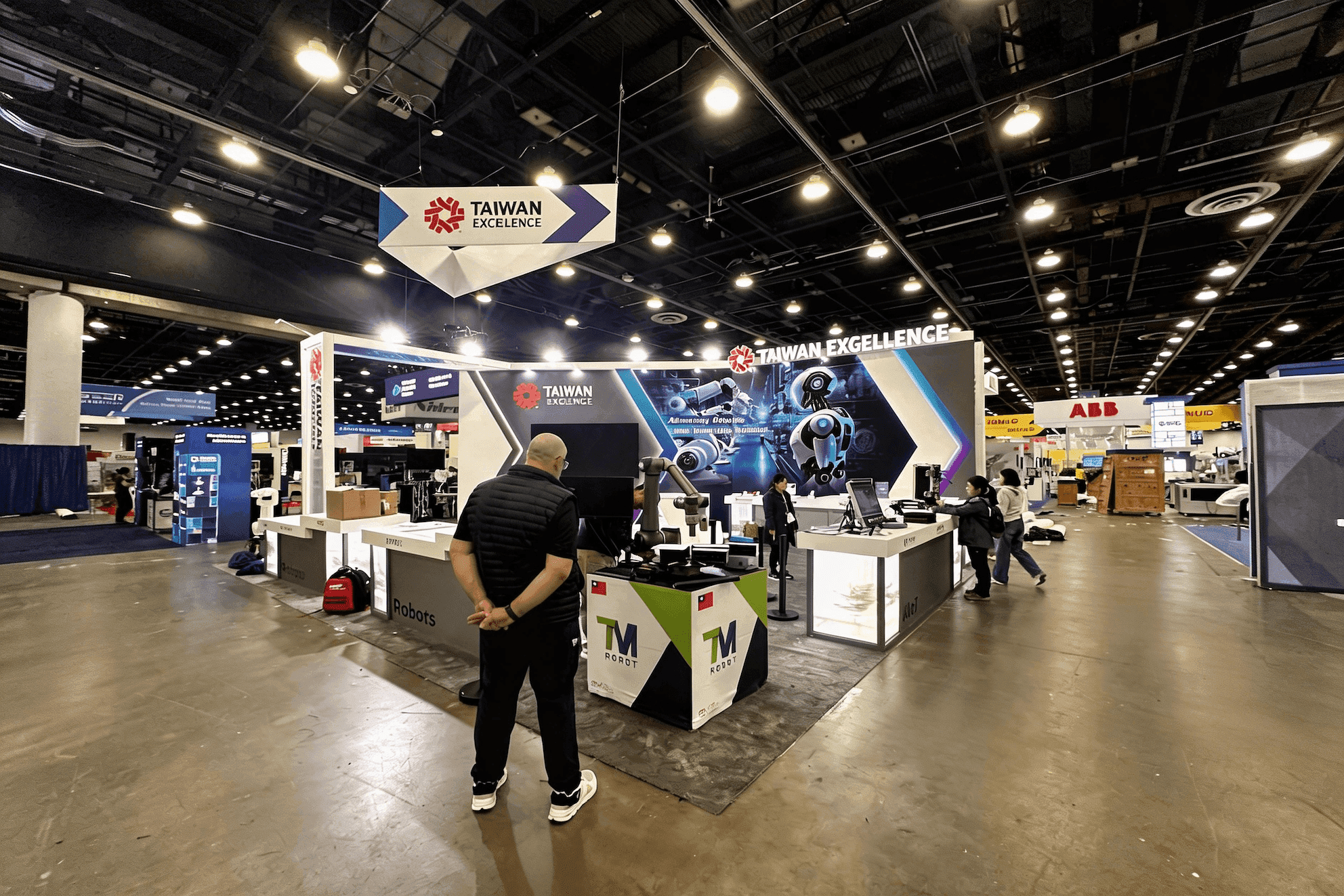
A prepared fallback should continue the same data journey after an API, network, login, or partner-system failure rather than restart the presentation.
Assign Clear Ownership Before the Demo Goes Live
Screens, logins, and system handoffs need named owners before the show opens. Document who controls each partner transition, presenter handoff, test-data record, demo reset, and backup computer, along with what happens if a partner-controlled system becomes unavailable.
These responsibilities should be settled during pre-show demo coordination, when equipment arrival, installation, network checks, login access, and final testing are aligned.
Where Interoperability Demos Usually Break Down
Interoperability demos usually lose their audience when the technology becomes easier to see than the healthcare journey.
Keeping every system live, even when a connection adds risk but proves little.
Showing architecture before the user journey, so visitors see components without understanding the data handoff.
Letting each partner deliver a separate product pitch instead of supporting one shared workflow.
Running a real-time exchange without a reset plan for expired logins, delayed APIs, or incomplete data handoffs.
Treating the fallback as a file instead of a presenter workflow that continues the same story.
When interoperability shares the booth with AI, cybersecurity, or patient-facing technology, HIMSS27 booth planning also has to separate screen roles, presenter ownership, and follow-up conversations so those stories do not compete.
When a Connection Fails, Keep the Data Journey Intact
An API failure, network interruption, expired login, or unavailable partner system should change the delivery—not end the demo. The local demo backup should follow the same sequence as the live workflow, allowing the presenter to switch without restarting the story or losing the logic of the data handoff.
The presenter needs to know when to switch, what to say, and where the workflow resumes. Even after the fallback begins, visitors should still see the original input, the receiving system, and the action that follows.
Interoperability Demo Fallback Checklist
A fallback should let the presenter finish the same data journey without rebuilding the demonstration from the beginning.
Local video or screen capture that follows the live sequence
Preloaded test records matched to the demo scenario
Backup login tested before the show
Local presentation computer with the required offline files
Named owner for each system and partner handoff
Presenter transition script for switching without breaking the story
Reset procedure with a known starting state
Offline screenshot of the final outcome if the full sequence cannot continue
Questions Teams Ask About Interoperability Demos
Should a FHIR Demonstration Run Live?
Keep the FHIR exchange live when buyers need to see the data handoff happen in real time and the workflow can be reset quickly. Steps that rely on partner logins, remote APIs, or unstable external systems are better recorded or stored locally.
How Many Systems Should One Interoperability Demo Include?
Include only the systems needed to complete one patient, clinical, or administrative journey. Each platform needs a clear role in the healthcare data exchange. If another system adds explanation without adding proof, leave it out of the main demo.
What Should Happen When an API or Partner Platform Fails?
The presenter should switch to a local backup without restarting the story. The fallback should resume at the failed handoff, show the receiving system, and carry the workflow through to the expected clinical or administrative action.






