Start With the Energy Product Buyers Need to Understand
An IESNA booth should start with the product buyers need to understand first. Solar components, storage systems, EV charging hardware, software dashboards, manufacturing equipment, and startup prototypes do not need the same display logic.
The booth should make the product category clear from the aisle, then help visitors see the application, system role, or buyer scenario behind it. A solar product may need comparison around installation use or performance. A storage system may need context around capacity, safety, and project fit. EV charging exhibitors often need to connect physical hardware with the software, network, or infrastructure behind it.
Product Type | What Buyers Need to Understand | Booth Planning Focus |
|---|---|---|
Solar products | Application, installation use, efficiency, and system fit | Product comparison, samples, simple application graphics |
Storage systems | Capacity, safety, use case, and system role | Product display, screen explanation, technical discussion space |
EV charging hardware | Charger type, installation use, and site application | Visible hardware, buyer viewing space, clear product placement |
EV charging software | Monitoring, payment, reporting, uptime, or fleet control | Dashboard demo, screen loop, software explanation |
Manufacturing equipment | Production use, component quality, and integration needs | Equipment access, spacing, samples, staff explanation |
Startup prototypes | Product idea, use case, and next development step | Compact demo, simple visual, short conversation point |
Once the product focus is clear, booth size, demo space, screen content, sample placement, and buyer flow become easier to plan. The booth does not need to explain every detail at once; it needs to give the right visitor a clear reason to stop and look closer.
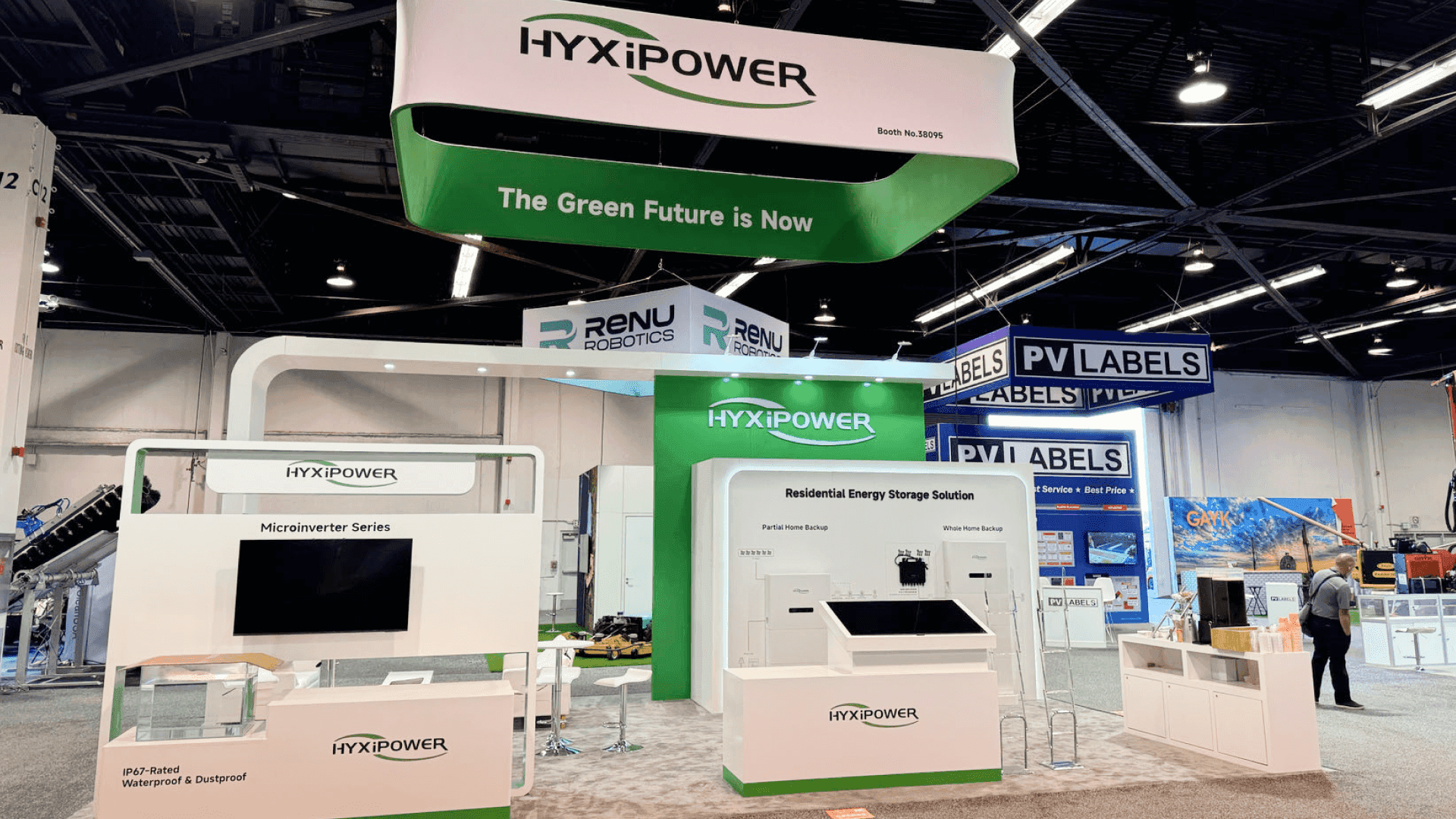
An IESNA booth should start with the energy product buyers need to understand first, whether it is solar equipment, storage systems, EV charging hardware, software, manufacturing equipment, or a startup prototype.
Make Solar and Storage Products Easy to Compare
Solar and storage products often need side-by-side explanation. Buyers may want to compare panel types, mounting uses, battery formats, system roles, safety features, or how the product fits into a larger energy project.
The booth should make those differences easy to see. Product samples, compact specification points, application graphics, and short screen loops can help visitors understand what they are comparing without turning the booth into a technical brochure.
For storage systems, the display should not rely only on the product shell. Buyers usually need context around capacity, use case, installation environment, and how the system connects with solar, grid, or EV infrastructure.
A clear booth helps buyers compare faster. It gives them enough information to understand the product category, then leaves room for staff to answer deeper technical or commercial questions.
Solar and storage products are easier to explain when samples, system details, application graphics, and screen content help buyers compare product roles and project fit.
Connect EV Charging Hardware With the Software Behind It
EV charging booths often need to show two layers at the same time: the charger buyers can see and the software that makes the system useful after installation.
The hardware should stay visible from the aisle. Buyers need to recognize the charger type, installation use, and site application quickly. A nearby screen can then show the software side in a simple way, such as payment flow, charger status, uptime monitoring, network control, reporting, or fleet use.
The goal is not to turn the booth into a software presentation. It is to help visitors understand how the physical charger and the operating platform work together as one infrastructure system.
For exhibitors focused on charging stations, infrastructure platforms, or connected energy solutions, IESNA EV charging infrastructure booth planning can support the deeper layout direction.
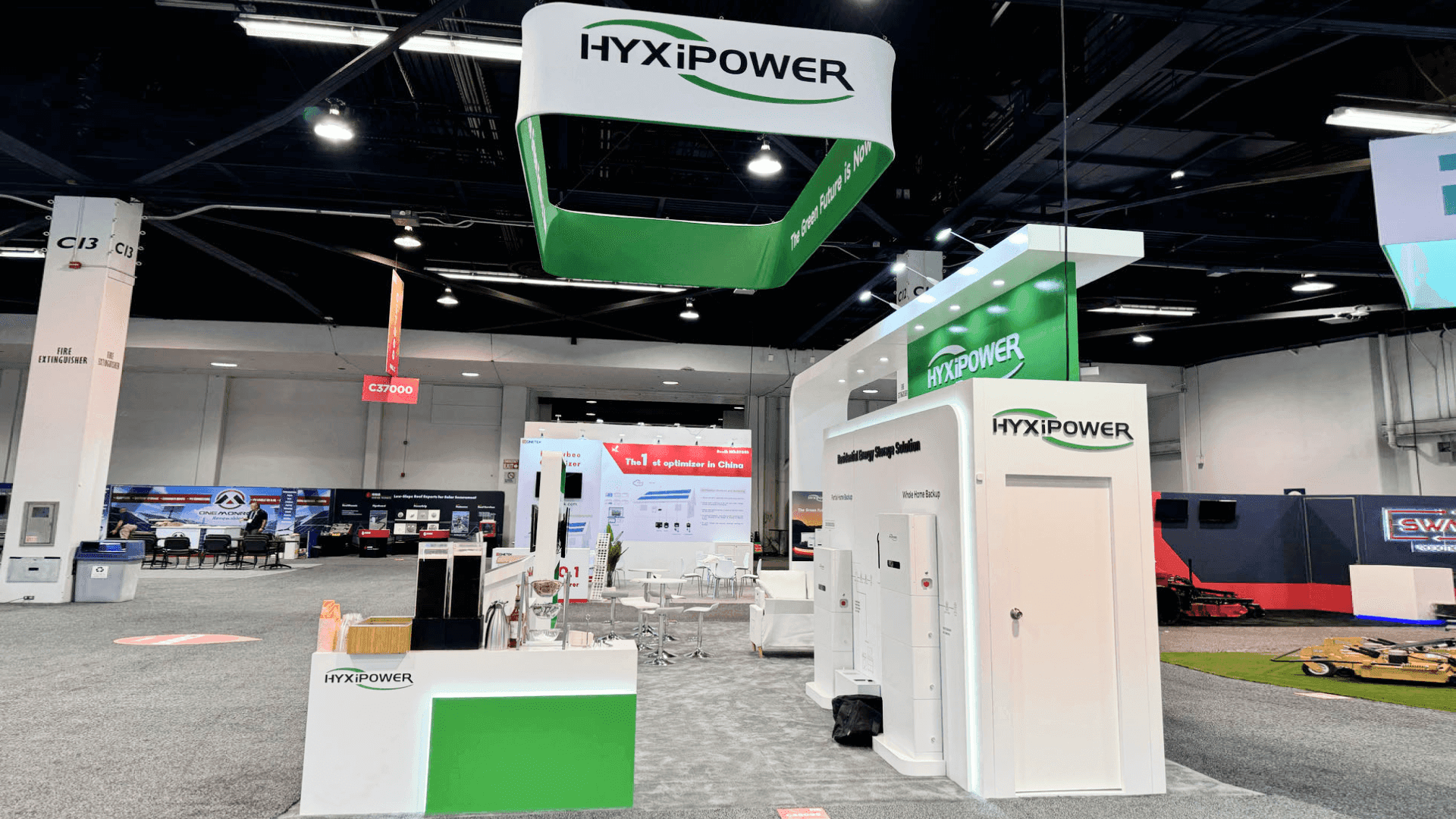
EV charging exhibitors should keep the charger visible while using screens to explain payment, monitoring, reporting, fleet use, network control, or site management behind the hardware.
Separate Equipment Displays From Startup Prototype Conversations
Manufacturing equipment and startup prototypes should not be treated the same in an IESNA booth. Equipment displays usually need space, access, product samples, and a clear explanation of what the system does. Startup prototypes often need a simpler setup that helps buyers understand the idea, use case, and next development step.
For manufacturing-focused exhibitors, the booth should make the equipment easy to inspect without crowding the aisle. Buyers may want to understand production use, component quality, integration needs, or how the product supports solar, storage, or EV infrastructure.
For startups, the booth should focus less on showing everything and more on making the prototype easy to explain. A small demo area, screen visual, sample model, or short conversation point can work better than a crowded display.
When the booth includes early-stage products, IESNA Startup Pavilion booth planning can support the deeper direction. The key is to give equipment displays enough room to be evaluated, while giving prototypes enough clarity to start the right conversation.
Choose Booth Size Around Demo Space, Samples, and Buyer Flow
Booth size should follow what the energy product needs to show. A simple sample display may not need a large footprint, but solar, storage, and EV infrastructure booths often need space for product comparison, screens, buyer questions, storage, and staff movement.
A 20x30 booth can work well when exhibitors need more than a basic product counter but do not need a large equipment-heavy layout. It gives room for a clear demo area, sample display, screen support, and a small conversation point without making the booth feel oversized.
For solar and storage exhibitors, this may mean separating product samples from technical discussion space. For EV charging exhibitors, it may mean keeping hardware visible while leaving room for a software screen or dashboard demo.
When the booth needs a balanced layout for products, screens, and buyer flow, 20x30 booth planning is often a practical reference point.
Use Screens and Graphics to Explain the Energy Application
Screens and graphics should help buyers understand the product’s application without adding more clutter to the booth. A solar module, storage cabinet, charging device, manufacturing component, or prototype may need context before its value is clear.
For solar and storage exhibitors, visual content can show installation use, system role, capacity range, safety context, or project scenarios. For manufacturing equipment, screens can explain production use, component quality, or integration points. For startup prototypes, a simple visual can make the idea easier to understand before a longer conversation begins.
Booth graphics should stay focused on the product category, buyer problem, and application. Screens can carry the deeper workflow, output, or use-case explanation.
When visual explanation is a key part of the booth, trade show booth graphics and brand presentation can help connect product displays, screen content, and booth messaging into one clear story.
IESNA Booth Planning Checklist
Before finalizing an IESNA booth, exhibitors should check whether the layout supports the product, the demo, and the buyer conversation.
Is the main solar, storage, or EV infrastructure product clear from the aisle?
Can buyers compare samples, system details, or application examples easily?
Does the booth explain the product’s site application or system role?
Is hardware placement supported by screen content or simple graphics?
Are manufacturing equipment and smaller samples separated clearly?
Are startup prototypes easy to explain without overloading the display?
Does the booth size match demo space, storage, staff movement, and buyer flow?
Are screens, graphics, and product displays working toward the same message?
For the broader show context, exhibitors can use the main IESNA booth planning page as the Event reference.
The booth does not need to show every product detail at once. It should make the energy application clear enough for buyers to stop, compare, and continue the conversation with the right questions.
FAQ
What should solar exhibitors plan for an IESNA booth?
Solar exhibitors should plan how buyers will compare the product, application, and system role from the booth. Panels, mounting examples, component samples, performance visuals, and project-use graphics should be easy to read without crowding the display. The booth should help visitors understand where the solar product fits before moving into technical or commercial questions.
How should EV charging exhibitors show hardware and software?
EV charging exhibitors should keep the physical charger visible while using screens to explain the software behind it. A dashboard, charging-status view, network control screen, fleet-use example, or reporting visual can help buyers understand how the system works after installation. The hardware should attract attention, but the software should explain the operating value.
What booth size works well for IESNA exhibitors?
A 20x30 booth often works well for IESNA exhibitors that need product samples, screen content, buyer conversation space, and clear staff movement. Smaller layouts can work for compact prototypes or simple product displays, while larger booths may be needed for manufacturing equipment, multiple systems, or heavier product demonstrations.
Final Takeaway
An IESNA booth should make the energy product easy to understand before it tries to explain every detail. Solar products, storage systems, EV charging hardware, software platforms, manufacturing equipment, and startup prototypes all need different display choices.
The strongest booth is usually the one that gives buyers a clear path: see the product, understand the application, compare what matters, and ask the next question. When demo space, samples, screens, graphics, and buyer flow work together, the booth feels easier to read and easier to discuss.







