
What Should Lead the Booth?
A golf trade show booth needs one clear starting point. It may be a new club line, fitting platform, retail collection, or service offer, but buyers should recognize the product focus from the aisle.
In a multi-category golf booth layout, apparel, accessories, and technology should support that lead offer rather than compete with it. Apparel can extend the collection, accessories can complete the use case, and screens can explain performance data or workflow.
Organize Supporting Products Around Buyer Questions
Supporting products are easier to follow when they answer questions buyers are already asking:
How is it used? Show the playing, coaching, retail, or facility application.
Who is it for? Clarify the player type, customer group, or skill level.
What specifications matter? Make fit, material, compatibility, size, or performance easy to compare.
How is it sold or merchandised? Use packaging, labels, fixtures, and collection groupings that reflect the sales environment.
What completes the offer? Keep related apparel, accessories, technology, or services close to the lead product.
This creates a natural path from the main display to closer inspection, specification questions, and the pricing, ordering, or distribution discussion that follows.
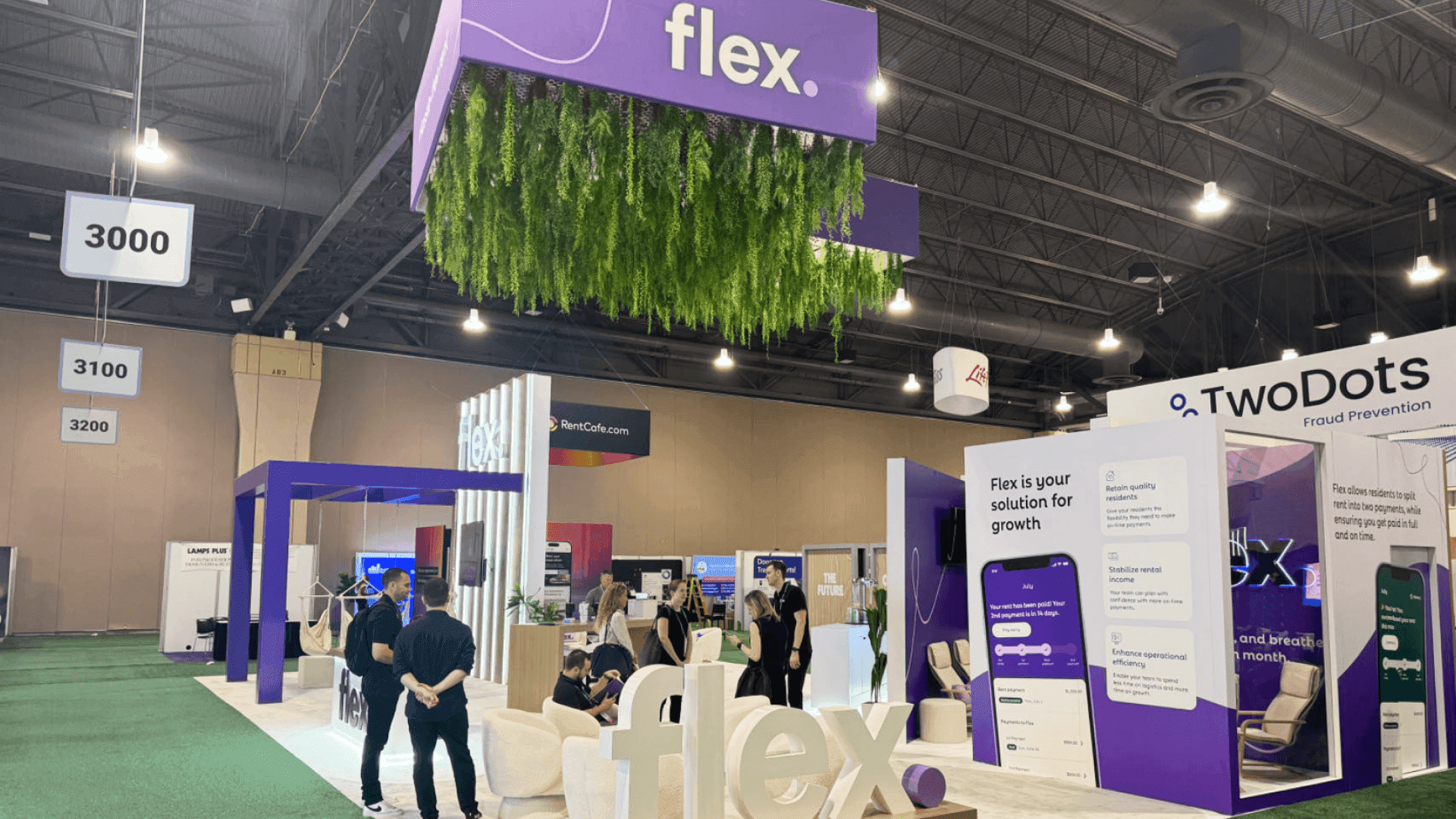
A multi-category golf booth uses one lead product story while keeping apparel, technology, accessories, and buyer conversations visually connected.
Giving Each Golf Product Category a Clear Role
Golf equipment needs close viewing and room for specification or fitting questions. Apparel and footwear rely more on collection groupings, visible merchandising, and access to additional sizes. Technology screens should explain data, compatibility, or workflow connected to a nearby physical product.
Accessories are easier to understand when grouped by use or product family instead of spread across open surfaces. Golf club and facility services usually need more room for diagrams, process examples, and buyer discussions than for merchandise.
Golf Product Categories and Their Display Roles
Product category | What buyers need to understand | What the booth needs |
|---|---|---|
Golf equipment | Product differences, applications, specifications, and fit | Close-viewing space, clear labels, and nearby stock |
Apparel and footwear | Collection, use, player type, sizing, and material | Organized merchandising, visible groupings, and size storage |
Golf technology | Data, workflow, compatibility, or facility application | A readable screen, nearby product context, and discussion space |
Accessories | How related products complete a use case or product range | Compact fixtures, grouped labels, and replenishment stock |
Golf club and facility services | The operational problem, service process, and practical value | Diagrams, supporting examples, and a buyer-conversation point |
This division keeps apparel racks, technology screens, and accessory fixtures from competing with the main golf equipment display. It also gives staff a clearer transition from product inspection into commercial or service conversations.
When Product Comparison Needs a Different Setup
Racquet sports brands often need side-by-side product comparison and separate trial inventory. Paddles and racquets may require direct handling, while court products and facility solutions need more application context. Mixing trial stock with sales samples can also make the display harder to manage.
In Racquet Sports at the PGA Show booth planning, comparison space, nearby stock, and facility-focused products shape the booth differently from a standard golf merchandise display.
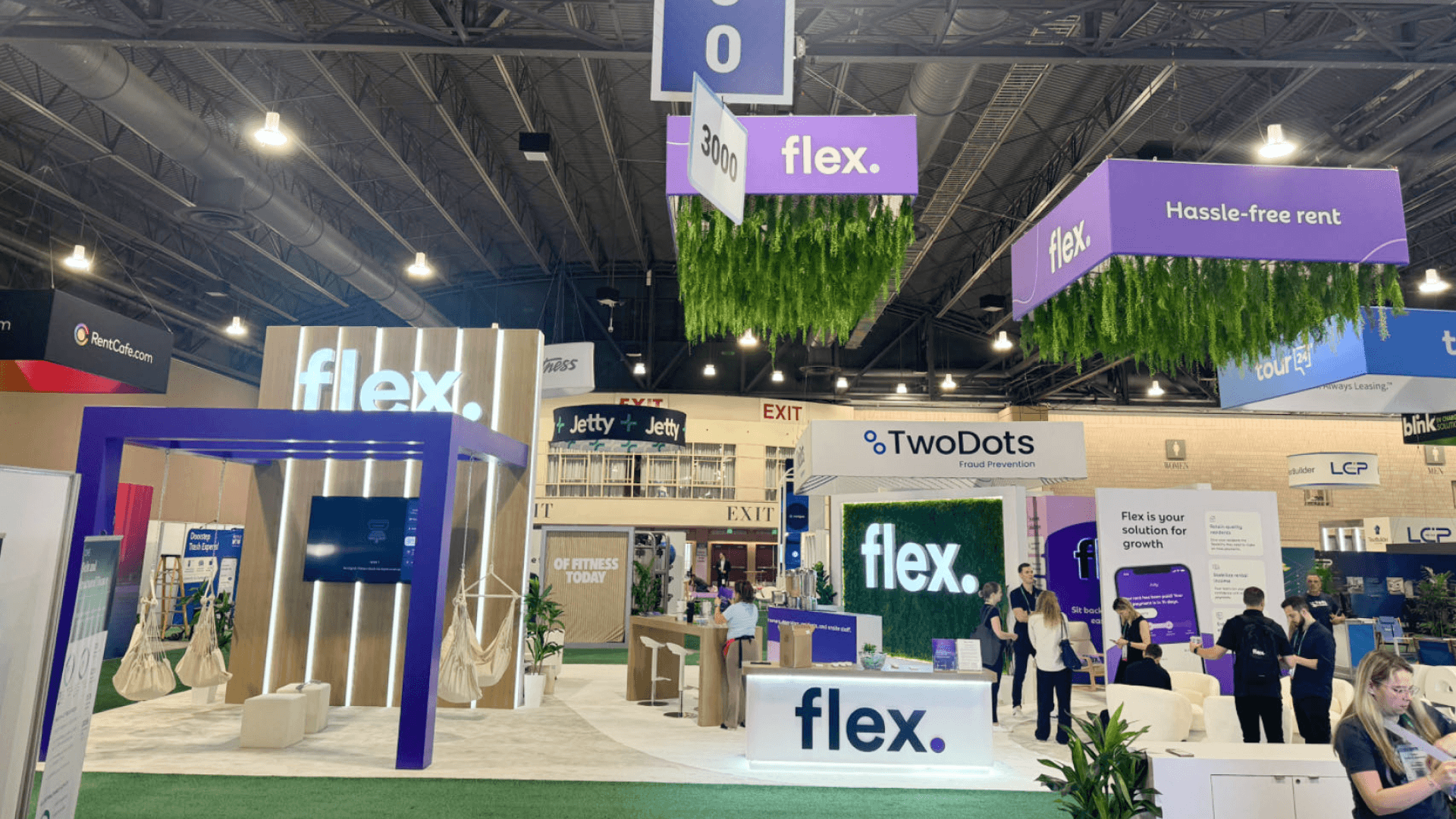
Product inspection stays open to the aisle while specification, pricing, and ordering discussions move to a nearby sales counter.
Product Inspection and Sales Conversations Need Separate Space
A buyer looking closely at a club head, grip, apparel fabric, or product label needs room to pause without blocking the aisle. The product wall is for viewing, comparison, and specification questions. Pricing, ordering, distribution, and longer fit discussions belong at a nearby sales counter or small meeting area.
Short questions can stay beside the display. Longer conversations should move a step away so the primary product area remains visible and other buyers can continue browsing.
Clear category signs and product labels help visitors move between product families and understand which details matter. Well-planned category graphics and brand presentation should support product inspection rather than compete with the merchandise.
Plan Storage and Staff Movement Before Production
In a multi-category golf exhibit, backstock, extra sizes, packaging, literature, and staff items all need assigned places. Leaving storage planning until move-in often pushes replacement stock or shipping materials beside the product wall and into the buyer path.
A product wall needs room for more than the fixture and merchandise. Staff also need access to labels and replenishment stock without stepping through a sales conversation. Frequently used items should remain close to the lead display but outside aisle sightlines.
Before production, trace the staff route from storage to the display. Replenishment should not interrupt product inspection, buyer conversations, or aisle traffic.
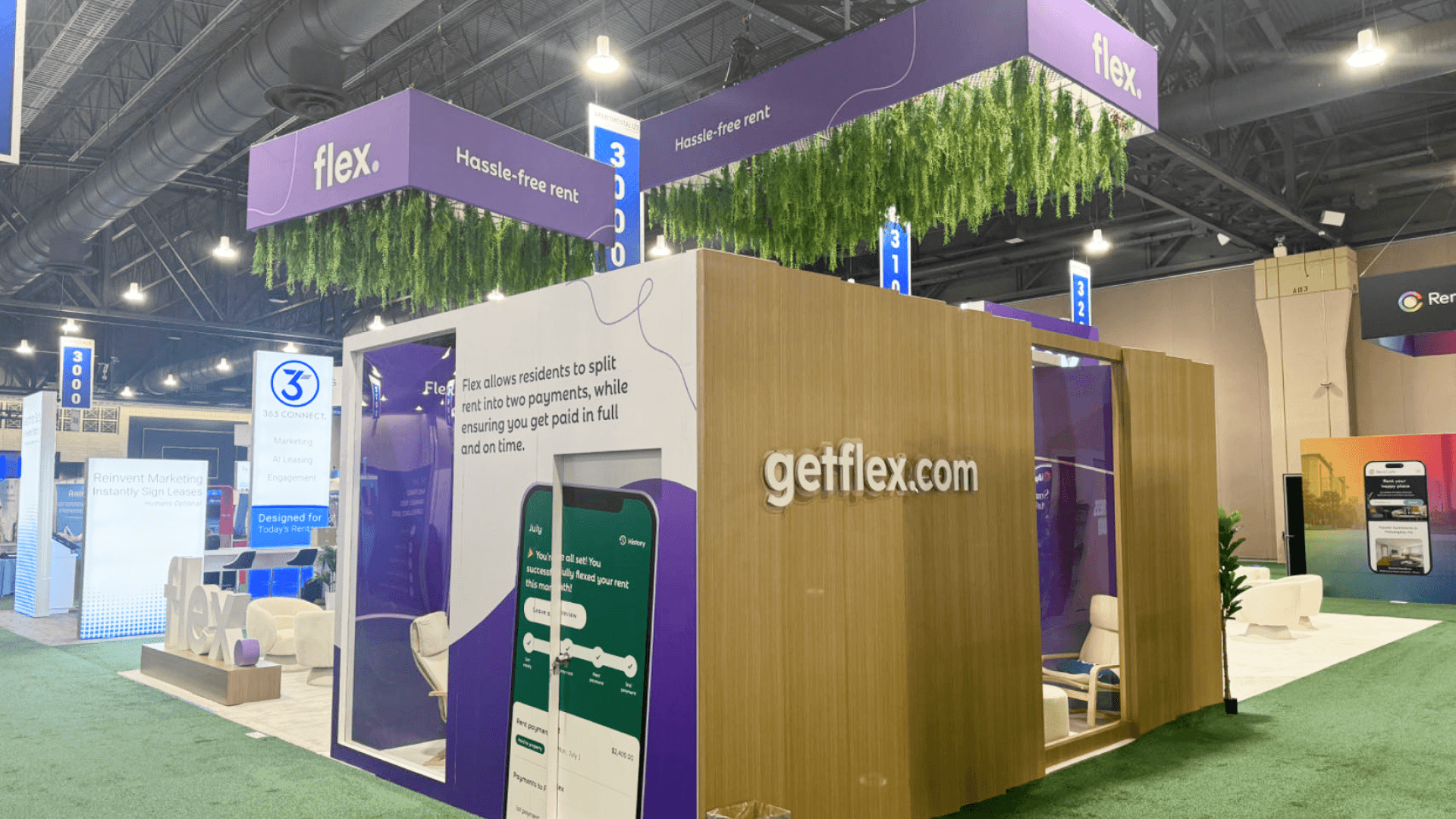
Concealed backstock and a defined replenishment route keep packaging, replacement products, and staff movement out of the buyer path.
How Booth Size Changes the Layout
A 20x20 booth plan usually works around one lead product story. Equipment and supporting merchandise can remain visible, while concealed stock and a compact buyer-conversation area sit close by.
A 20x30 booth layout makes it easier to separate equipment, apparel, meeting space, hospitality, and staff movement. The larger footprint is most useful when several product categories need their own display logic but still have to read as one exhibit.
Common Layout Mistakes Before Production
A golf product display may look balanced in a rendering, then feel crowded once products, screens, backstock, and staff are added.
Common Mistakes
Giving every product category the same visual priority
Letting apparel racks hide equipment or category graphics
Using screens that are not connected to nearby physical products
Filling the sales discussion area with merchandise
Leaving backstock, packaging, or replacement products in view
Waiting until move-in to confirm product placement
Final Layout Check
Can buyers identify the main product from the aisle?
Do supporting products strengthen the same product story?
Are screens, labels, and category graphics tied to the nearby display?
Can staff discuss specifications, pricing, and ordering without blocking product inspection?
Is replenishment stock close to the display but outside the buyer path?
Are fixture positions, storage access, and product locations confirmed before packing?
FAQ
How should several golf product categories share one booth?
Use one category to set the visual priority, then arrange equipment, apparel, technology, and accessories around the buyer’s next questions. Consistent product groupings, labels, and merchandising help the booth read as one golf brand presentation rather than several separate displays.
What booth size works for a multi-category golf display?
A 20x20 booth can handle one lead product story, supporting displays, concealed stock, and a compact sales area. A 20x30 layout gives more separation when equipment, apparel, meetings, hospitality, and staff movement need their own space.
How much storage should a golf trade show booth include?
Storage capacity depends on the replacement products, additional sizes, packaging, literature, and staff items needed during the show. Frequently used stock should remain close to the display, with storage access outside the main buyer path so replenishment does not interrupt product inspection or sales conversations.







