
Start With One Fleet Use Case and One Buyer Decision
An equipment list tells the team what may arrive at the booth, but not the operating situation the buyer should recognize. Replace it with a short working brief that identifies the fleet or vehicle context, operating pattern, site setting, infrastructure function, and first decision. This is neither a customer case study nor a preliminary engineering plan; it is the frame that keeps the demonstration focused.
For a return-to-base delivery fleet, the situation could be stated this way: vehicles complete their routes, return to one depot overnight, and must be ready for the next operating cycle. With that condition fixed, a charger or connector interface, a simplified depot diagram, and one scheduling or status workflow can support a single initial judgment: does this combination of infrastructure and management deserve a closer deployment review for this operation?
Multi-depot operations would likely need a different software view, while an alternative-fuel site might require another physical reference and flow diagram. Both can appear as secondary applications, but neither should compete with the lead scenario in the same demonstration path.
If the use case cannot be stated in one or two sentences, the booth is probably trying to explain too many deployment situations at once.
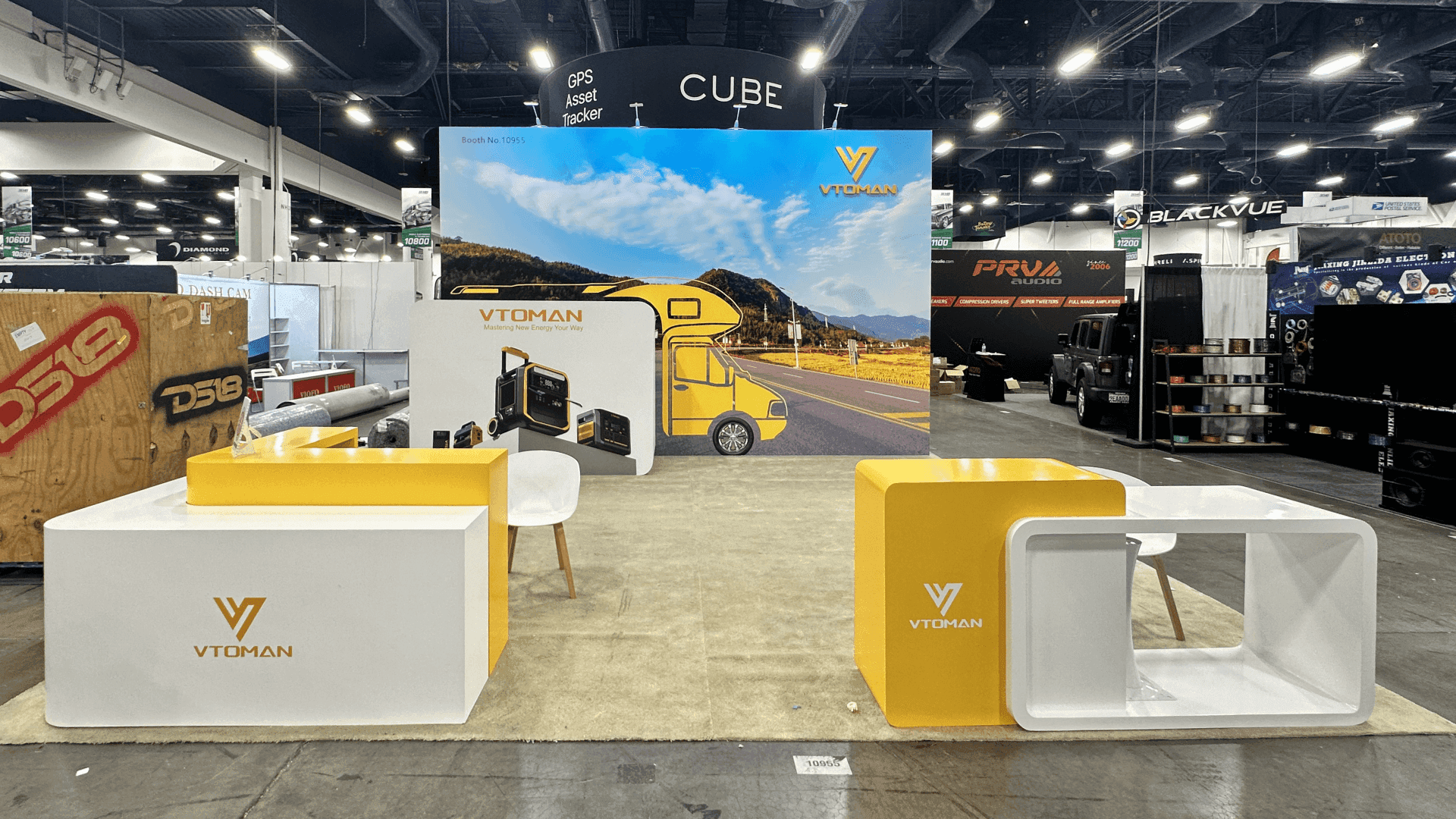
A return-to-base fleet scenario keeps the physical interface, depot relationship, and software workflow focused on one buyer decision.
Build the Fleet Use-Case Map Before Selecting Display Assets
Once the lead scenario is clear, map each display choice to the judgment it supports. Doing this before layout prevents the team from choosing a charger, connector, screen, and graphic independently and then forcing them into one story after the space has been allocated.
Fleet Use Case | Buyer Decision | Physical Reference | System Context | Software Evidence | Technical Follow-Up |
|---|---|---|---|---|---|
Delivery vehicles return to one depot overnight and must be ready for the next route cycle. | Does the proposed charging and management approach warrant a site-specific deployment review? | An inspectable charger or connector interface that shows scale and operator access | A simplified depot diagram connecting vehicles, charging equipment, site power, and controls | One overnight charging schedule showing vehicle and charger status | Site power capacity, utility coordination, vehicle mix, system integration, applicable codes, and final site configuration |
Read the map from left to right: the operating scenario sets the boundary, and the decision determines what deserves space. The physical interface, depot diagram, and software view then answer three different questions—what can the buyer inspect, where does it fit, and what does the fleet team do with it? The final column keeps project-specific issues visible without turning an aisle conversation into an improvised engineering session.
Capacity, utility coordination, integration, and site configuration still matter, but they depend on information that is unlikely to be available during a walk-up conversation. Keep one complete row for the lead scenario. If another fleet type changes the decision, hardware, software workflow, or technical handoff, give it a separate secondary path instead of stretching the same demonstration across both.
Decide What the Buyer Needs to See Physically
With the map in place, decide what the buyer truly needs to encounter physically. That may be a full or representative charger, connector assembly, fueling component, or cutaway; none earns space simply because it is the primary product.
The selected object should do one or two things that a screen cannot do as well: establish scale, reveal construction, clarify access, expose an interface, or show a physical relationship. In the return-to-base scenario, for example, a buyer may need to handle the connector and see how an operator approaches it, while the depot graphic and software screen handle the surrounding context.
A useful test is to remove the object from the proposed demo. If the buyer can make the same initial judgment from a rendering or screen, a full physical unit may not be necessary.
When Full-Size Hardware Is Worth the Space
Full-size hardware earns its footprint when scale changes the explanation, the interface needs inspection, service access matters, installation orientation changes how the product is understood, or buyers need more than one viewing side. A full-size charger, for example, can make cable reach and operator access clearer than a reduced sample.
When the conversation centers on network control, scheduling, or reporting, representative hardware is often enough. If the map points to a full-size unit, however, its dimensions, connection side, service access, and arrival route should shape the surrounding structure. Those dependencies should be resolved through equipment-first booth planning before counters, walls, or screens are fixed.

Full-size equipment should shape the layout when scale, access, connection points, or installation sequence affects the buyer’s review.
Use One Diagram and One Software Workflow to Complete the Scenario
Hardware can show what the product is and how someone interacts with it, but it cannot show the entire depot relationship or the operating process behind it. Use one diagram and one software workflow to fill those separate gaps.
For the return-to-base example, the diagram should place vehicles, charging equipment, site power, the control layer, and the operating team in one simplified relationship. Its job is orientation: show where the displayed hardware sits and what it connects to, without reproducing the engineering architecture, filling the wall with specifications, or branching into several fleet scenarios.
The software view should demonstrate one action from the same overnight operation, such as setting a charging schedule, checking vehicle and charger status, or authenticating a driver. A tour of every dashboard feature turns the screen into a second product presentation and pulls attention away from the fleet question.
On the floor, the visitor might first inspect the charger interface, then use the depot diagram to see where it fits, and finally watch a scheduling or status action on screen. Staff connect those three moments to one judgment: is this approach relevant enough to justify a site-specific review?
Each element should add information the previous one could not. If the screen repeats the diagram, or the diagram only labels what is already visible on the equipment, remove the repetition rather than adding more explanation.
End the Demo With a Clear Technical Handoff
The demo has done its job when the visitor understands the fleet situation, has inspected the relevant interface, can place it within the wider system, and has seen one operating action. It does not need to settle every deployment issue; it needs to reveal the next question worth discussing.
Available site capacity, utility coordination, vehicle mix, integration, project configuration, applicable codes, deployment schedule, and commercial scope belong in a technical conversation because the answers depend on project-specific inputs.
Before design begins, give the booth team a concise handoff package:
Equipment dimensions, weight, and final display state
Confirmation of which elements will be live, static, or simulated
Power, network, and screen-content assumptions
Required service access and placement dependencies
The staff member responsible for technical follow-up
These details need early confirmation because they can change both the space around the equipment and the order in which the exhibit is assembled.
When a full-size charger, cabinet, or fueling component must be set before surrounding structures close the route, use pre-show logistics coordination to align packing order, arrival timing, and final placement. That lets the booth conversation end at a useful decision point while the technical meeting takes up the facts a real project requires.
Frequently Asked Questions
Can one ACT Expo infrastructure demo cover more than one fleet use case?
It can, but one scenario should lead. A secondary application can appear as a brief screen reference or scheduled discussion when it uses the same physical evidence and changes only a minor operating assumption. If it introduces a different buyer, hardware set, workflow, and technical handoff, give it a separate path rather than asking one demonstration to carry both.
Does an ACT Expo infrastructure booth need full-size equipment?
Not necessarily. Full-size equipment is useful when scale, interface, construction, orientation, or service access changes what the buyer can understand. Representative hardware may be clearer when the value lies mainly in system control, scheduling, reporting, or multi-site management. The test is whether physical inspection materially changes the buyer’s initial judgment.
What should move from the booth demo into a technical meeting?
Move any question that depends on a specific site or deployment: available capacity, utilities, vehicle mix, codes and approvals, integration, final configuration, schedule, and commercial scope. The booth should establish relevance, show the system relationship and one operating action, and identify the next question; it should not try to produce a site design.







