What Should Visitors Understand from the Equipment Demo?
A veterinary equipment demo needs to answer a practical clinical or practice question. Showing that the system runs is only the starting point. Choose the moment that helps a veterinary professional judge the product, whether that is an image, reading, treatment step, or change in clinic workflow.
By the end of the demo, visitors should understand:
What task the equipment performs.
Where it fits into veterinary care or clinic operations.
Which action or result deserves attention.
What the clinic would need to know before adopting it.
Trying to present every feature usually makes the main value harder to follow. One clear use case is easier to evaluate than a full tour of the system.
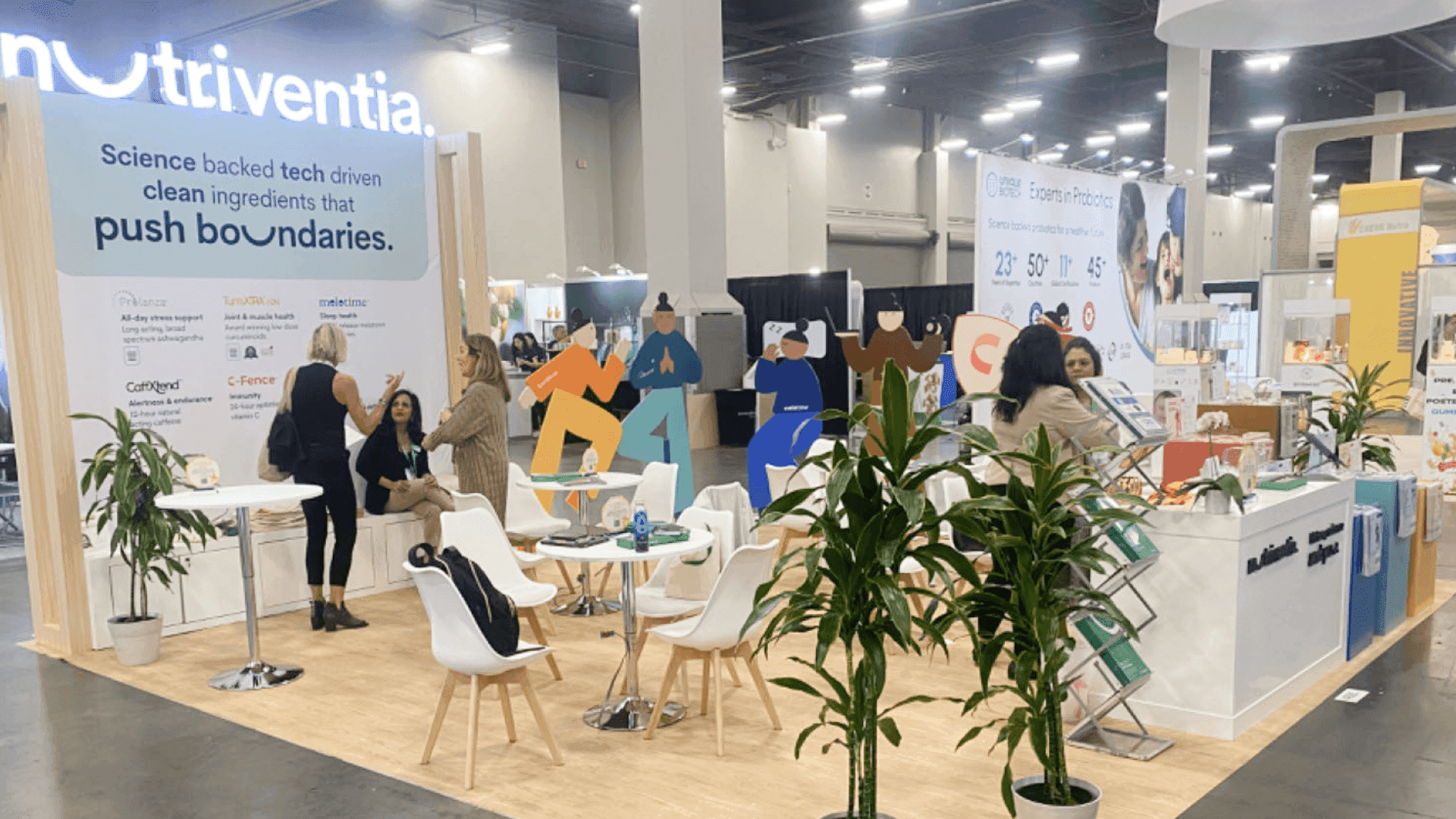
The supporting display stays close to the equipment so visitors can connect the operator’s action with the clinical result.
Plan the Space the Equipment Actually Uses
A booth can appear large enough on paper and still become crowded once the equipment is operating. Open doors, attached accessories, staff movement, and the visitor viewing position all change the usable footprint. These needs should be settled before counters, storage, screens, or meeting furniture are added to the plan.
Area to check | Confirm in the floor plan | Risk if missed |
|---|---|---|
Equipment in use | Product body, open doors, moving parts, and accessories in place | The system fits only when it is closed or inactive |
Operator access | Controls, accessory handling, cleaning, reset, and service clearance | Staff have to operate or reset the unit from the visitor side |
Visitor viewing | Main viewing position, expected group size, and what people can see | Visitors crowd the operating area or block the aisle |
Result visibility | Whether the result is visible directly or needs a screen, sample, image, or printout | Visitors see the equipment but miss the outcome |
Utility access | Power and data connection points and cable routes to the unit | Cables cross the operating area or do not reach the final equipment position |
A useful booth drawing shows the equipment in its working position, not as a closed rectangle copied from a shipping specification. If the operator cannot open, run, clean, and reset the system without moving visitors, the layout still needs work.
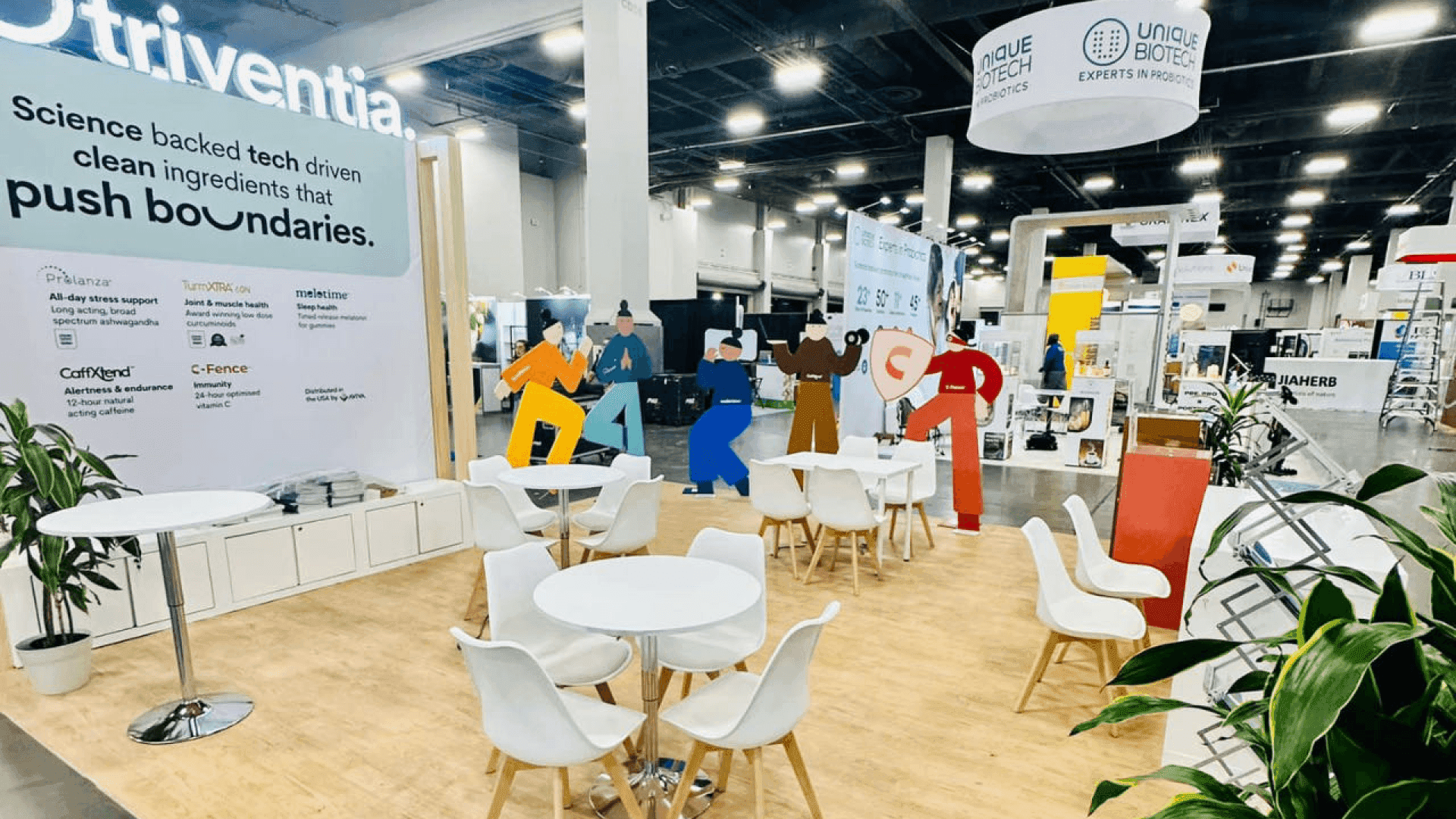
The layout leaves room for open equipment, attached accessories, operator movement, and visitor viewing.
Make the Result Easy to See
The key result does not always appear on the equipment itself. With an imaging, diagnostic, or software-controlled system, it may appear in a scan, detailed reading, software interface, or side-by-side comparison.
Use a screen when it helps visitors connect the operator’s action with that result. Keep the output close to the equipment, show it at the right point in the demo, and leave unrelated slides out. If only the operator and the first row can see what happened, the viewing position or supporting display still needs adjustment.
Move Detailed Questions Away from the Demo
Once visitors have seen the result, questions usually shift to specifications, compatibility, training, implementation, and purchasing. These conversations take longer. Move them away from the controls and main viewing area so they do not block the operator or the next group.
A side counter or small table is often enough for brief follow-up. When the equipment needs a fixed operating zone and technical discussions tend to run longer, a 20x30 booth layout can separate the demonstration from the conversation area without turning most of the booth into meeting space.
Keep the Demo Ready for the Next Group
Back-to-back demonstrations expose practical problems quickly. An unstable connection, cables in the visitor path, missing accessories, or no room to clean and reset the unit can slow the booth within the first few sessions. These details are easier to resolve during booth design and engineering, before counters, storage, and circulation paths are fixed.
A repeatable demo cycle
Check the equipment and required accessories.
Briefly explain the clinical use.
Run the main product action.
Show the result and answer initial questions.
Direct longer questions to the follow-up area.
Clean, recalibrate, or reset the system.
Keep a saved result, recorded walkthrough, or static sample available if the live system or connection fails. The basic demonstration should also be familiar to more than one team member, so it can continue when the product specialist is occupied.
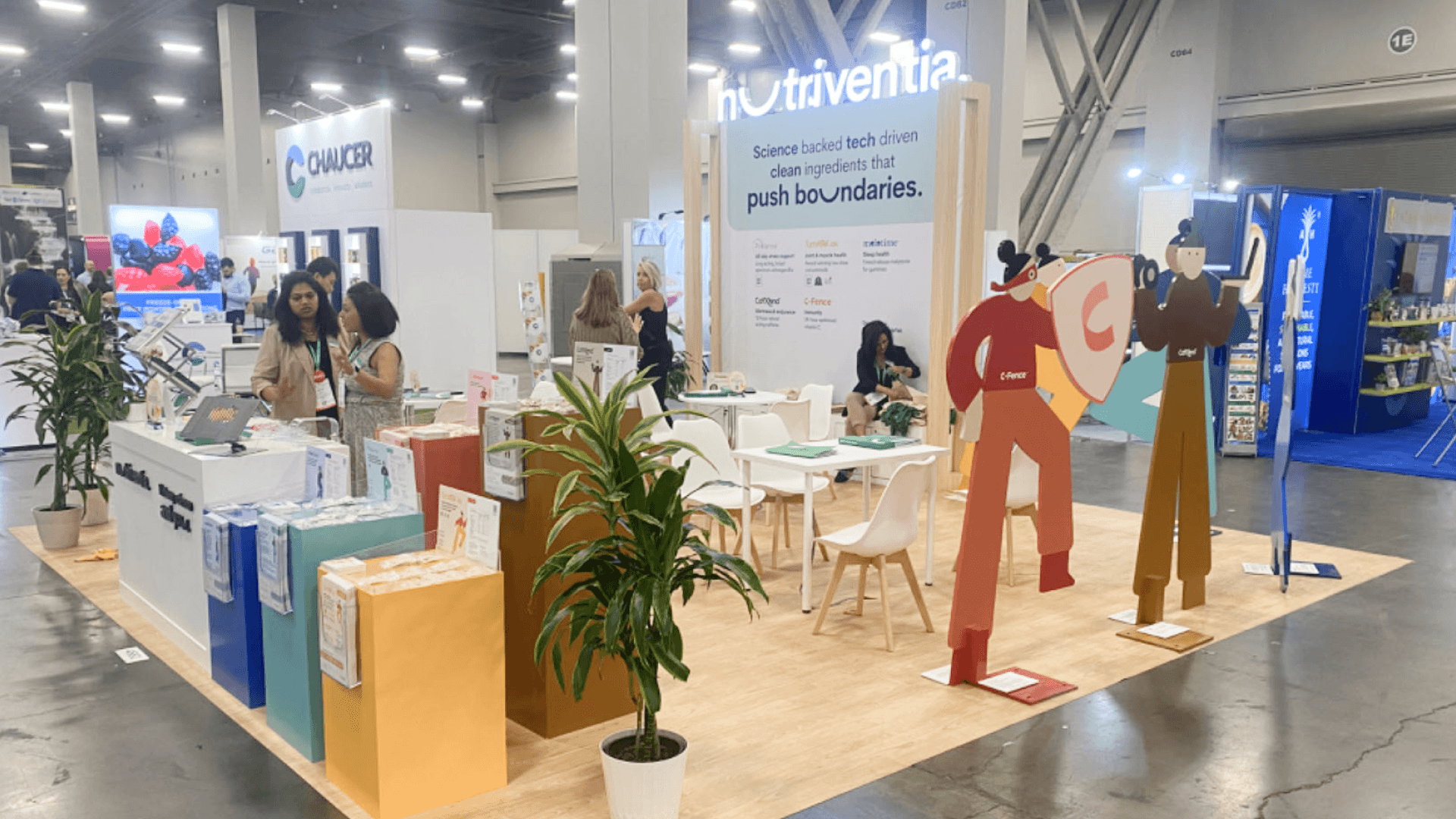
The booth team tests the equipment, display connections, visitor sightlines, reset process, and backup demo before the hall opens.
Check the Full Setup Before the Hall Opens
For a large equipment exhibit at the Orange County Convention Center (OCCC), placement order matters. The unit may need to reach its final position before nearby counters, graphics, or storage are installed. Freight access, case handling, and final placement should be settled during logistics and pre-show coordination, before utilities are connected.
Once installation is complete, run more than a basic power check. The booth team should complete the full demonstration and then watch it once from the aisle.
Before the VMX Expo Hall opens:
Verify the freight route and final equipment position.
Move empty cases and service materials to their assigned storage.
Verify the installed power, data, and supporting display connections.
Run the full demonstration with the booth team.
View the action and result from the aisle.
Confirm who handles calibration and reset, and who can run the backup demo.
Common last-minute problems include a layout based on shipping dimensions, late utility orders, or a demonstration tested only by the product specialist.
FAQ
How much space does a veterinary equipment demo need?
The right footprint depends on how the equipment works during the demonstration. Allow room for open doors, attached accessories, operator movement, visitor viewing, and follow-up questions. If the system fits only when it is closed or inactive, the booth does not have enough working space.
Should every equipment demo use a screen?
Not always. Add a screen when the key result appears in an image, software interface, detailed reading, or internal process that several visitors cannot see directly. Keep it close to the equipment so visitors can connect the operator’s action with the result.
What should be tested before the VMX Expo Hall opens?
Run one complete demonstration under show conditions. Check the utilities, result display, calibration or reset process, and backup materials, then watch the demo from the aisle. More than one team member should know how to complete the basic sequence.







