
Why Cooking Demo Crowds Spill Into the Aisle
A live cooking demo starts drawing attention before visitors know where to stand. People pause to watch the equipment run, wait for the finished result, collect samples and ask technical questions. Each step extends dwell time and keeps the audience close to the cooking station.
Traffic problems usually appear when the viewing zone, operator access and sales handoff all use the same narrow path. Without a clear entry and exit, even a small group can block the booth opening and push into the aisle.
Viewing Zone
The space where visitors can watch the cooking process without entering the operator’s work area.
Sales Handoff
The point where interested visitors move from the demo into a sales or technical conversation.
Reset Window
The time between demonstrations for cleaning, restocking, equipment checks and preparation for the next cooking cycle.
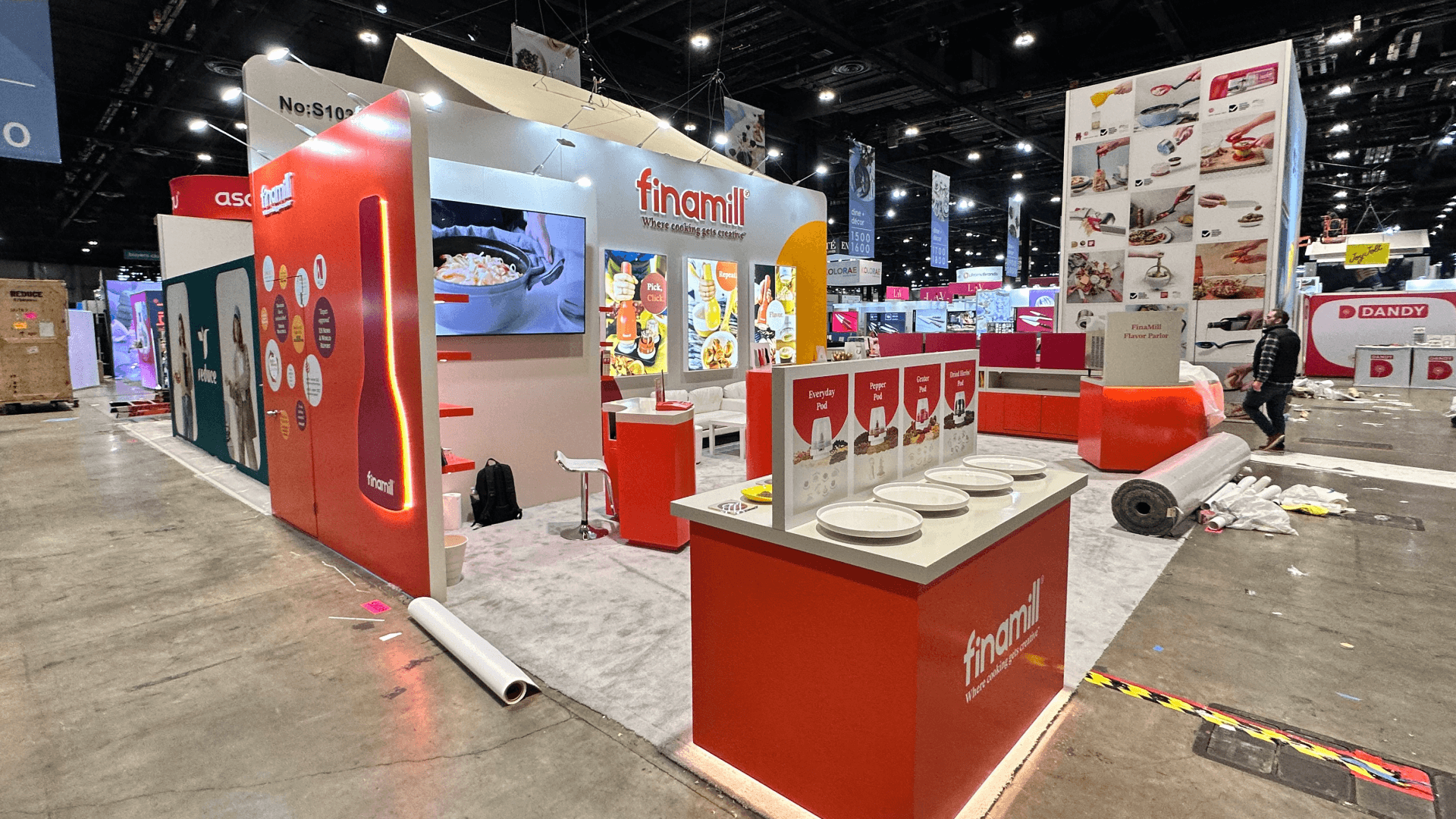
A clear visitor path keeps the cooking demo audience inside the booth while protecting operator access and aisle circulation.
Build the Demo Around One Clear Visitor Path
A live cooking demo should lead visitors through the experience without sending them across the operator’s route.
Entry — Bring visitors inside the booth before they stop.
Viewing — Give the audience a clear internal sightline to the equipment.
Result and Sampling — Present the finished food before samples are distributed.
Sales Handoff — Move qualified buyers away from the main viewing area.
Exit and Reset — Clear the audience and prepare the next cooking cycle.
How Each Stage Uses the Booth
Demo Stage | What the Booth Should Provide | What Happens Without It |
|---|---|---|
Entry | A clear opening and visible demo cue | Visitors stop in the aisle before entering |
Viewing | An internal audience area with a clear sightline | The crowd blocks controls or operator access |
Result Presentation | A result counter within view of the equipment | Buyers lose the connection between the finished food and product performance |
Sampling | A service point after the result, with staff access and waste handling | A second queue blocks the visitor path |
Sales Handoff | A discussion point outside the viewing area | Longer conversations hold visitors inside the demo crowd |
Exit | A route away from the entrance and next audience | Incoming and outgoing visitors collide |
Reset | Concealed supplies near the operator side | Staff cross the audience or use display counters as working storage |
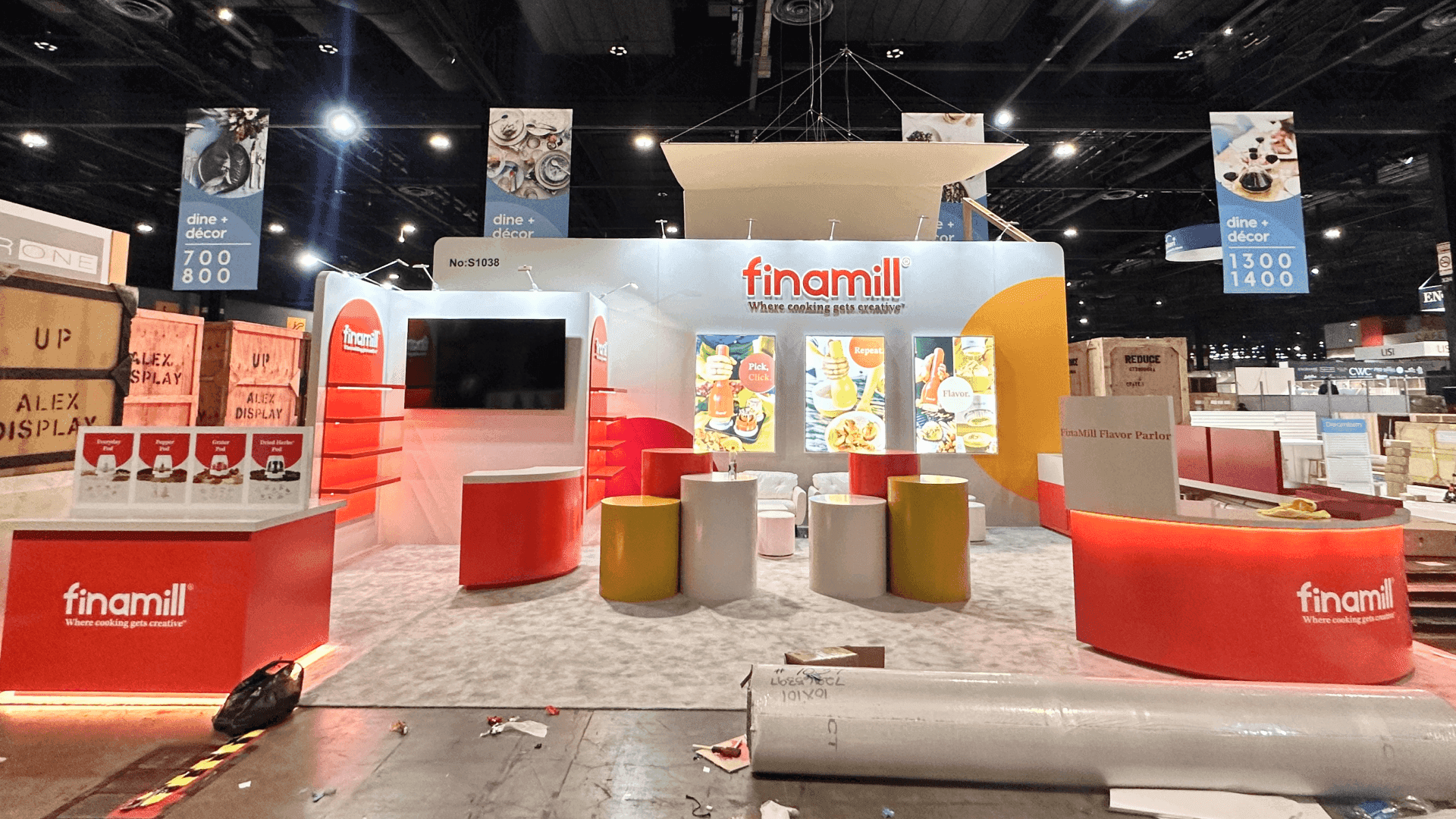
Linear viewing works in narrower booths, while a semicircle layout gives larger audiences a clearer view of the cooking process and finished result.
Choose a Viewing Layout That Fits the Booth
The right viewing layout depends on equipment depth, operator clearance, audience position and what happens after the cooking cycle.
Linear Viewing Layout
A linear layout works well for one compact unit and short, scheduled demonstrations. Visitors enter from one side, watch from a defined line and continue toward the finished result or exit. It is easier to manage in a narrow booth, although rear sightlines and sampling space remain limited.
Semicircle Viewing Layout
A semicircle gives more visitors a direct view of the cooking process and finished result. It requires more internal depth so the audience stays clear of the operator side and does not expand into the aisle.
10x20 — One Compact Demonstration
A 10x20 booth is best kept focused on one oven, fryer or countertop cooking system. Use a short viewing line, scheduled demonstrations and limited meeting space.
20x20 — Internal Viewing and Result Counter
A 20x20 booth layout with internal demo viewing can accommodate one main cooking station, a compact audience area, a result or sampling counter and a sales handoff point away from the entrance.
20x30 — Separate Cooking, Sampling and Discussion Zones
A 20x30 booth layout for cooking demonstrations provides enough depth to separate the cookline and operator access from viewing, sampling, concealed storage and technical conversations.
Example Scenario — 20x20 Single-Equipment Demo
One oven faces into the booth with a compact internal viewing area. The result counter sits near the exit side, allowing interested buyers to continue into a short conversation while other visitors clear the demonstration area.
Example Scenario — 20x30 Scheduled Cooking Demo
The cookline stays at the rear with clear operator access. A semicircle viewing area uses the center, while sampling and technical discussions move to one side so the next audience can enter without crossing the group leaving.
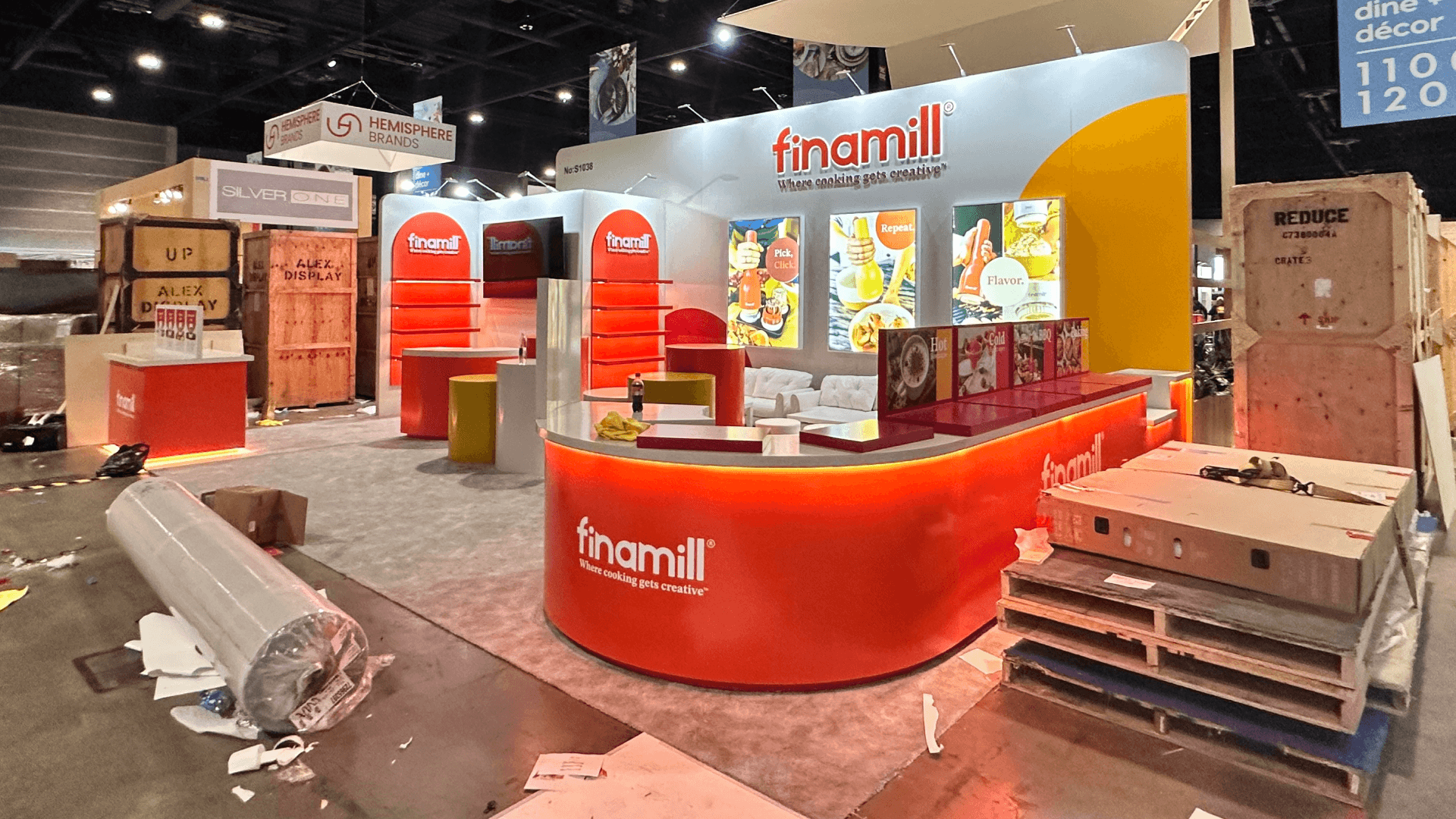
Separating the cookline, viewing zone, sampling point and technical discussion area helps each demonstration run without crossing traffic.
What We Check Before a Cooking Demo Layout Goes Into Production
A floor plan can look open on screen and still break down once the equipment is running and visitors begin to gather. Before production, we review the layout against the actual movements of the operator, audience and sales team.
We check whether:
the main viewing position stays inside the booth rather than in the aisle
the operator can reach controls, ingredients and cleaning supplies without crossing the audience
sampling creates a separate queue or blocks the visitor path
the finished result remains clearly connected to the cooking equipment
longer sales conversations take place outside the viewing area
one audience can leave before the next group enters
the schedule includes enough time for cleaning and reset
heat or steam affects nearby product discussions
These decisions should be settled during booth design and engineering, before fabrication and utility locations are finalized.
Traffic Mistakes That Break the Demo Flow
Facing the Cooking Station Toward the Aisle
Visitors stop before entering the booth, so the cooking demo audience begins forming in public circulation space.
Placing Sampling at the Entrance
The entrance becomes a waiting point, making it harder for new visitors to enter and for the previous group to leave.
Letting Visitors Use the Operator Side
Staff lose access to controls, ingredients, cookware and cleaning supplies while the equipment is running.
Using the Same Narrow Route for Entry and Exit
Incoming visitors meet the group leaving the previous demonstration, creating congestion at the booth opening.
Leaving No Time for Cleaning and Reset
Ingredient replacement, equipment checks and cleanup delay the next cooking cycle when the schedule only accounts for demonstration time.
Filling the Viewing Area With Secondary Equipment
Additional products reduce audience space and make the main cooking equipment harder to understand.
Allowing Sales Conversations to Take Over the Viewing Zone
Interested buyers remain in the demo area after the cooking cycle, preventing the next audience from moving into position.
Planning Questions for a Live Cooking Demo
How much audience space should a cooking demo booth allow?
There is no fixed audience size. The required space depends on equipment depth, sightlines, demonstration length and whether sampling is included. The viewing area should keep visitors inside the booth while preserving operator access and clear entry and exit routes.
Where should the sampling counter be placed?
Place the sampling counter after the finished-result display and away from the booth entrance. Staff need room to serve, restock and handle waste without crossing the viewing area or the operator’s route.
Should live cooking demos run continuously or on a schedule?
Scheduled demonstrations are usually easier to manage when each cycle includes cleaning, ingredient replacement, sampling and audience reset. Continuous operation is practical only when staffing, storage and visitor flow can support those tasks without crowding the booth.
The goal is not to fit the largest possible audience around the cooking station. It is to give visitors a clear view of the equipment and finished result while preserving operator access, sampling space and a clean route through the booth.







