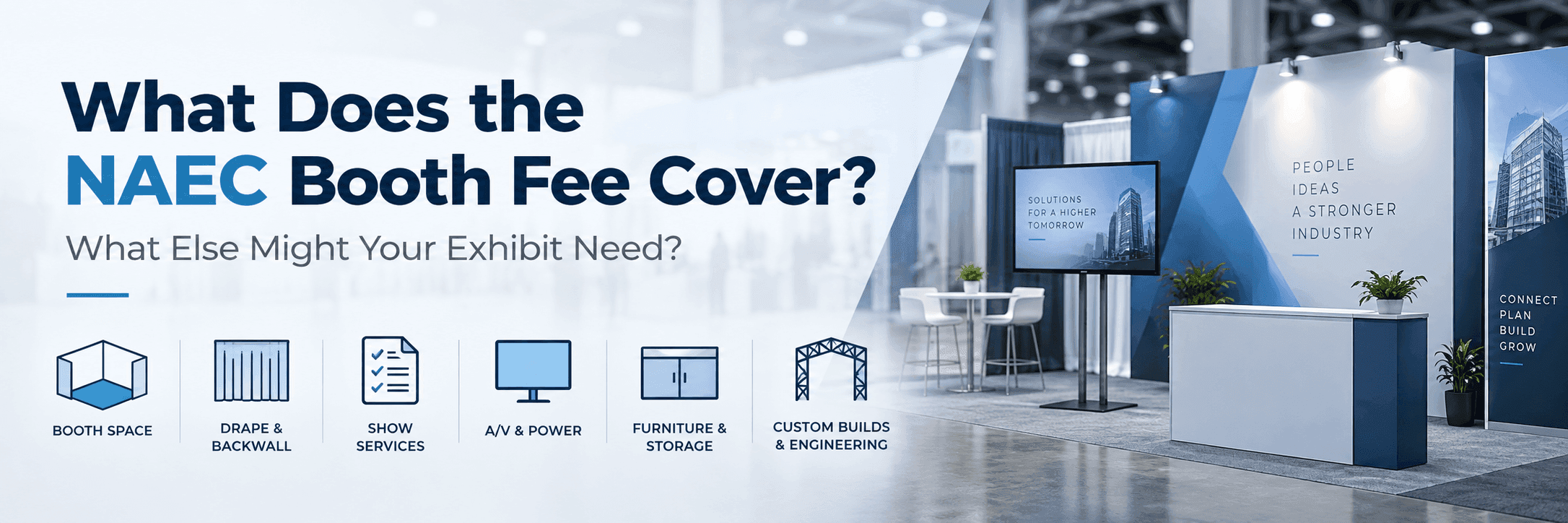
What NAEC Includes—and What That Baseline Actually Solves
Based on NAEC's current public exhibitor information for the 2026 convention, the included package lists exhibit space, back drape, side drape, a company identification sign, exhibitor badges, and a listing in the convention mobile app.
Together, those elements establish the basic footprint and identity of the exhibit. The drape defines a simple booth boundary, the identification sign helps attendees recognize the exhibitor, and the badges and app listing support participation and attendee discovery.
For a straightforward presentation, that baseline may already be enough. The question is whether the products and buyer conversations planned for the booth require functions that the basic setup does not create by itself.
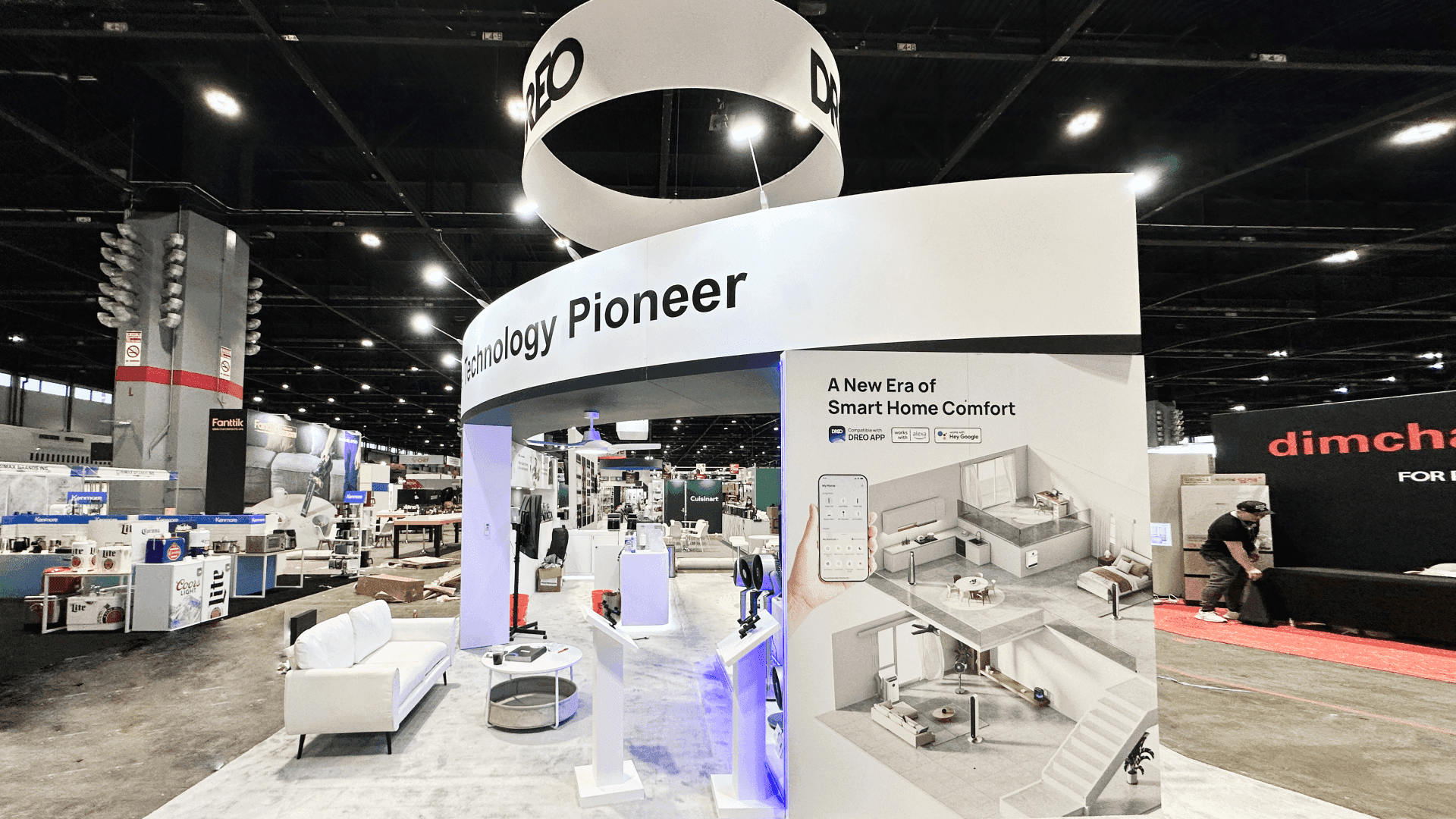
A simple NAEC exhibit may only need the included booth setup plus portable graphics, literature, and limited product support when the display has no major structural requirements.
Does Your Display Have a Functional Gap?
Start with the booth task the baseline cannot handle.
A machinery supplier may need buyers to inspect a real product from more than one position. A controls manufacturer may need several products mounted so visitors can compare them. An installed-product supplier may need to explain an application that cannot be understood from the product alone.
Longer technical conversations can call for a more defined discussion area, while samples, literature, tools, or support materials may create a separate need for storage.
If one of those tasks cannot happen cleanly with the included setup, that is the functional gap.
A useful requirement is specific. “We need more booth” says very little. “Buyers need to compare four powered controls” or “the machine must remain accessible for inspection” gives the exhibit team something concrete to solve.
When the Included Setup May Be Enough
Some exhibitors do not need a more complex booth structure at all.
A service-focused company, a supplier with one compact product, or a team using portable graphics and literature may already have enough for short conversations and a straightforward presentation. If there is no significant mounting, storage, powered integration, or product-specific support requirement, extra structure may do little to improve the booth.
If the team can present the offer clearly, talk with buyers, and manage its materials without additional structure, the baseline is already doing its job.
When Added Display Elements Are Enough
Sometimes the booth is only missing one function.
A monitor may be needed for technical content, a counter for literature and brief conversations, or a simple support for a small number of products. None of those needs automatically requires a complete booth system.
Once several controls or fixtures need to be mounted, powered, and presented together, however, the requirement goes beyond a single portable element. How those products are organized for comparison is part of technical component display planning.
If a few targeted additions solve the missing requirement completely, there is no need to move further.
When Separate Add-Ons Stop Being Enough
A rental or modular structure becomes useful when the individual additions stop working well as individual pieces.
Mounted products, screens, storage, graphics, and conversation areas may each be manageable on their own. Once several of them have to operate together, a collection of counters and portable displays can become harder to coordinate than one defined structure.
At that point, the exhibit benefits from a framework that organizes several functions at once. Product-specific engineering may still be unnecessary; the booth simply needs the display, branding, storage, and technical presentation to work as one system.
That is typically where a rental or modular exhibit becomes a practical solution rather than an unnecessary upgrade.
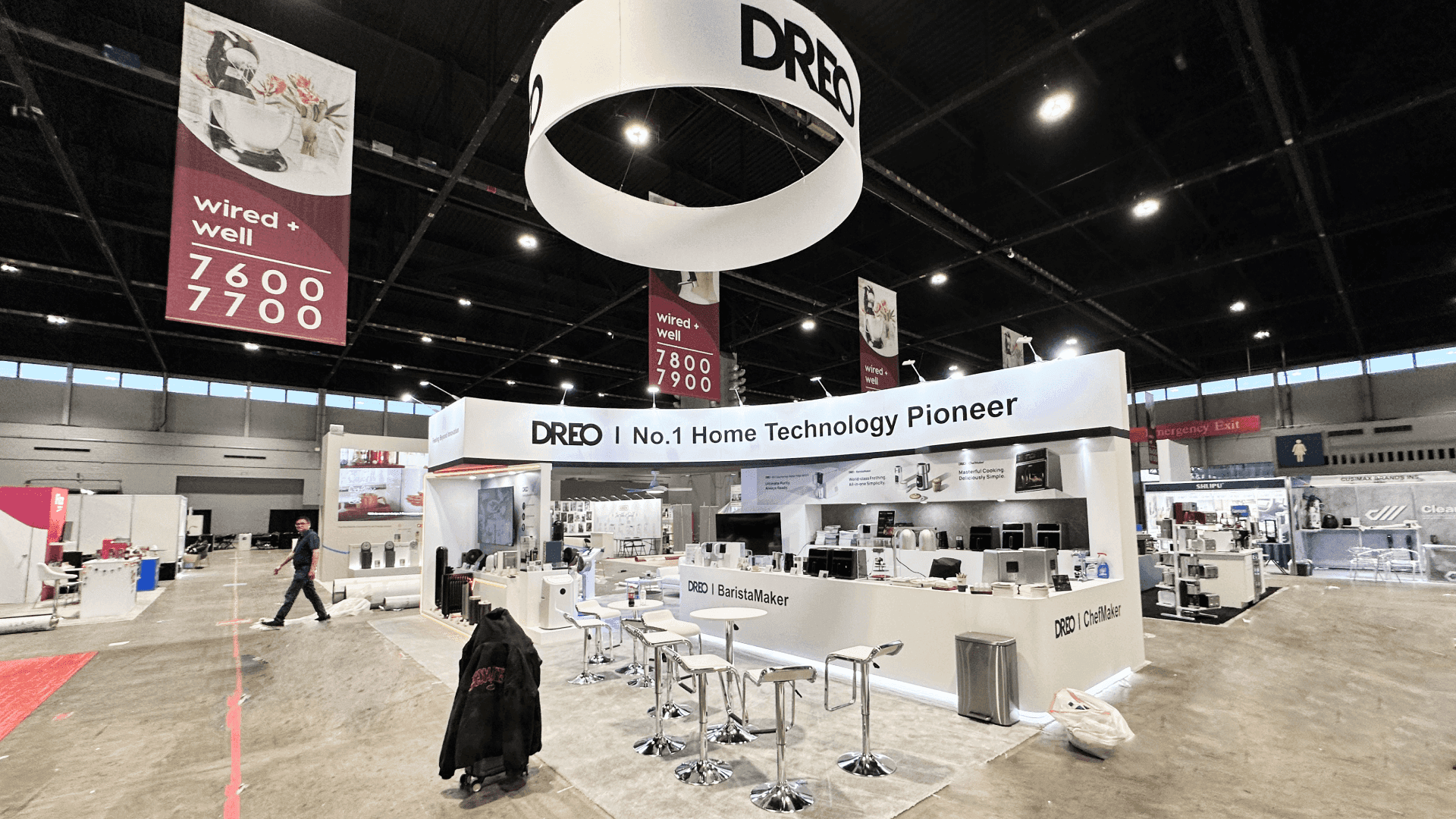
When mounted products, screens, storage, machinery, or application-specific elements need to work together, exhibitors may need a rental, modular, or custom trade show booth solution beyond the basic setup.
When the Product Starts Driving Fabrication
A different threshold is reached when the booth can no longer be planned independently from the product.
Machinery that begins to determine support conditions, openings, platforms, or buyer access has moved into heavy equipment display and inspection planning, because the exhibit now has to respond to the equipment itself.
A partial residential or accessibility mockup creates another kind of requirement. The exhibit has to preserve enough installation context for the product to make sense, which is the focus of residential and accessibility application planning.
The trigger is not a desire for a “more custom” booth. It is a product requirement that a standard structural system cannot solve cleanly on its own.
Choose the Minimum Exhibit Solution That Solves the Gap
Use the requirement that is actually missing—not the amount of structure available—to choose the solution level.
Booth Requirement | Gap to Solve | Minimum Sufficient Solution | Typical Fit |
|---|---|---|---|
Portable graphics, literature, and short discussions | No essential display function is missing | Level 1 — Baseline + Portable Elements | Service-focused exhibitor or simple product presentation |
One monitor, counter, limited product support, or simple mounting | One limited display function is missing | Level 2 — Added Display Elements | Compact product or focused technical presentation |
Mounted products, storage, screens, graphics, and several booth functions working together | Separate additions no longer solve the booth as a whole | Level 3 — Rental / Modular Exhibit | Technical exhibitor with several coordinated display functions |
Machinery interfaces, engineered support, product-specific structure, or a partial application mockup | Product requirements begin to determine the exhibit structure | Level 4 — Custom-Forward / Engineered Exhibit | Machinery- or application-driven exhibit |
An exhibitor does not need to move through every level in order. A simple service presentation may remain at Level 1, while a machinery supplier could begin at Level 4 if the equipment creates structural requirements from the start.
Once the level is clear, confirm the current NAEC show information and final product requirements before moving into rental, fabrication, or production planning.
FAQ
When can the NAEC included setup be enough for a portable presentation?
It may be enough when the booth only needs portable graphics, literature, a compact product presentation, and short buyer conversations. If mounting, integrated screens, storage, powered products, or product-specific support become necessary, additional exhibit elements may be needed.
Do I need a full rental booth just because I add a monitor or counter?
Not necessarily. A monitor, counter, or limited product support may only require a few added elements. A complete rental structure becomes more useful when several display functions need to work together.
What should I confirm before paying for additional booth structure?
Confirm the final products being displayed, mounting or power requirements, storage needs, whether an application reference or mockup is necessary, and the current official show information. Those requirements should be clear before pricing the next level of structure.







