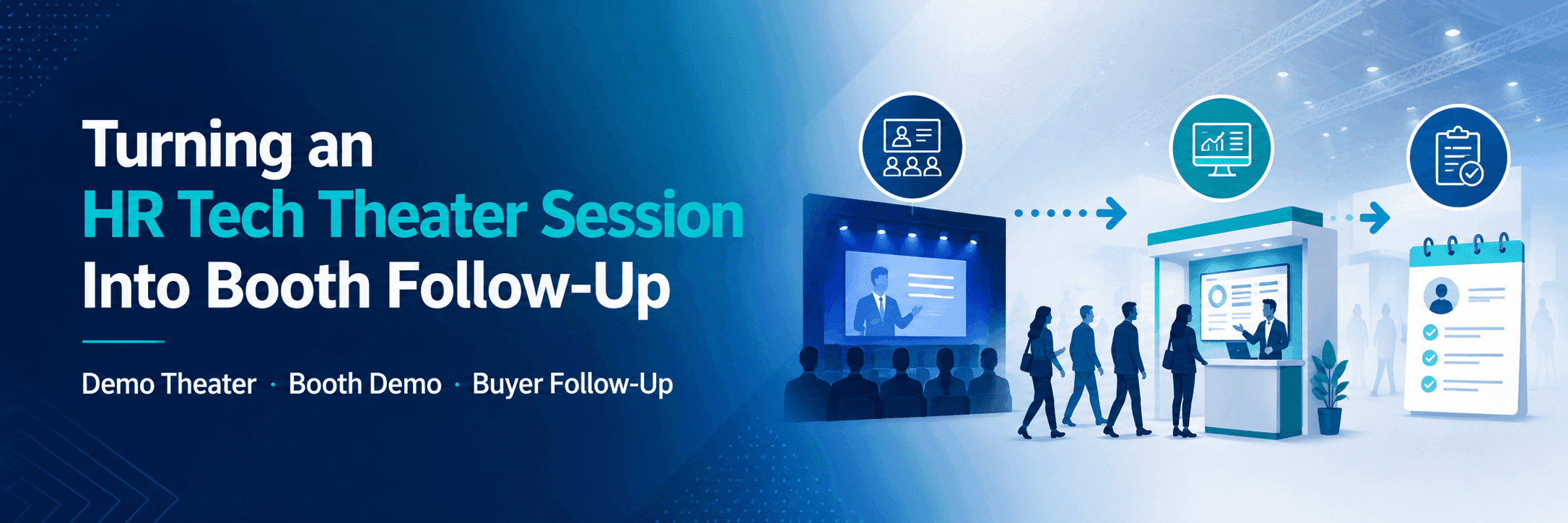
What the Stage Proves—and What the Booth Must Validate
The stage only needs to establish the core HR problem, the product’s relevant capability, one credible proof point, and a reason to continue. Trying to cover the complete workflow, data model, integration path, implementation plan, and every product feature usually makes the presentation harder to follow.
At the booth, buyers can move from the stage claim into the workflow, data context, system connections, implementation requirements, and questions that apply to their own organization.
Demo Theater
A Demo Theater puts the product in motion. At the booth, the team can open the fuller workflow, show the relevant system connection, and apply the demo to the buyer’s own HR environment.
The continuation should answer the question the short presentation could not: how the solution would work with the buyer’s users, data, systems, and operating process.
Case Study Session
A Case Study Session explains the customer problem, implementation, and result. The booth conversation can then focus on where the approach applies, what the original project required, and how the buyer’s situation differs.
Instead of repeating the customer story, the team should help the visitor understand the conditions behind the result and what would need to be validated in a new implementation.
Solution Snapshot
A Solution Snapshot introduces one focused capability. Booth follow-up should stay equally specific: confirm product fit, show the relevant workflow, answer the immediate question, and agree on a useful next step.
For AI products, that next discussion may also involve human review, governance, data use, system connections, and the limits of the result. Those deeper requirements are part of AI solution demo planning at HR Tech.

The Theater Session introduces the problem and product capability; the booth continues with workflow evidence, integration questions, and buyer-specific validation.
Before the Session Starts
Before the presenter leaves for the Theater, the booth team should already know who stays, which demo remains open, and where interested attendees will be received afterward.
Screens, user accounts, devices, adapters, internet access, and backup content should be checked in the setup that will actually be used on the Expo floor. The meeting point should remain available for qualified visitors, and the lead-retrieval system should be ready to distinguish Theater attendees from ordinary booth traffic.
The entrance also needs enough clearance for a short increase in visitors. If an internal meeting would occupy the only discussion point or pull away a key product specialist, it may need to be moved outside the session window.
The team should not return from the Theater and only then decide who will answer questions, continue the demo, or receive a buyer who is ready for a longer discussion.

The first 20 minutes after a session require an open demo station, clear entrance access, visible screens, and staff ready for quick questions or deeper discussions.
The First 20 Minutes After the Session
The session should end with a specific continuation point. Instead of simply asking attendees to visit the booth, explain what they can examine there: the complete workflow, an integration path, implementation detail, customer applicability, or a buyer-specific use case that did not fit into the presentation.
The first 20 minutes are mainly a traffic and access problem. Keep one demo station or discussion point available, move staff closer to the entrance, and avoid beginning internal meetings immediately after the session.
A short arrival surge can quickly block the aisle or hide the main screen. The entry path should remain open, while longer conversations move away from the presentation position so another attendee can still enter, understand the product, and decide whether to stay.
Some attendees will not have time to stop. Give them a specific next step, such as a scheduled demo, a named technical contact, or follow-up on one question. Record the session topic and the buyer’s interest so the later conversation does not need to begin again from the opening slide.
Match the Follow-Up to the Attendee’s Next Question
Not every Theater attendee needs the same conversation. The depth should follow the visitor’s role, interest, and next question.
Quick Clarification
Use 30–60 seconds to confirm the product category, whether it relates to the visitor’s current HR problem, and what should happen next.
This may be enough for someone who needs context before deciding whether to stay, return later, or schedule a more focused discussion.
Deeper Booth Demo
Move directly into one relevant workflow rather than replaying the Theater presentation. Show the part of the product that matters to the buyer, then address product fit, implementation context, and the question raised during the session.
The deeper demo should add evidence that the stage could not provide, not simply offer a longer version of the same content.
Buyer or Technical Meeting
A longer discussion is appropriate when the buyer needs to review integration, security, implementation, procurement, or several stakeholder requirements together.
These conversations may need a quieter position and access to the right technical, product, implementation, or account specialist. The goal is not to move every Theater attendee into a meeting. It is to give each visitor enough depth to reach a useful next step.

Lead records should show what happened after the session, including the booth interaction, buyer question, agreed next step, and follow-up owner.
Record More Than the Session Scan
A Theater badge scan only shows attendance. It does not explain whether the visitor continued into a booth demo, asked an integration question, joined a buyer meeting, or requested follow-up.
Useful interaction tags include:
Demo Theater attendee
Case Study attendee
Solution Snapshot attendee
Theater + booth demo
Theater + buyer meeting
Scanned only
Follow-up requested
The record should also preserve:
The buyer’s role and main question
The workflow or issue discussed
Open integration, security, or implementation points
The agreed next step
The person responsible for follow-up
The record should show what happened after the session—not only that the attendee was scanned.
A post-session rush may also change entrance clearance, screen sightlines, demo-station access, or staff positions. Those physical requirements should be reflected in the Las Vegas booth build and show-site execution plan.
The layout still needs to protect demo visibility, equipment access, visitor circulation, and the transition into longer meetings.
Frequently Asked Questions
Should the booth repeat the same demo shown in the Theater?
No. The booth should begin with what attendees have already seen and add a deeper workflow, buyer context, integration or implementation detail, and technical questions that did not fit into the session.
How many booth staff should remain during a Theater Session?
Keep enough people at the booth to receive walk-in visitors, operate the main demo, and handle the first wave of post-session traffic. The number depends on the booth’s active functions, staff roles, and meeting schedule rather than a fixed standard.
How should Demo Theater, Case Study, and Solution Snapshot leads be followed up differently?
Follow-up should reflect the session format, booth interaction, buyer question, and next step. Demo Theater attendees may need workflow or integration detail, Case Study attendees may want applicability and implementation context, and Solution Snapshot attendees may need product-fit confirmation or a focused demo.







