
What Should the Demo Prove?
Before screens or equipment are placed, decide what the test needs to prove. A club or shaft station may focus on feel, fit, compatibility, or performance data. A training product may need to show how it changes the fitting workflow for a player, coach, or fitter. Trying to demonstrate several unrelated benefits at once makes the result harder to explain.
The product introduction should answer four questions:
What are they testing? Identify the club, component, fitting system, training tool, or software.
What difference should they notice? Focus on feel, fit, control, compatibility, or a change in workflow.
What result matters? Show the measurement, comparison, or practical outcome connected to the product.
What happens next? Continue into a specification review, product comparison, fitting discussion, or sales follow-up.
The testing station, results screen, and follow-up area should support the same decision. A shaft comparison may lead into specifications, while a fitting platform may use performance data to guide the next equipment choice.

The demo flow moves visitors from product introduction to testing, results review, fitting follow-up, and station reset.
The Demo Flow, From Product Introduction to Reset
The product wall, active testing station, results screen, and fitting counter need to follow the order in which visitors use them. When these areas sit out of sequence, a visitor may finish the test without understanding the result, while fitting or purchasing questions delay the next demonstration.
Explain the test. Identify the club, component, fitting system, or training product and the difference the visitor should notice.
Run the test. Keep the participant and operator inside the active station, with observers outside the movement area.
Show the result. Make performance data visible to the participant, staff, and nearby observers.
Continue the discussion. Move fitting, specification, or purchasing questions to a nearby counter.
Reset the station. Return clubs, accessories, and replacement products without crossing the waiting area.
Visitors should be able to move from product introduction to testing, results, and follow-up without returning through the active station.
Who Stands Where During the Demo?
A golf demo station becomes difficult to manage when the participant, operator, observers, and waiting visitors gather around the same equipment. The active station is for the person completing the test and the staff member running it. Everyone else needs a clear view without entering the movement area.
The next participant can wait close enough to follow the test, but not inside the station or main aisle. Product explanations belong near the entrance, while fitting, specification, and ordering questions move to a nearby counter afterward.
People and Positions in a Golf Equipment Demo Booth
Position or zone | Who uses it | What can go wrong |
|---|---|---|
Product briefing point | Staff and the participant preparing to test | The explanation blocks entry or begins after the participant is already inside the station |
Active testing station | Participant in the test area and operator at the control side | Observers or waiting visitors enter the movement area |
Results viewing position | Participant, operator, staff, and nearby observers | The participant or equipment blocks the screen, or only one person can read it |
Observer position | Visitors watching from outside the test area | The group narrows the aisle or crowds the operator |
Waiting position | The next participant | The queue spills into the station or aisle |
Follow-up counter | The tested visitor and fitting or sales staff | Longer specification or ordering questions keep the visitor inside the test area |
This keeps observers and waiting visitors outside the operator’s working area.

Participants, operators, observers, and waiting visitors use separate positions so the active station and aisle remain clear.
Results and Fitting Need Separate Positions
The results screen needs to remain visible to the participant, staff, and nearby observers without drawing people into the active station. Staff should be able to explain t
he same performance data the visitor is seeing, with a clear connection to the club, component, fitting system, or training product being tested.
Keep Results Connected to the Test
The screen should answer the question introduced before the test—fit, compatibility, performance, or equipment comparison. If the participant blocks the display or the data feels disconnected from the product, the demonstration becomes harder to follow.
Move Follow-Up Outside the Active Station
Fitting, specifications, ordering, coaching use, and facility needs often take longer than the test itself. Those conversations belong at a nearby counter where the visitor can still reference the result while the operator resets the equipment and brings in the next participant.
Technical Readiness, Storage, and Reset
A demo can look finished and still fail at opening if electrical service, data access, screen connections, or software login have not been checked. Device startup and a workable backup plan need to be confirmed before visitors reach the station.
Move-In and Startup Sequence
Confirm the equipment footprint and entry clearance before opening the shipping cases.
Position screens and supports while electrical and data access remain easy to reach.
Move cases, spare products, and replacement components into concealed storage.
Complete device startup, software login, screen connection, and results-screen testing before the hall opens.
Frequently used clubs, balls, shafts, and components should stay close to the demo area. Spare equipment can sit farther back, while cables, chargers, and cleaning supplies are easier to manage when stored together. Empty shipping cases should not remain in the visible booth.
Staff also need a short reset route. Returning equipment or collecting supplies should not require crossing the waiting position or delaying the next test.
Equipment footprints, screen supports, utility access, and concealed case storage are easier to resolve during design and engineering planning than during move-in.
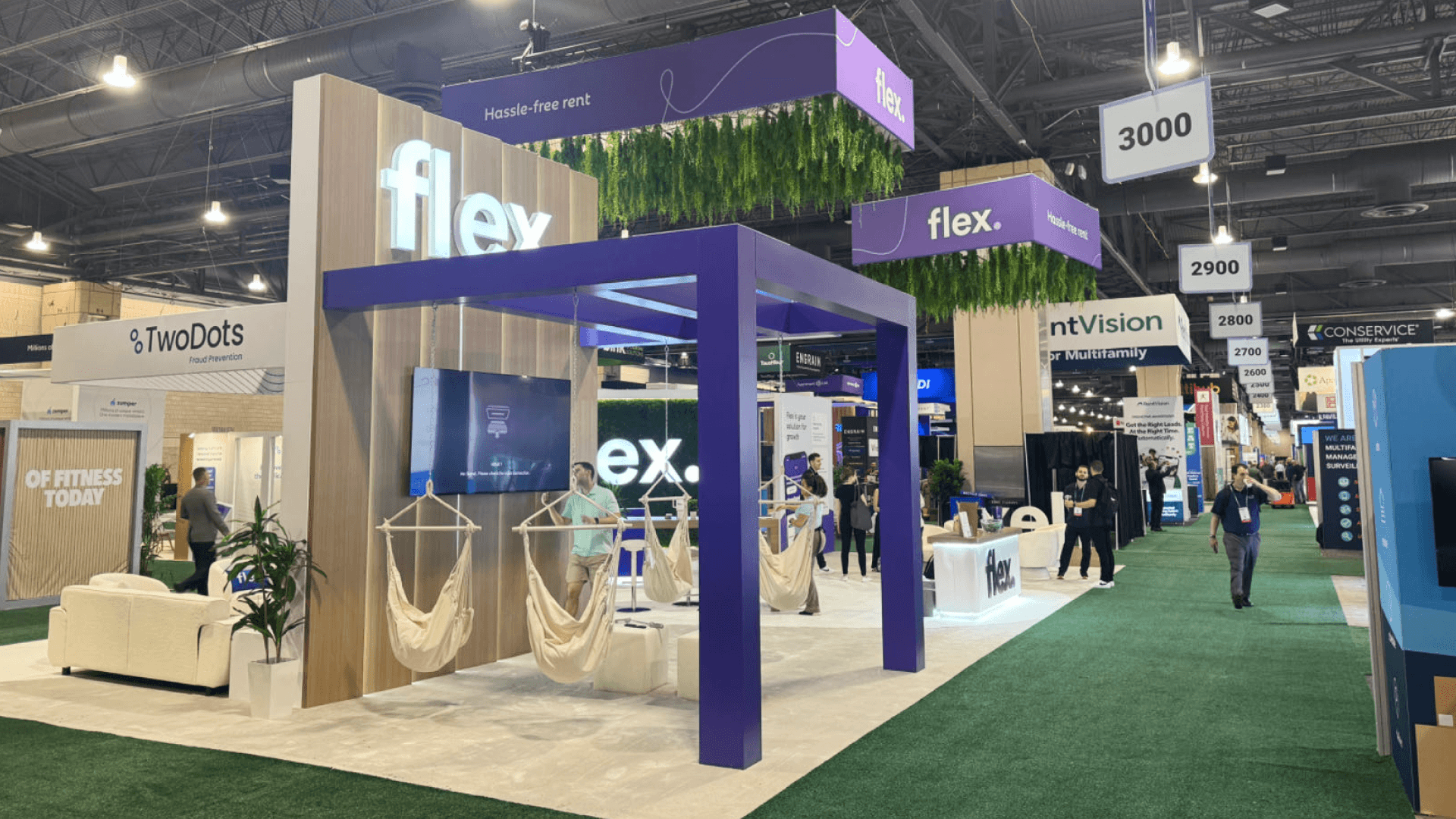
Electrical service, screen connections, software access, concealed storage, and a short reset route are checked before the booth opens.
Match Booth Size to Demo Capacity
With a 20x20 booth plan, the layout usually stays centered on one active testing station. The results screen, observer position, short fitting discussion, waiting area, and concealed storage all need to sit nearby without entering the test zone or aisle.
A 20x30 booth layout places the queue, follow-up counter, equipment cases, and staff route farther outside the active station. That separation helps when the next visitor is waiting while the previous participant reviews results or continues a fitting conversation.
Common Demo Problems Before Opening
A station may run well in an empty hall, then become crowded once observers, waiting visitors, and fitting conversations are added. Before opening, the team should run the entire sequence from product introduction through equipment reset.
Common Mistakes
Starting without a clear testing purpose
Letting waiting visitors or observers enter the active station
Placing the results screen where only the participant can read it
Continuing fitting or sales conversations inside the test area
Leaving equipment cases, cables, or spare products in view
Testing power, data, screens, or software only after visitors arrive
Demo Readiness Check
Does the participant understand what is being tested and which result matters?
Can the operator, staff, and observers follow the results screen?
Is the waiting position outside the active station and aisle traffic?
Have electrical service, data access, screen connection, software login, and device startup been checked?
Can fitting, specification, and ordering questions continue at the follow-up counter?
Are spare products, cables, chargers, cleaning supplies, and equipment cases nearby but out of view?
Can staff reset the station without crossing the queue or delaying the next demonstration?
FAQ
How much space does a golf equipment demo booth need?
The equipment footprint is only one part of the calculation. A golf equipment demo booth also needs room for participant and operator movement, observer sightlines, a waiting position, the results screen, fitting follow-up, and nearby equipment storage.
Where should observers wait during a golf equipment demo?
Observers need a clear view of the product and results screen from outside the active station. Keeping them away from the participant’s movement area also prevents the group from narrowing aisle traffic or crowding the operator.
Where should fitting discussions happen after testing?
Move fitting, specification, and sales discussions to a nearby counter outside the active station. The visitor can still refer to the test result while the operator resets the equipment and prepares the next demonstration.







