
The Screen Demo Starts With the Aisle Message
Buyers should know what the exhibitor solves before they stop at the screen. A DMS, CRM, inventory, warranty, or financing company can lead with the dealer task it improves and the business result, rather than a list of platform features.
That message should continue through the booth graphics and brand presentation and into the screen content. The aisle headline should introduce the same task that appears in the demo, so staff do not need to restart the explanation from the beginning.
Within a few seconds, buyers should understand what type of dealer problem the solution addresses and whether the workflow is relevant to their operation.
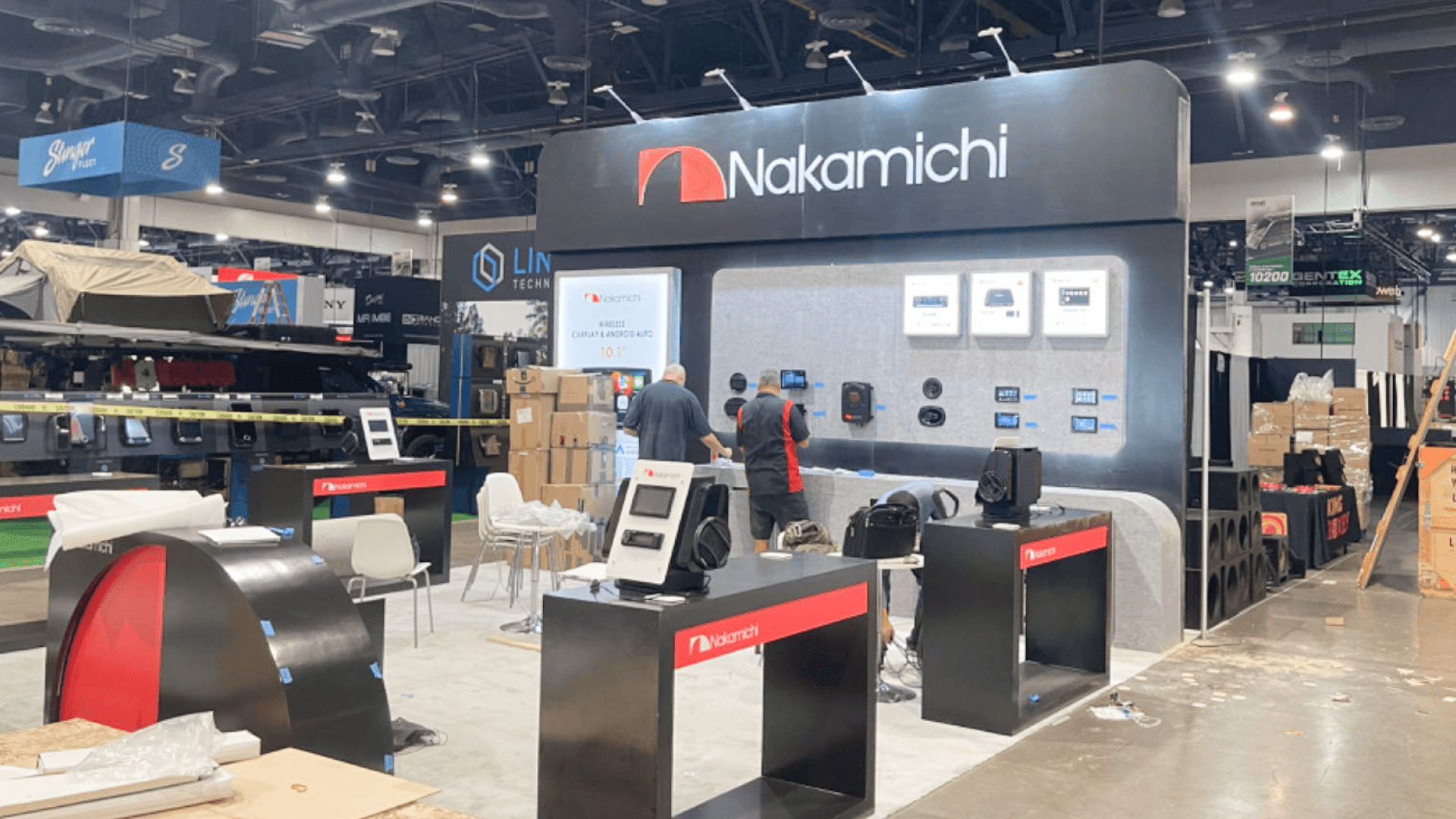
Clear aisle messaging should introduce the dealer task before the screen shows one focused workflow.
A Short Demo Should Lead to a Real Conversation
A good software demo answers one dealer question and stops before it becomes a full product tour. Keep the screen visible from the aisle, with staff beside it rather than in front of it, so visitors can watch without blocking the entrance.
Connect the aisle message to one dealer task.
Show one short workflow.
Ask what the visitor is trying to improve.
Continue with consultation or arrange follow-up.
The presenter should know when to bring in someone responsible for implementation, pricing, onboarding, or technical integration. That transition should happen near the demo instead of sending the visitor across the booth to find the right person.
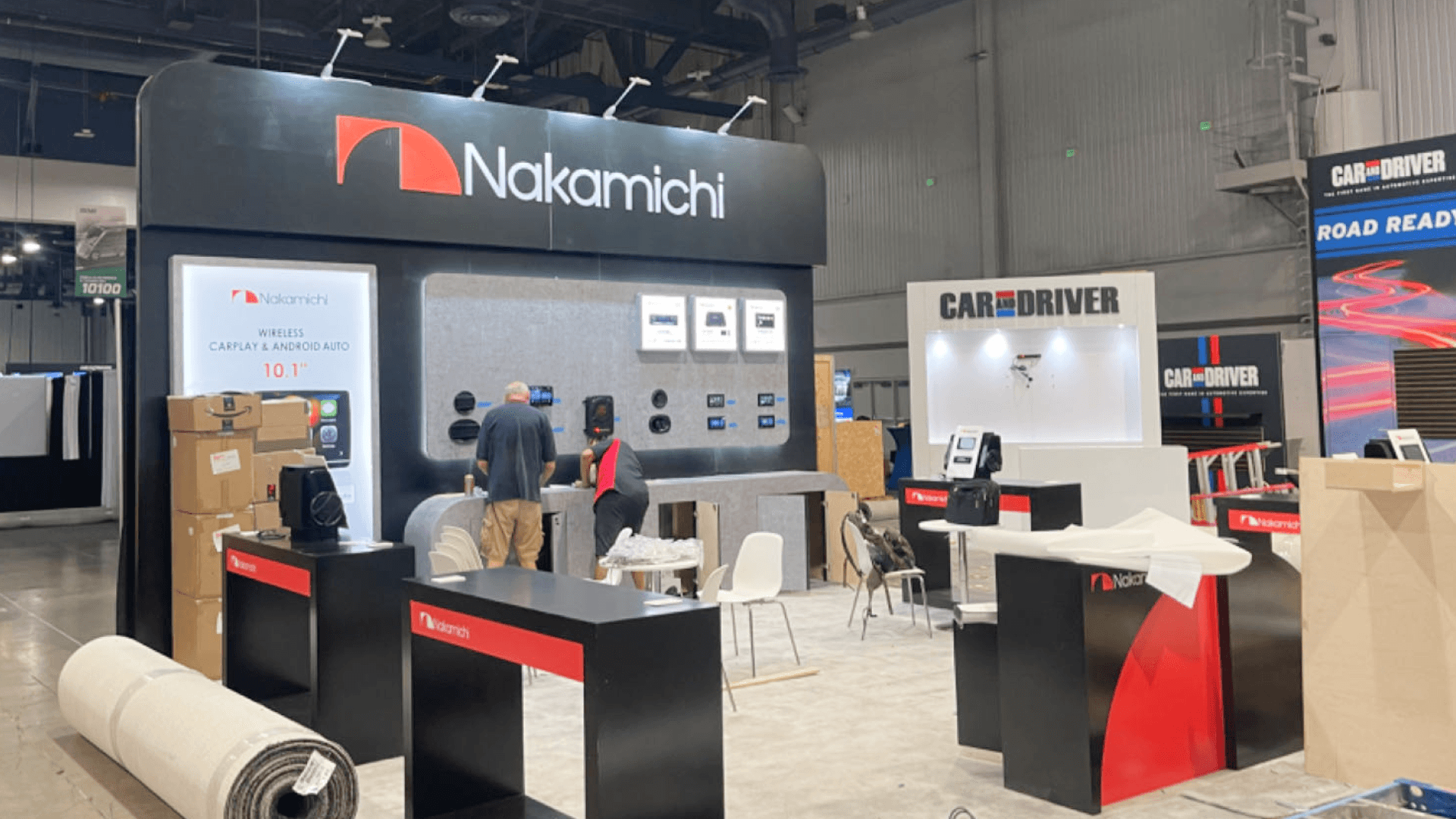
Quick follow-up can remain near the demo, while pricing and implementation discussions move into a quieter consultation area.
Lead Capture Is Not the Same as Consultation
Some visitors only need a brochure, a QR code, or a way to book a follow-up. Others are ready to discuss commercial or technical details. Those conversations should not depend on the same position.
Quick Follow-Up
QR code or contact form
Literature or product summary
Calendar booking
Longer Consultation
Pricing and financing
Implementation timeline
Integration or onboarding questions
Keep follow-up close to the natural exit so visitors can leave without crossing back through the demo. Staff notes should record the next step, while extra literature and supplies remain stored out of sight.
Pricing and Implementation Talks Need More Privacy
Pricing, financing, onboarding, implementation, and contract discussions need more focus than a quick question at the screen. A small seated area helps reduce aisle traffic and screen noise while giving staff room to review documents, explain next steps, and answer detailed questions.
It does not need to be fully enclosed, but it should feel separate from the main presentation. Keep laptops, notes, and paperwork out of the visitor path so staff can review details without blocking the demo or handling documents in the aisle.
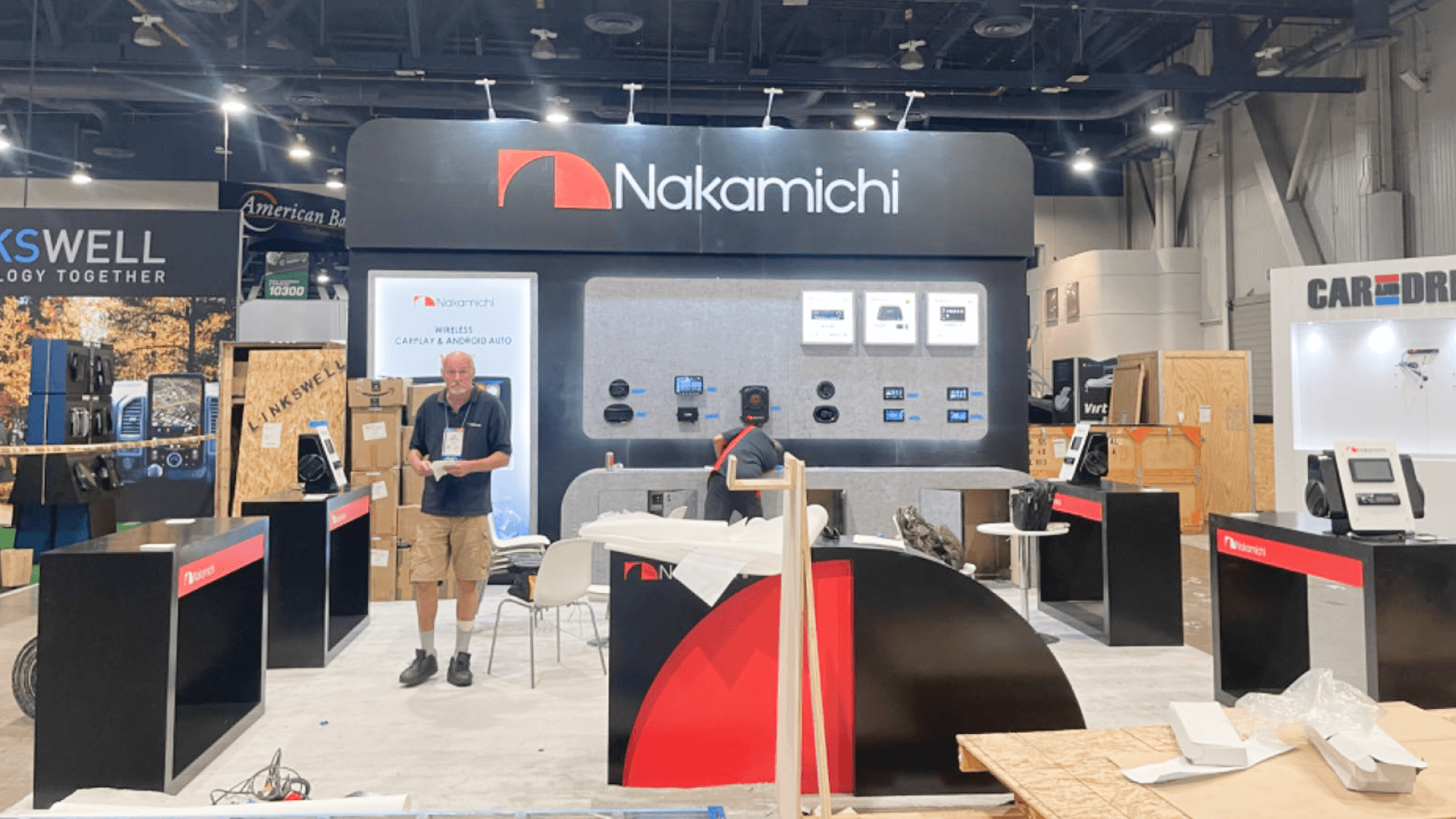
A 10x20 footprint gives the screen demo, consultation, storage, visitor flow, and staff roles more separation than a compact 10x10 booth.
10x10 vs. 10x20: What the Extra Space Solves
A 10x10 can handle one screen, short standing conversations, simple lead capture, and limited storage. When the booth also needs seated consultation or separate staff roles, a 10x20 booth plan gives the demo and conversation areas more room without narrowing the visitor path.
Planning Need | 10x10 Booth | 10x20 Booth |
|---|---|---|
Screen demo | One screen and one focused workflow | A defined demo area with better staff access |
Dealer conversation | Brief discussion near the screen | Longer conversation away from the main demo |
Seated consultation | Limited and likely to compete with demo space | One compact consultation area |
Privacy | Mostly open to aisle and screen noise | Better visual and sound separation |
Visitor flow | One shared path through the booth | More room to separate demo and consultation traffic |
Storage | Limited space for supplies | More concealed storage for literature and equipment |
Staff separation | Demo and conversation roles share one area | Demo and consultation roles can be separated |
The larger footprint does not need to become a meeting-heavy exhibit. Its main advantage is giving each activity enough room to operate without weakening the screen demo or forcing visitors around staff and furniture.
FAQ
Where should the main software screen face?
The screen should be easy to see from the aisle, but it should not turn the entrance into a waiting area. Leave enough room for visitors to pause, watch, and move on without blocking the route to staff or consultation space.
Where should lead capture sit in the booth?
Lead capture works best near the end of the demo or conversation. Staff can record details and arrange follow-up before the visitor leaves, without sending people back through the busiest part of the booth.
How much privacy do pricing and implementation discussions need?
Quick questions can stay in the open. Commercial and technical discussions need more distance from the screen and aisle noise. A quieter seated area is often enough; a closed meeting room is not always necessary.
Planning a Dealer Software Demo Booth?
Share what the software demonstrates, how visitors move into consultation, and which conversations need more space or privacy.







