Set Up the Current Set, Reserve, and Pending Items
Use the lead products and supporting details already chosen in the product lineup brief. Before the first appointment, mark one of those combinations as the default when the next buyer’s category focus is not yet known. Label the other ready samples by category or comparison use, and keep anything with an unchecked label, version, or condition separate.
Status | What belongs here | At the start of a meeting |
|---|---|---|
Current | Lead sample and one verified supporting item for the next discussion, or the default set | Only this opening group is in view |
Reserve | Other ready samples labeled by category or reason for comparison | Accessible, but outside the opening display |
Pending confirmation | Items with an unchecked label, version, or condition | Separate from the ready groups until verified |
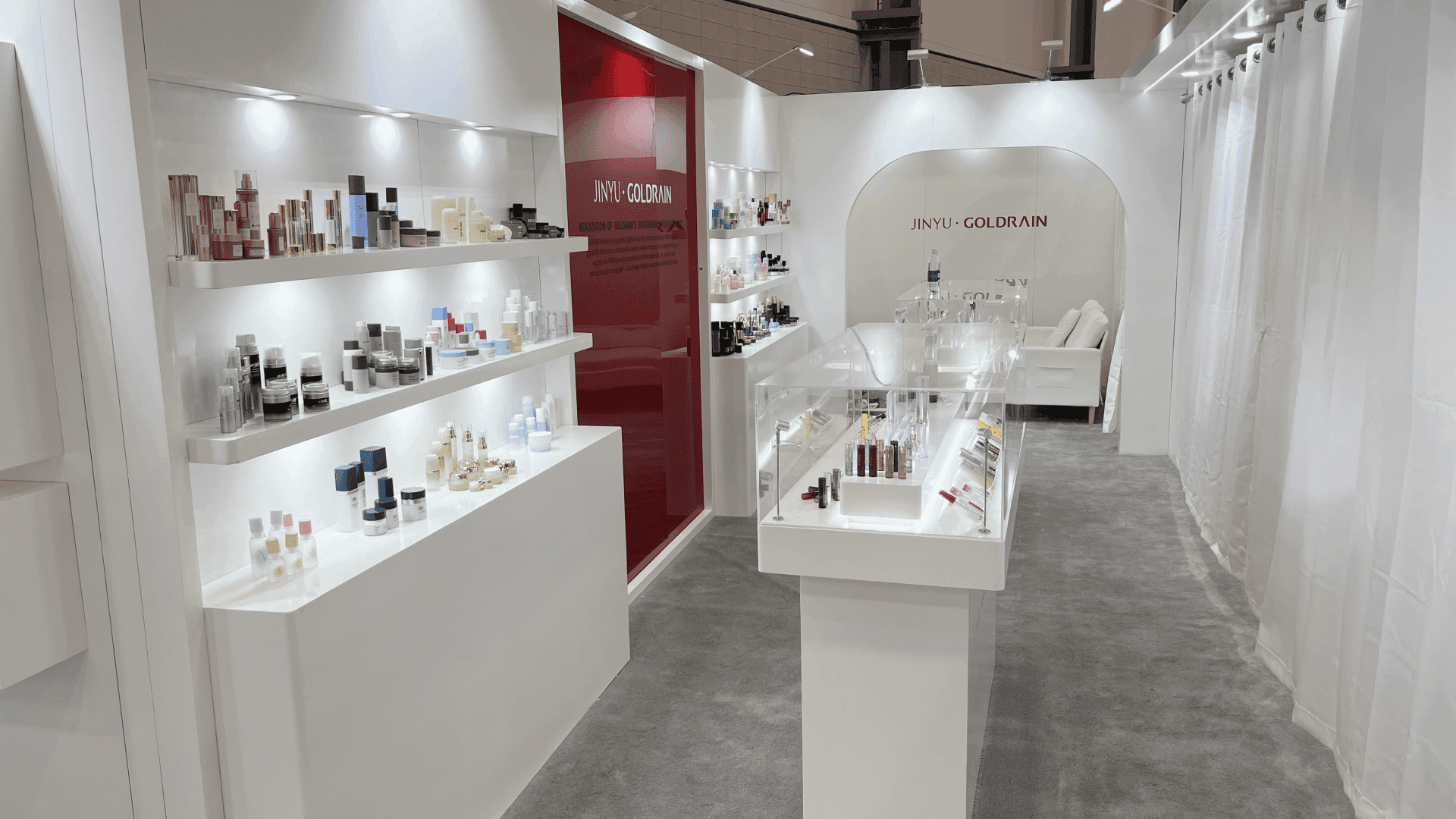
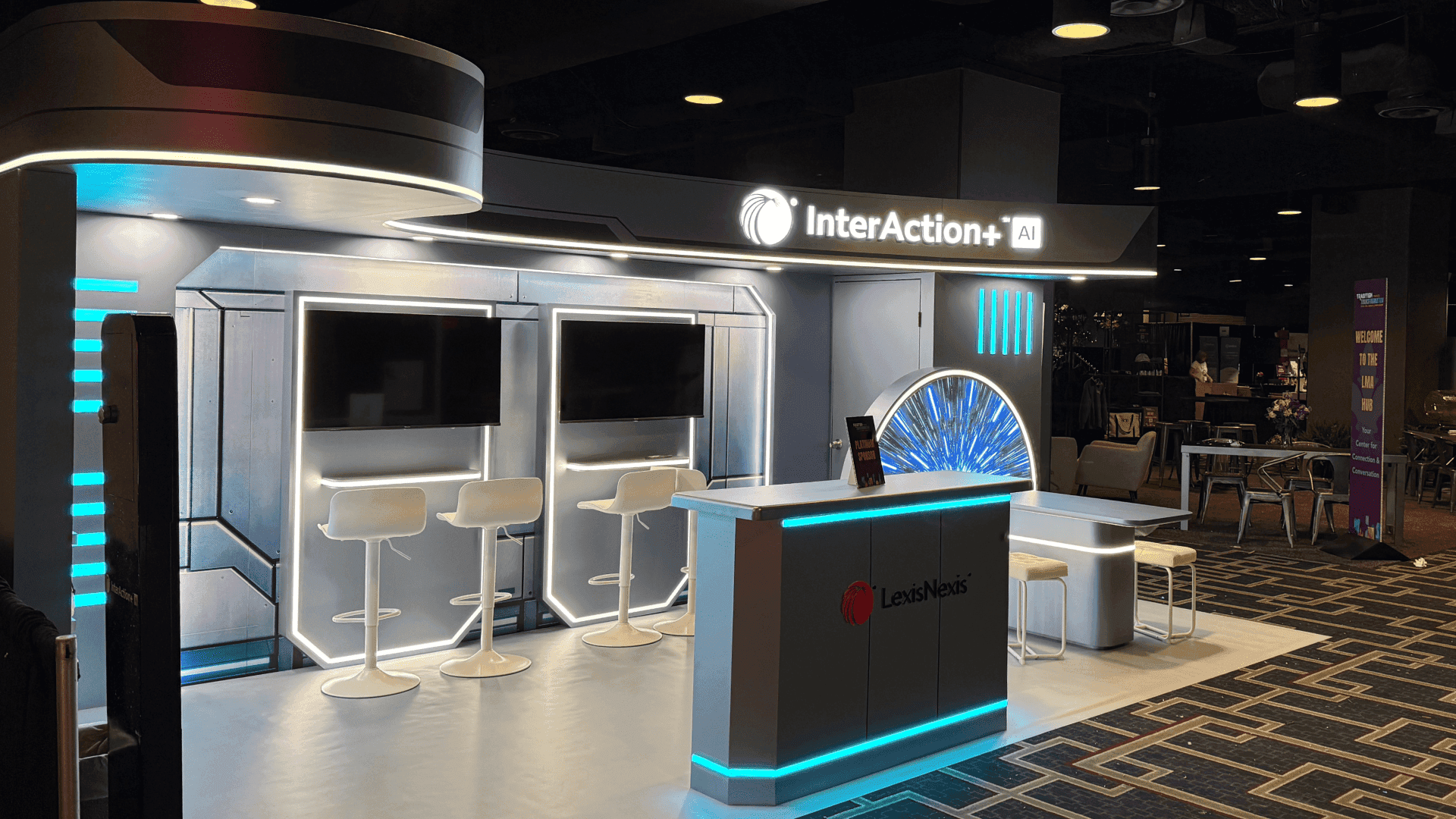
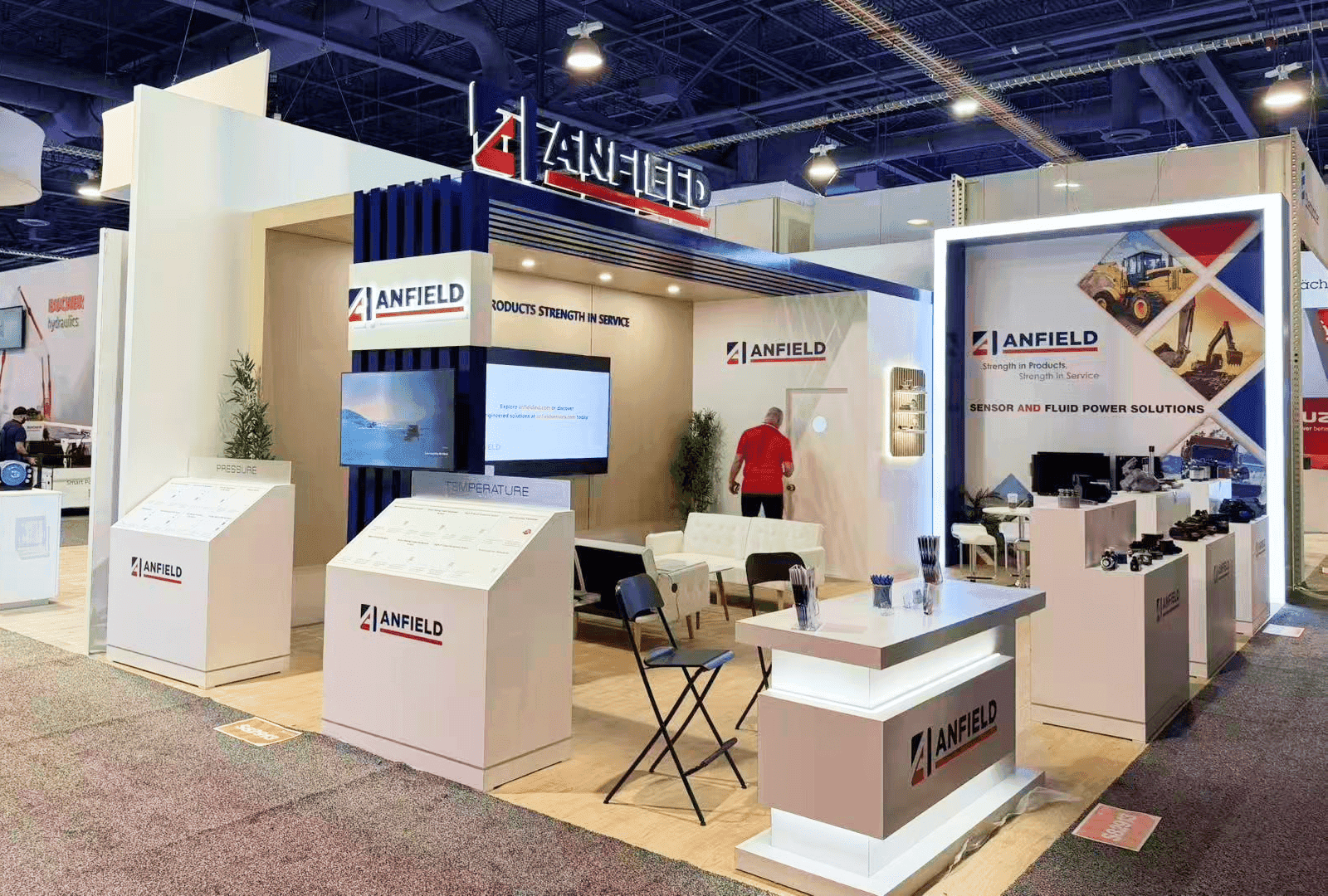
10x10 Private Meeting Booth Concept for Solo Sample Access at ECRM Skin Care Session 2027, Las Vegas, NV
Keep the Working Sequence Within One Person’s Reach
One representative should be able to manage the conversation and the materials from the same working position. Keep these actions possible without moving around the buyer:
Within reach: Lift the lead sample, check a verified detail, note an unanswered question, and set a handled item in a separate spot.
In reserve: Retrieve a replacement or comparison when needed, or bring forward a prepared set for a confirmed next category.
Off the working surface: Clear the last meeting’s materials after recording its open question; keep later sets and pending items out of view.
If getting the reserve means stepping past the buyer, review the Innovation Pipeline 10×10 setup to account for both positions. Until the sequence works for one person, keep fewer items active.
Close the Current Meeting and Set the Next State
Before moving samples, record the unanswered question under the buyer who just left. Identify and separate items handled during that appointment, then check what the next entry in the schedule actually tells you. A confirmed category calls for its lead product and supporting item from the brief; without that information, use the default set.
A display sample can stay in place if it remains the appropriate, usable lead for the next conversation. Identify any item held for the previous buyer’s question before setting it aside.
Ready-state check | Next focus known | Next focus unknown |
|---|---|---|
Next appointment information | Use the confirmed category; use a buyer objective only if provided | Keep any known company or appointment details; do not infer a category or product need |
Current display sample | Leave it in place if it is still the appropriate, usable lead | Leave it only if it is the usable default |
Previous meeting materials | Identify and set aside items handled by the previous buyer | Identify and set aside items handled by the previous buyer |
Next lead product | Use the brief’s lead for that category with one supporting item | Use the default lead and supporting item chosen in advance |
Unanswered question | Record it under the previous buyer before the changeover | Record it under the previous buyer before the changeover |
Ready check | One relevant opening group is in view; earlier materials are separate | One default group is in view; no buyer need has been assumed |

10x10 Private Meeting Booth Concept for Sample Changeovers at ECRM Skin Care Session 2027, Las Vegas, NV
Rehearse Against the Actual Schedule and Assigned Space
Once the appointment order and assigned private 10×10 are available, have one representative try both paths with the samples and product information the team intends to bring. Record where a step fails and whether the cause is missing information, poor reach, too much on view, or an unconfirmed display material.
Ten minutes describes each appointment, not the interval between them. Use the actual schedule and space to record an outcome for each path:
Executable: One person can preserve the previous buyer’s question and prepare the next opening group under confirmed conditions.
Reduce active materials: Reach, display volume, or an unverified item blocks the changeover. Remove what is unnecessary or pending, adjust the action order, and try again.
Confirm with ECRM: The method depends on an unconfirmed space detail, supplied item, or permission for an additional display piece. Get an answer before relying on it, then retest.
FAQ
Does the same changeover plan apply to the RangeMe Discovery Hub tabletop?
The record-and-reset order may help, but a tabletop has a different working area. Simplify what stays in view and test the steps with the space and materials actually assigned.
Does ECRM provide a specific sample storage unit or work surface?
Do not assume a storage unit or particular work surface is included. Ask ECRM what comes with your assigned setting and which additions are permitted.
Would this one-person method be enough for a Planning Session suite?
Not as a complete plan. In a Planning Session suite, two attendees can divide sample handling, product comparison, and notes during 20-minute appointments. Plan that division around the assigned room.
The sequence gives one representative a way to move from the current set to the next. Confirm the appointment order and assigned private 10×10 before using it on site.