
Choose the Release Model Before You Plan the Line
Continuous sales, timed drops, reserved pickups, and multiple release windows place different demands on the same booth.
A timed product drop may create most of its traffic within the first few minutes. Pre-reserved pickup creates less browsing pressure but requires faster order verification. Multiple release windows add another task: the team must recount stock, change messages, reset displays, and prepare a new product allocation before reopening.
Staffing should follow release pressure rather than average daily traffic. During a timed drop, queue management, payment, stock retrieval, and product handoff may all need separate staff at the same time.
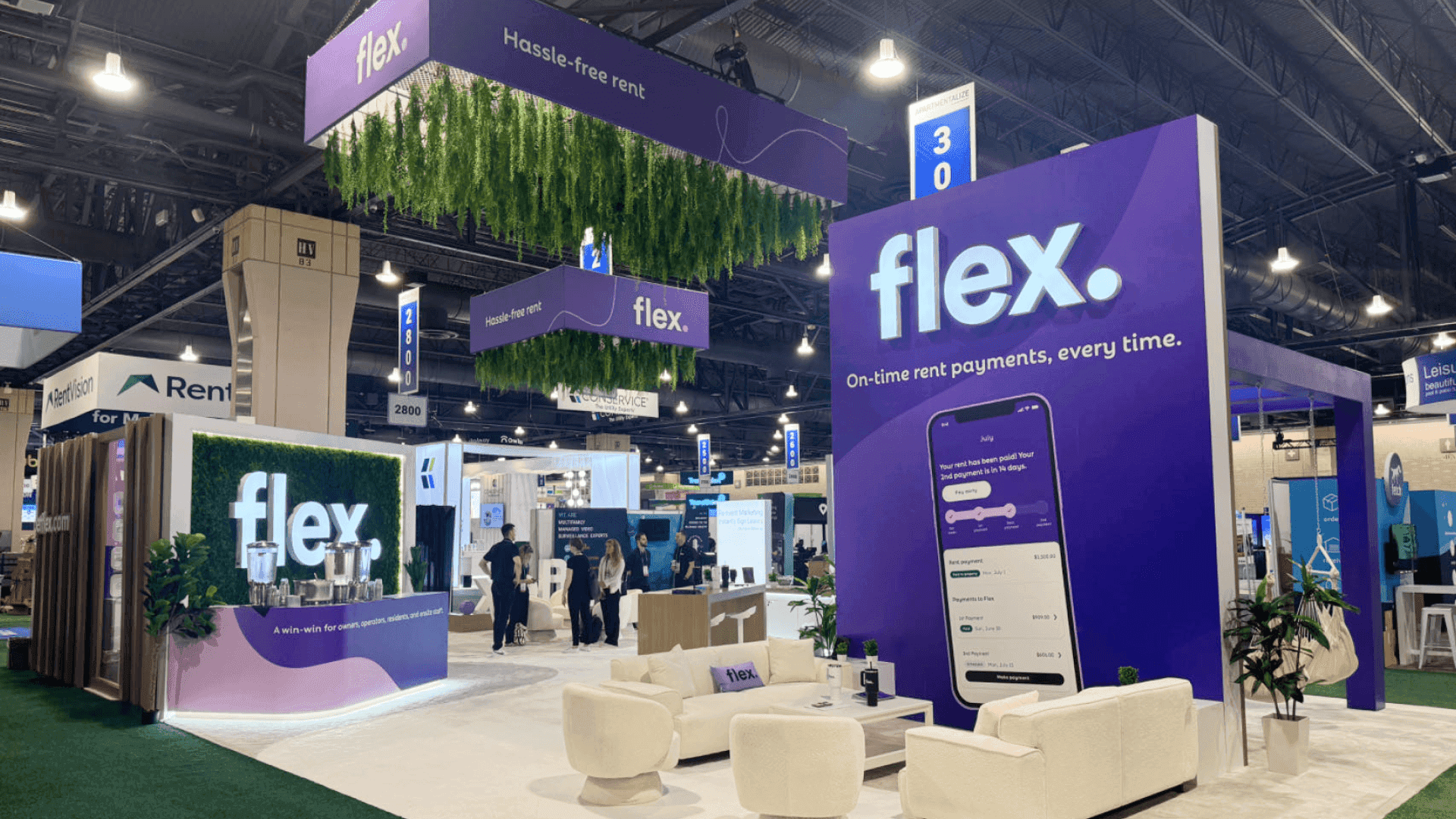
Clear release information and separate transaction steps help keep the product drop line moving without blocking checkout or customer handoff.
How the Release Model Changes Show-Floor Operations
Release Model | Main Operating Pressure | What Needs to Be Planned |
|---|---|---|
Continuous sales | Steady transactions throughout the day | Regular replenishment, stock access, and consistent checkout staffing |
Timed product drop | A short surge in queue and payment volume | Release-time messaging, opening inventory, queue control, and fast checkout |
Pre-reserved pickup | Order verification and handoff | Pickup conditions, organized orders, verification steps, and exception handling |
Multiple release windows | Resetting between product groups | Stock allocation, updated signs, display changes, staff positions, and recounts |
The release model should be settled before counters, secure stock, staffing, and queue space are finalized. The complete relationship between these operating needs and the physical booth is covered in ComplexCon product drop and retail booth planning.
The Queue Starts With Information
Product drop queue management begins before the first visitor joins the line. Another barrier will not solve the problem when customers still need to ask about price, sizing, availability, or purchase limits at the counter.
Before entering the queue, visitors should be able to confirm:
the product and release time;
the price, payment conditions, and purchase limit;
available sizes, colorways, or product variations;
pickup instructions for reserved orders;
current availability and sold-out status.
Clear information helps visitors decide whether to join the line and gives staff one consistent reference for answering questions.
Availability should be updated where the queue begins, not only at checkout. When a product, size, or colorway sells out, aisle-facing signs, screens, and staff instructions should change before more visitors enter the line.
If payment, verification, or packaging begins falling behind, staff may also need to pause new queue entries. Allowing more customers into an already delayed process only moves the congestion closer to the counter.

Display samples, sellable stock, and backstock should remain organized so staff can replenish products without crossing the public queue.
Separate Display Stock, Sellable Inventory, and Staff Movement
Display samples help visitors inspect the product, but they should not be treated as active sales inventory. Repeatedly removing samples during a busy release weakens the display and makes product availability harder to track.
Sellable inventory should be organized by SKU, size, colorway, or release group. Fast-moving variants should not be buried behind display products or mixed inside uncounted cartons.
A simple SKU map can show staff where each product is stored and which items have already moved to the counter. This reduces retrieval errors when several orders are being prepared at once.
Additional backstock belongs in a secured staff-only area. Labels and basic stock counts should make it clear what remains in storage, what is staged near the handoff position, and what has already been released to customers.
Staff also need a route that the public never uses. Products, packaging materials, and empty cartons should move between backstock and the transaction area without crossing the customer queue. The person controlling the line should not have to leave that position to retrieve inventory.
Merchandise, packaging, exhibit materials, delivery timing, and replenishment access need to be aligned before move-in. These requirements are part of logistics and pre-show planning, especially when product inventory and booth freight follow different delivery schedules.
For a larger assortment, the 20x30 booth planning guide can help teams judge whether the footprint provides enough depth for secure backstock, customer movement, and an internal staff route.
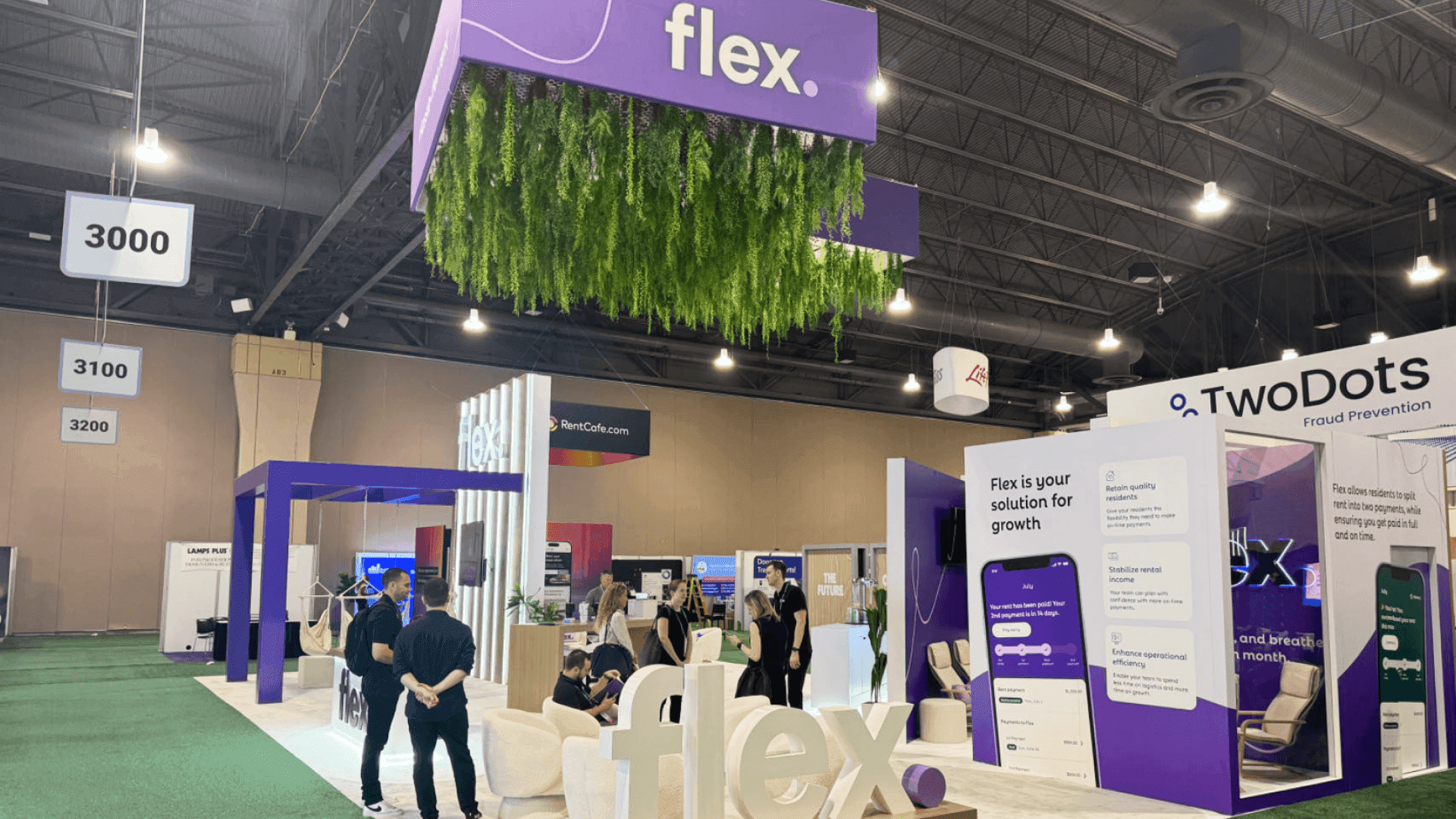
After a sellout, signs, screens, inventory counts, POS records, and staff positions should be reset before the next product drop begins.
Build Checkout and Handoff Around the Slowest Step
A small assortment with simple packaging may work from one counter. The same staff member can process payment, confirm the order, and hand over the product without slowing the next transaction.
That approach becomes harder when there are multiple SKUs, size checks, purchase limits, order verification, or additional packaging. When packaging takes longer than payment, completed orders begin collecting at the counter and the next customer cannot move forward.
Separating payment from product handoff can reduce that blockage. One position completes the transaction, while another verifies the product, packages it, and releases it to the customer. Payment problems or order exceptions should move to a support position rather than holding the main checkout line.
Before the line forms, run a complete event POS transaction and confirm:
products, prices, taxes, and purchase limits;
inventory deduction from the correct event stock;
terminals, charging cables, and backup power;
receipt delivery and staff permissions;
connectivity for each payment device;
the process for failed, delayed, or disputed transactions.
Do not assume offline payment mode is available or appropriate. The team should confirm the available backup process and know which terminal remains in use if another device loses power or connectivity.
Once the transaction sequence is clear, it can be translated into counter positions, storage access, staff routes, and customer exits during the booth design process.
The Booth Still Needs a Purpose After Sellout
A sellout changes the booth’s role, but it should not end the visitor experience. The first sold-out message should appear where the queue begins so people do not wait for a product that is no longer available.
Displays, screens, and staff instructions should communicate the same status. A sold-out product may remain visible as part of the release story, but the presentation should not imply that additional stock is expected.
Visitors still need a useful next action. That may be another available product, the next release time, a brand registration option, or another experience inside the booth.
Staff should know when to close the queue, update the signs, change the counter message, and redirect new visitors. Sold-out messaging should keep the booth relevant without promising additional inventory.
Recount and Reset Before the Next Drop
A new release should not begin until the booth has returned to a known operating state. The physical product count should be compared with the POS inventory rather than relying on either record alone.
Payment failures, returns, misplaced products, or manual adjustments can create differences between the system and the stock actually available.
Before reopening the release, confirm:
the physical count and product allocation for the next drop;
POS records, prices, devices, power, and connectivity;
packaging materials and products staged near the handoff area;
release signs, displays, and availability messages;
queue equipment, customer entry, and exit positions;
staff assignments for line control, payment, stock access, and handoff.
A short release-day run sheet can record the opening time, product allocation, staff positions, POS checks, message changes, and reset required before the next drop. This gives the team one operational reference instead of relying on separate verbal instructions.
The reset should be completed before visitors begin forming another line. A brief inventory reconciliation and technical readiness check helps the next release open with accurate information, organized stock, and clear staff responsibilities.
FAQ
Should payment and product handoff be separated?
A small assortment may work from one counter. Larger releases, multiple SKUs, or products that require verification and packaging often move more smoothly when payment and final handoff use separate positions.
How much backstock should remain inside the booth?
It depends on SKU count, product size, packaging volume, expected sales, and replenishment frequency. Stock kept inside the booth should be labeled, counted, secured, and accessible only to staff.
What should visitors see after a product sells out?
Update the product status immediately and provide a clear next action. That may be another available product, the next release time, a registration option, or another booth experience.







