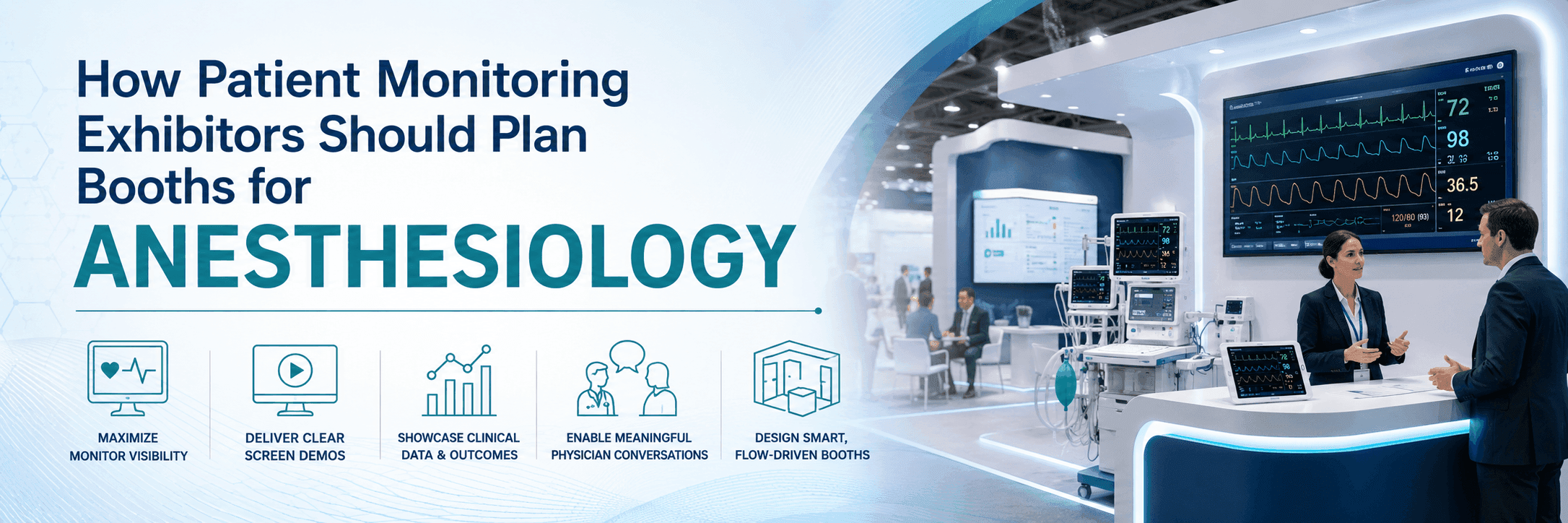
Plan Around Monitoring Equipment and Use Cases
A patient monitoring booth should make the monitoring purpose clear before the staff explanation begins. A blood pressure monitor, a critical care monitoring system, and a connected patient data display may all sit in the same category, but visitors need to understand them in different ways.
Some products are understood through the device itself. Others need a screen showing patient status, data trends, alerts, or workflow context. If the system supports anesthesia, recovery, critical care, or perioperative monitoring, that clinical use case should be visible from the booth layout.
The booth does not need to show every feature at once. It first needs to answer three questions: what is being monitored, where the data appears, and how the information supports clinical decisions.
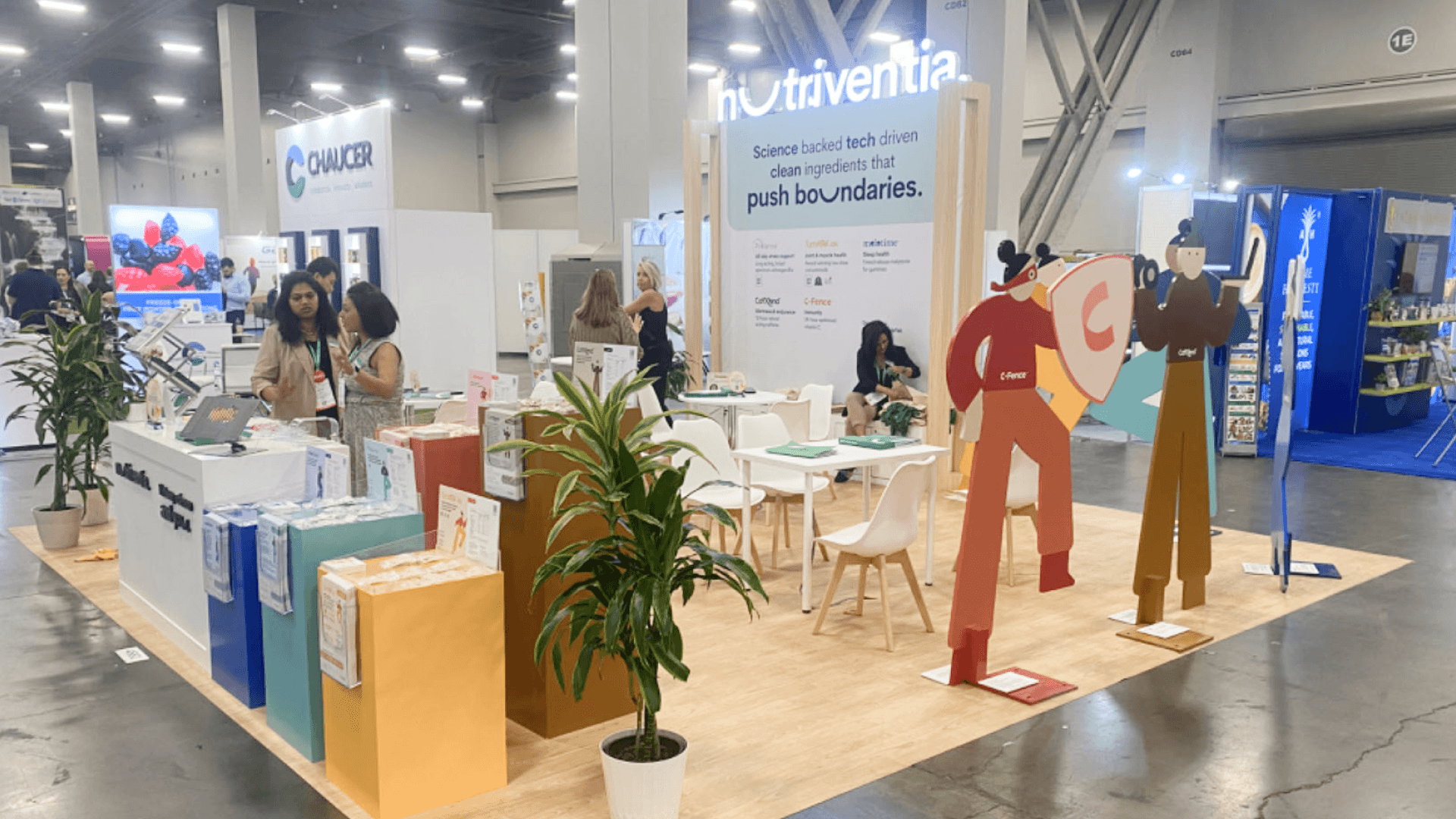
A patient monitoring booth should place screens where clinicians can quickly read patient status, alerts, trends, and workflow context before moving into a deeper discussion.
Use Screens to Explain Clinical Data Quickly
For patient monitoring exhibitors, the screen is often the first thing clinicians read. A dashboard or clinical data display should sit where visitors can quickly see patient status, alerts, trends, or workflow context without stepping deep into the booth.
Live or simulated data works best when it tells a simple clinical story. Visitors should be able to understand what is being monitored, where the data appears, and why it matters in anesthesia or perioperative care before staff move into details such as alarm logic, accuracy, or workflow fit.
Build a Clear Physician Conversation Flow
A monitoring booth works better when the conversation has a natural path. A clinician may first stop at the equipment display, look at the screen demo, ask what the data means in an anesthesia or recovery setting, take a brochure, and then move toward the counter for a more focused discussion.
The device, screen, printed materials, and counter should support that path instead of competing for attention. The counter is not the starting point; it works best after visitors already understand what is being monitored, where the data appears, and why it matters.
Booth Size Fit for Monitoring Exhibitors
Monitoring exhibitors do not always need the largest booth, but the layout has to leave enough room for equipment, screen viewing, and physician discussion. A single monitor can work in a compact space. Connected devices, dashboards, and clinical data demos usually need more separation.
Booth size | Better fit for | Planning notes |
|---|---|---|
10x10 | One monitor, simple message, small screen demo | Works when visitors can understand the display from one counter or screen |
10x20 | Monitoring equipment, dashboard demo, brochure handoff, short staff conversation | Gives more room for screen viewing, device placement, and visitor movement |
20x20 | Multiple monitors, connected devices, clinical data display, physician discussion area | Helps separate equipment, screens, staff movement, and deeper conversations |
When the booth needs both equipment display and clinical data discussion, 20x20 booth planning usually gives the team more breathing room. It keeps screens, devices, and physician conversations from crowding the aisle.
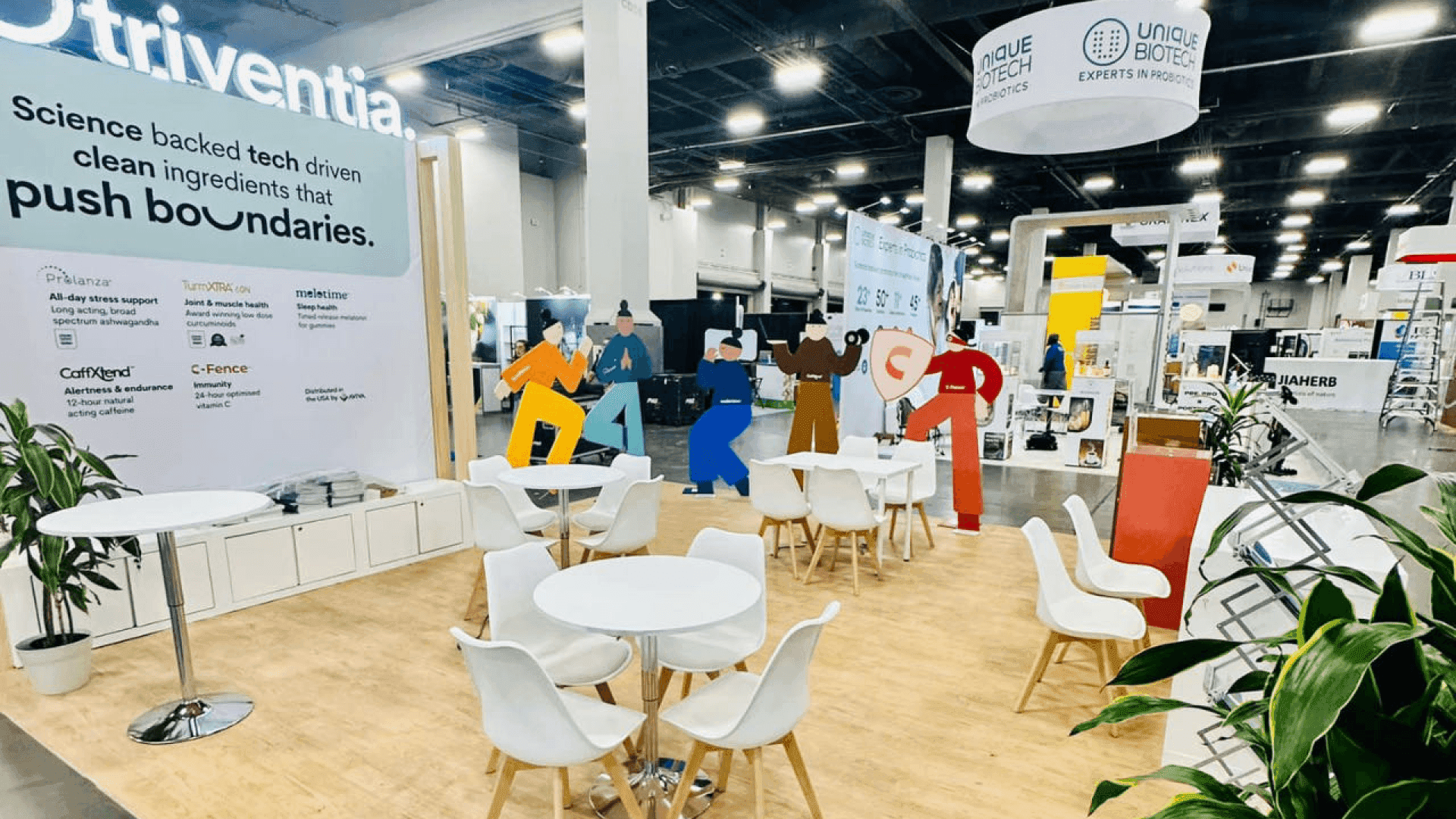
A 20x20 booth can help monitoring exhibitors separate equipment display, dashboard demos, staff movement, and physician conversation space without crowding the aisle.
Graphics and Patient Safety Messaging
Patient monitoring graphics need to build trust quickly. A short message about safety, data accuracy, workflow support, or clinical confidence is usually stronger than a wall full of technical claims.
The graphics should connect the monitor, dashboard, and clinical use case so visitors understand what they are looking at before staff explain the details. This layer works best when graphics and brand presentation is planned with the screens, equipment display, and conversation area from the start.
Patient Monitoring Booth Planning Checklist
Before approval, the booth plan should make the equipment, screen content, and conversation path easy to follow.
Start with the monitor type and its main use case
Place screens where visitors can quickly read status, alerts, or data trends
Keep the dashboard focused on the key monitoring value
Make the path clear from equipment display to physician discussion
Choose booth size based on screens, devices, and conversation space
Use graphics to support safety, accuracy, workflow, and clinical confidence
FAQ
What should patient monitoring exhibitors plan for ANESTHESIOLOGY?
Start with the monitor type and the clinical use case. Then shape the screen placement, equipment display, booth size, and conversation area around that monitoring story.
How should patient monitoring equipment be displayed in a booth?
The equipment should be easy to recognize from the aisle. Screens or dashboards should show the key patient data clearly, so visitors understand the monitoring value before staff explain the details.
Is a 20x20 booth enough for patient monitoring exhibitors?
A 20x20 booth can work well when the exhibit needs multiple monitors, connected devices, screen demos, and a physician discussion area. A smaller booth may be enough for one focused monitor display.







