
Make the Veterinary Problem Clear from the Aisle
Visitors should be able to tell what the startup offers without waiting for the founder to explain it. From the aisle, the booth needs to identify the veterinary or practice problem and the type of product or service being shown.
A compact booth message can follow this order:
The veterinary or practice problem.
The product or service that addresses it.
What becomes easier, faster, or clearer.
A result, sample, or working example.
The next question to discuss with the team.
The broader company mission can add context after visitors understand the product and its veterinary relevance. The founder story can then support a deeper conversation rather than carry the first explanation. If visitors still need to ask what the company does, the aisle message is not clear enough.
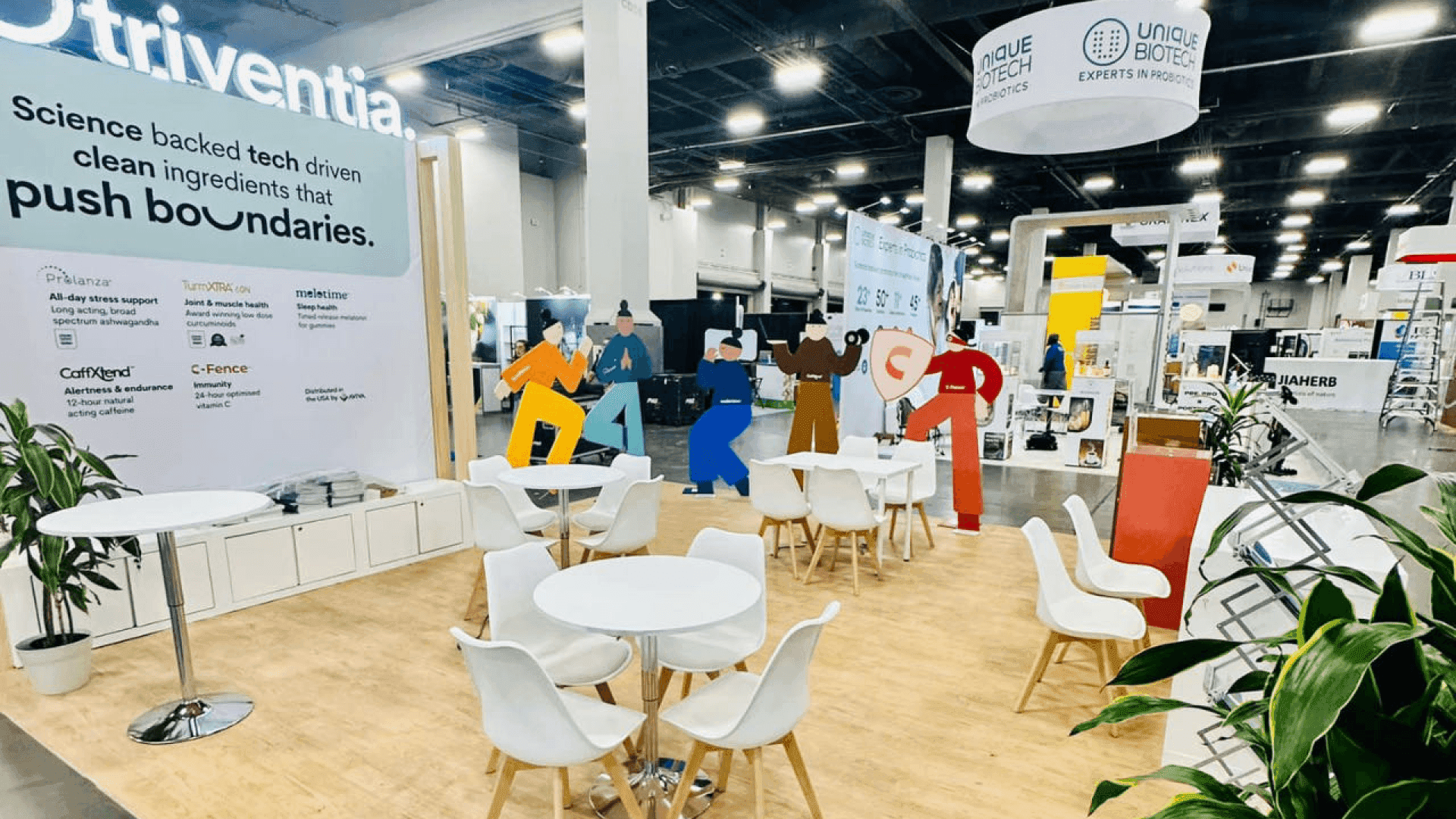
The aisle message identifies the veterinary problem, the type of product, and the reason visitors should continue the conversation.
Choose One Primary Interaction That Fits the Product
A compact startup booth does not need several demonstrations competing for attention. Choose one primary interaction that gives visitors a clear starting point and helps the team continue the conversation. Supporting samples, screens, or follow-up discussions can add detail without distracting from the main product explanation.
Startup offer | A practical primary interaction | What visitors should understand |
|---|---|---|
Practice software | Short walkthrough of one clinic task | Where the tool fits and what changes in the workflow |
Diagnostic device | Demonstration of one action and its result | What the device produces and why the result matters |
Physical veterinary product | Sample, model, or application example | How the product is used and where it fits into care |
Connected device or platform | Product paired with a live or recorded interface | How the physical and digital parts work together |
Veterinary service or support | Current workflow compared with the supported process | Which step changes and what support the team receives |
The interaction should reveal the part of the product that helps someone judge it. That may be one clinic workflow, one result, one use example, or a clear comparison between the current and supported process.
A focused demonstration is also easier for a small team to repeat throughout the day. Additional features can enter the conversation after visitors understand the basic product.
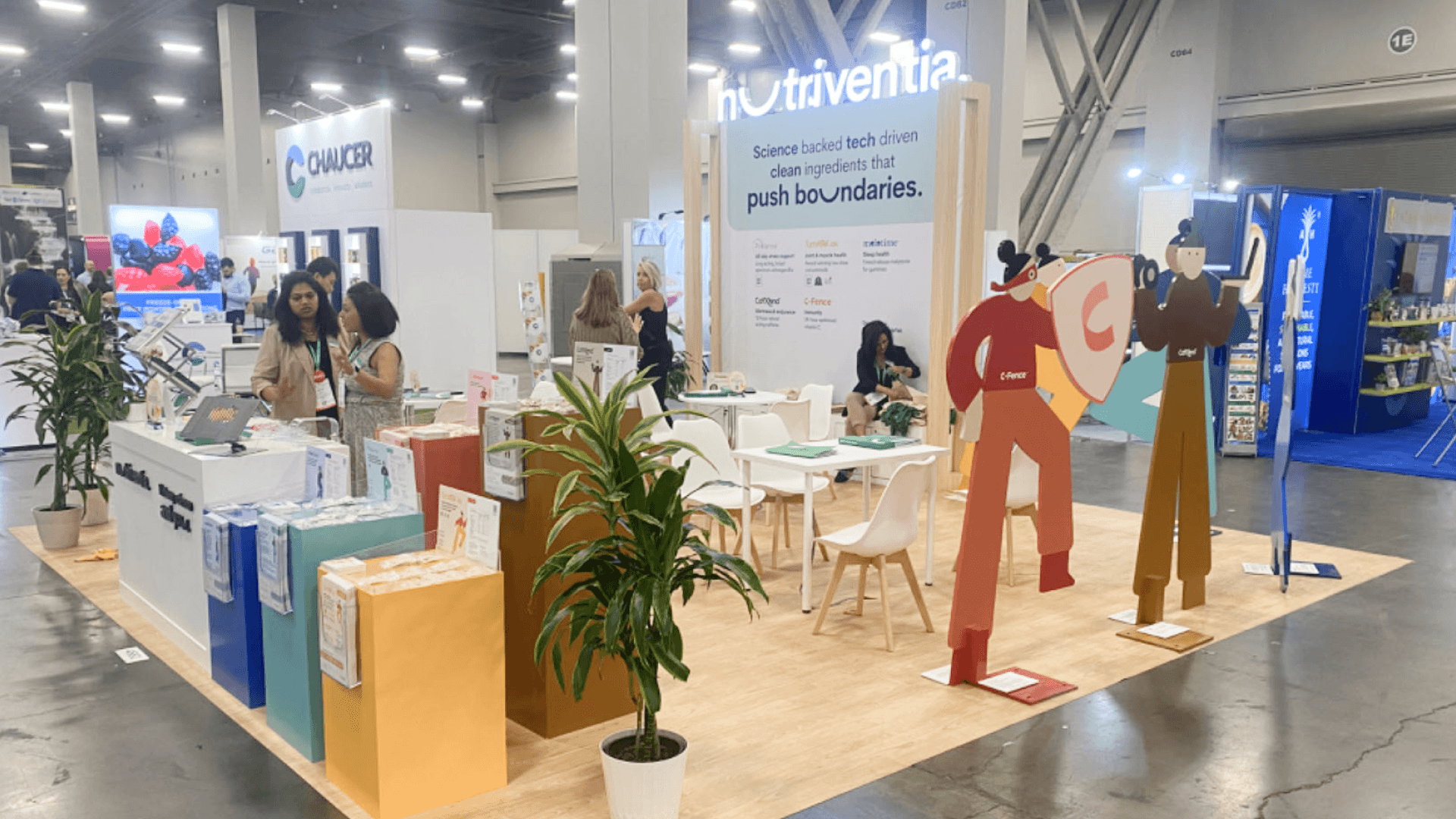
One primary interaction gives visitors a clear starting point while supporting samples and screens add detail without competing for attention.
Use the Same Product Message Across the Booth
The booth does not need to repeat a full presentation, but it should use the same product name, problem, value, and supporting evidence wherever visitors encounter the company.
Keep the explanation aligned across:
Aisle headline
Product demo introduction
Staff opening explanation
Pet Pitch, when applicable
Follow-up materials
The wording can change, but the meaning should not. If the aisle headline presents one problem and the staff introduction begins with another, visitors have to work out what the company actually offers.
A clear graphics and brand presentation plan can shorten the message without changing its meaning. When a company is also participating in Pet Pitch, the presentation can add company context and product detail while keeping the same use case and supporting evidence already visible in the booth.
Keep Conversations Moving in a Compact Booth
The first product explanation cannot depend on the founder being available. Another team member should be able to greet visitors, explain what the product does, and begin the main interaction. The founder or product lead can then step in for clinical, technical, partnership, or implementation questions.
Keep the entrance open and place lead capture where staff can reach it without blocking traffic—often beside the demo or follow-up point. Brief questions can stay near the product, while longer conversations move to a side counter or small table.
Where exhibitors can choose between standard footprints, a 10x10 booth can support one short interaction and a small team. When the demo and a longer conversation need separate positions, a 10x20 booth layout can make the handoff easier without filling the exhibit with meeting furniture.
When only the founder can explain the product, one detailed conversation leaves the rest of the booth without a clear starting point.
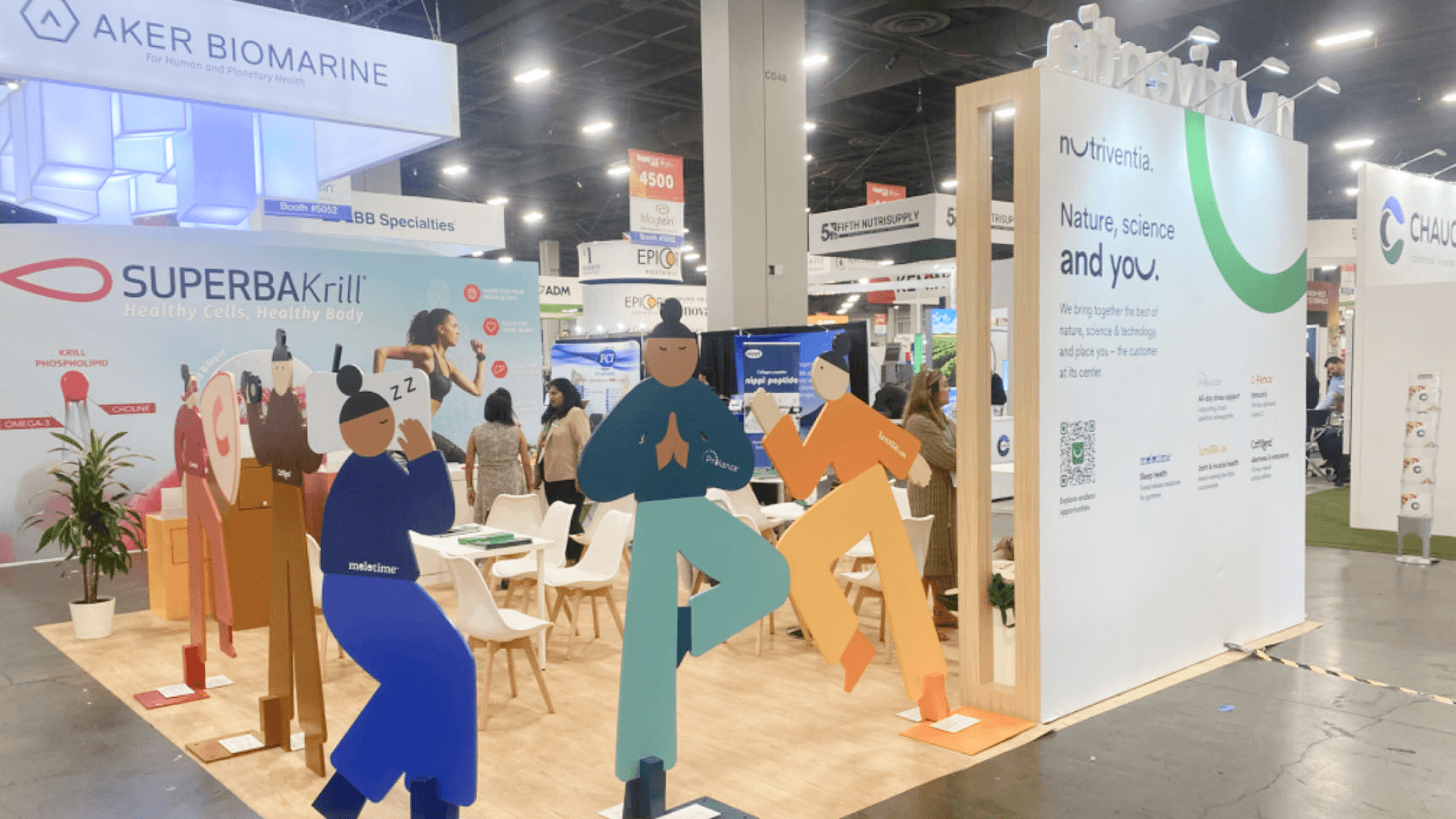
The team rehearses the product explanation, founder handoff, lead capture, visitor path, and offline backup before the exhibit opens.
Test the Demo and Visitor Path Before Startup Circle Opens
A live demo can fail for ordinary reasons: a weak connection, a device that will not sync, or a prototype that takes too long to reset. The backup still needs to explain what the product does. Saved screenshots, a short recorded walkthrough, a static result, a sample or model, and a one-page summary can all preserve the core explanation.
A general promotional video can support the booth, but it is not a complete backup unless it still shows how the product works and what visitors should understand from it.
After the booth is installed at the Orange County Convention Center (OCCC), rehearse the full visitor path from the aisle message to the demonstration, lead capture, and follow-up conversation. The test should show whether the team can keep the interaction moving while cases, personal items, and extra materials remain out of sight.
Before the Startup Circle exhibit opens:
Read the headline from the aisle.
Run the main demo or interaction from start to finish.
Practice switching to the offline backup while keeping the explanation clear.
Confirm who greets, demonstrates, handles detailed questions, and records leads.
Store cases and extra materials out of view.
Walk the entrance, demo point, follow-up area, and exit path.
Common problems include leading only with the company mission before identifying the product, trying to demonstrate too much, or leaving the booth dependent on one founder explanation.
FAQ
Does a veterinary startup need a live demo at VMX?
Only when the live interaction helps visitors understand the product faster. Software may need one short workflow, while a device may only need to show one useful result. If Wi-Fi, connected hardware, or a prototype is unreliable, use a recorded walkthrough, saved output, sample, or model instead.
Is a 10x10 or 10x20 booth better for a veterinary startup?
If both footprints are available, a 10x10 works well for one product, one short interaction, and a small team. A 10x20 is more useful when the demo and longer founder or product conversations need separate positions. The final choice should also follow the exhibit options available for the event.
Does the founder need to lead every booth conversation?
No. At least one other team member should be able to explain the product and begin the product explanation or demo. The founder can then join clinical, technical, partnership, or implementation discussions. This keeps the entrance open and prevents one long conversation from stopping the rest of the booth.







