
Why Security Products Disappear Behind Dashboards
A healthcare security demo can lose its message when visitors see alerts, charts, and threat data before they understand what is being protected. A cybersecurity dashboard may show system activity, but it does not always explain the risk, the response, or the operational impact.
A stronger security software presentation connects threat visualization to a clear situation: the protected environment, the detected risk, and the action the platform enables.
More dashboard data does not make security value easier to understand. Buyers need a security story they can follow, not a collection of isolated metrics.

A clear security demonstration starts with the healthcare environment being protected, then follows one incident from detection and response through recovery.
Three Terms Buyers Need to Understand
Before the demonstration begins, buyers need to understand what is protected, how the incident is being shown, and what recovery looks like.
Protected Environment
The hospital system, patient data, medical-device network, cloud platform, or healthcare workflow the solution protects.
Controlled Simulation
A repeatable security scenario using sanitized data and isolated system states instead of an active production environment.
Recovery Proof
Evidence showing how services continue, affected systems recover, and normal operations are restored after detection and response.
Start With What Is Being Protected
Do not begin with a global threat map or a screen full of alerts. Start by showing the asset, system, or workflow that could be affected.
Patient Data Protection
Make the sensitive information and the consequences of unauthorized access or exposure clear.
Medical Device Security
Show which connected devices are monitored and how clinical operations continue during the response.
Healthcare Cloud Security
Identify the cloud applications, services, or data paths being protected across the healthcare environment.
Identity and Access Management
Show who should have access, what unusual behavior appears, and what restriction or verification follows.

Executive buyers need a clear view of risk, continuity, and recovery, while technical teams need closer access to controls, integrations, logs, and response details.
One Incident Is Enough
A focused demonstration works best when it follows one representative incident from detection through recovery. Trying to cover ransomware, phishing, a medical-device attack, an access anomaly, and a cloud breach in one presentation usually creates several partial stories instead of one clear response workflow.
Choose the incident that best matches the protected environment. Show what triggered the alert, what the platform did next, who responded, and how operational continuity was maintained or restored.
One complete security scenario usually explains the product more clearly than several disconnected threat examples.
Make Detection Lead to Action
An incident response demo should treat threat detection as the start of the story, not the conclusion. Once an alert appears, show who receives it, what security action follows, which system or access path is contained, and how the response workflow moves toward recovery.
Buyers need to see the connection between detection, decision, and action. An alert shows that the platform noticed a risk; the response shows what it can do about it.
Recovery Is Part of the Proof
The security story should not end once the threat is contained. Buyers also need to see what keeps running, which systems are restored first, and how teams return to operations without losing control of the incident.
Cyber resilience becomes visible in what happens next. Threat detection shows that the risk was found; business continuity and incident recovery show whether patient services and critical operations can continue after the event.
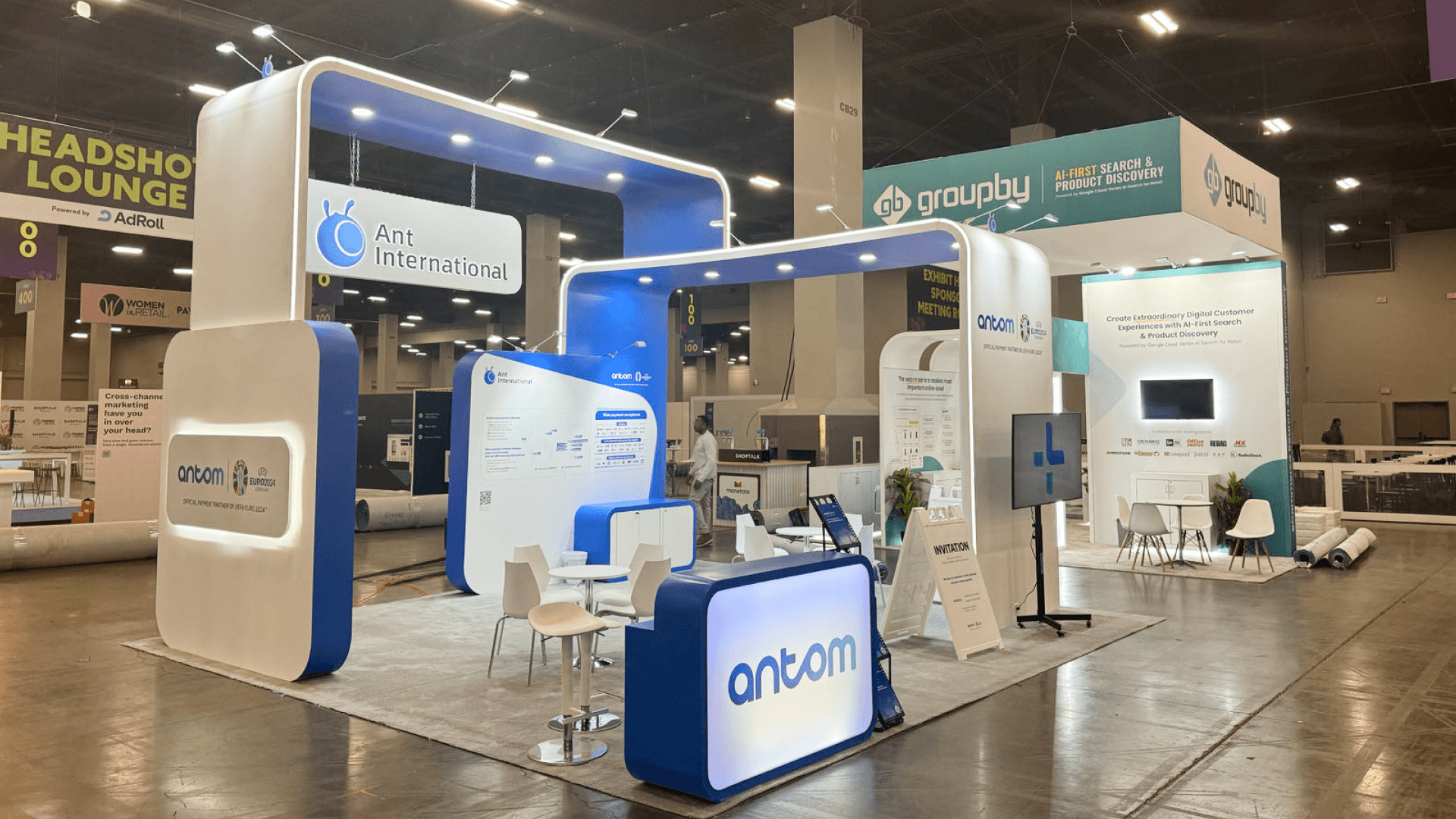
A medical-device security scenario can make an invisible service easier to understand by showing what was affected, how the incident was contained, and which clinical services remained available.
A Medical-Device Network Alert in Practice
How the Security Demo Sequence Works
The demo opens with a monitored medical-device environment so visitors understand what is being protected. An unusual access pattern appears, the platform identifies the affected device group, and the presenter shows the containment action.
The closing view confirms which clinical services remain available and how normal access is restored. This keeps threat detection, security action, business continuity, and recovery within one incident story.
A Cross-Industry Security Technology Reference
The ISC West security technology project gallery includes the ZOSI ISC West 2024 20x20 project, documented with surveillance-camera displays, monitoring screens, and open aisle access.
It is not a healthcare or HIMSS project, but it offers a useful cross-industry reference for making the main security category visible before visitors move into product detail.
For a healthcare cybersecurity demo that needs a main presentation, closer technical proof, and space for buyer follow-up, a 20x20 booth plan can separate those functions without turning every screen into an independent product station.
One Security Story, Two Buyer Views
The incident should stay the same, but the evidence should change with the audience. Executives need to understand risk exposure, patient and operational impact, governance, business continuity, and recovery. Technical teams need the detection signal, controls or integrations, response action, logs, and system detail behind those outcomes.
Executive View
Use the aisle-facing message to show what was at risk, how operations were affected, and whether continuity and recovery were maintained.
Technical View
Use a closer screen or discussion point for detection signals, control actions, integrations, logs, and system detail.
That split should carry into booth graphics and brand presentation: risk and continuity need to read from the aisle, while technical proof belongs at a closer viewing position or follow-up point.
Where Cybersecurity Demos Lose Their Story
Healthcare cybersecurity demos become hard to follow when visitors see more threat activity than response logic.
Starting with a global threat map before defining the healthcare environment being protected.
Showing too many alerts at once without making one risk or incident clear.
Using fear without showing response, containment, or recovery.
Mixing executive risk with technical logs instead of separating business impact from technical evidence.
Stopping at detection without showing business continuity or return to operations.
Using production data or uncontrolled environments instead of sanitized data and a controlled simulation.
When cybersecurity shares the booth with AI, interoperability, or patient-facing technology, HIMSS27 booth planning also has to separate the main security message, technical proof, and recovery evidence from the other product stories.
Questions Buyers Ask About Cybersecurity Demos
Can a Cybersecurity Booth Use Simulated Incidents?
Yes. A controlled simulation with sanitized data and isolated system states can show detection, containment, response, and recovery without exposing a production environment. Make it clear which parts are simulated and which platform actions are genuine.
How Much Technical Detail Belongs on the Main Screen?
Show only enough to explain the protected environment, the incident, the security action, and the outcome. Detailed logs, integrations, controls, and system evidence belong on a secondary screen or at a technical discussion point.
How Should Recovery and Business Continuity Be Shown?
Show what remains available, which systems are restored first, and how normal operations resume. Recovery proof should make cyber resilience and business continuity visible rather than ending the story at threat detection.







