
How LVCC Requirements Change by Exhibit Type
Start with what visitors and staff must be able to do, not simply what will be displayed. That function determines which inputs become production-critical and what the show-site team must verify.
Exhibit Function | Lock Before Production | Confirm Before Move-In | Test Before Opening |
|---|---|---|---|
Material and sample display | Verified product weight, display or attachment method, refill access | Final placement, attachment condition, replenishment route | Staff can replenish without blocking the visitor path |
Installed mock-up | Final dimensions, cutaway extent, connection points, surrounding construction | Assembly order, interface access, responsibility at each connection | The completed mock-up shows the intended installation detail |
Connected product demonstration | Equipment list, utility inputs, screen position, cable route, offline fallback | Ordered services match final locations; devices and cables are present | The complete system produces a clear visitor-facing result |
Equipment or supervised trial | Footprint, delivery envelope, operating clearance, floor protection, participant boundary | Final position, protection, boundary markers, owner of daily checks | Staff can run, stop, and reset the trial consistently |
Meeting-led exhibit | Seat count, privacy level, AV needs, staff handoff | Furniture, AV setup, acoustic conditions, meeting handoff point | Guests can hear, view content, and move between staff without confusion |
Material and Sample Displays
Product weight can change backing, cabinet construction, attachment methods, and installation order—not just the shelf—while replenishment needs its own route. If restocking sends staff across the visitor path or requires part of the display to be removed, a display choice has become a daily operating problem.
Installed Mock-Ups
A mock-up becomes part of the booth architecture when surrounding walls, openings, finishes, or utilities depend on its dimensions. A late change can misalign cutouts, conceal service points, or reverse the assembly order. If weight, support, or delivery access begins to control the layout, use the equipment display planning guide for the next level of detail.
Connected Product Demonstrations
A connected demo is one operating system, even when several vendors supply its components: power may work while the data path fails, and software may run while glare hides the screen. Test the visible customer outcome instead of treating powered-on devices as proof that the demonstration works.
Equipment and Supervised Trials
Equipment placement determines where the operator stands, visitors wait, and observers view the action, while also controlling service and removal access. Because counters, flooring, and perimeter elements can close off that space, the operating boundary belongs in the floor plan—not in tape or signage added after installation.
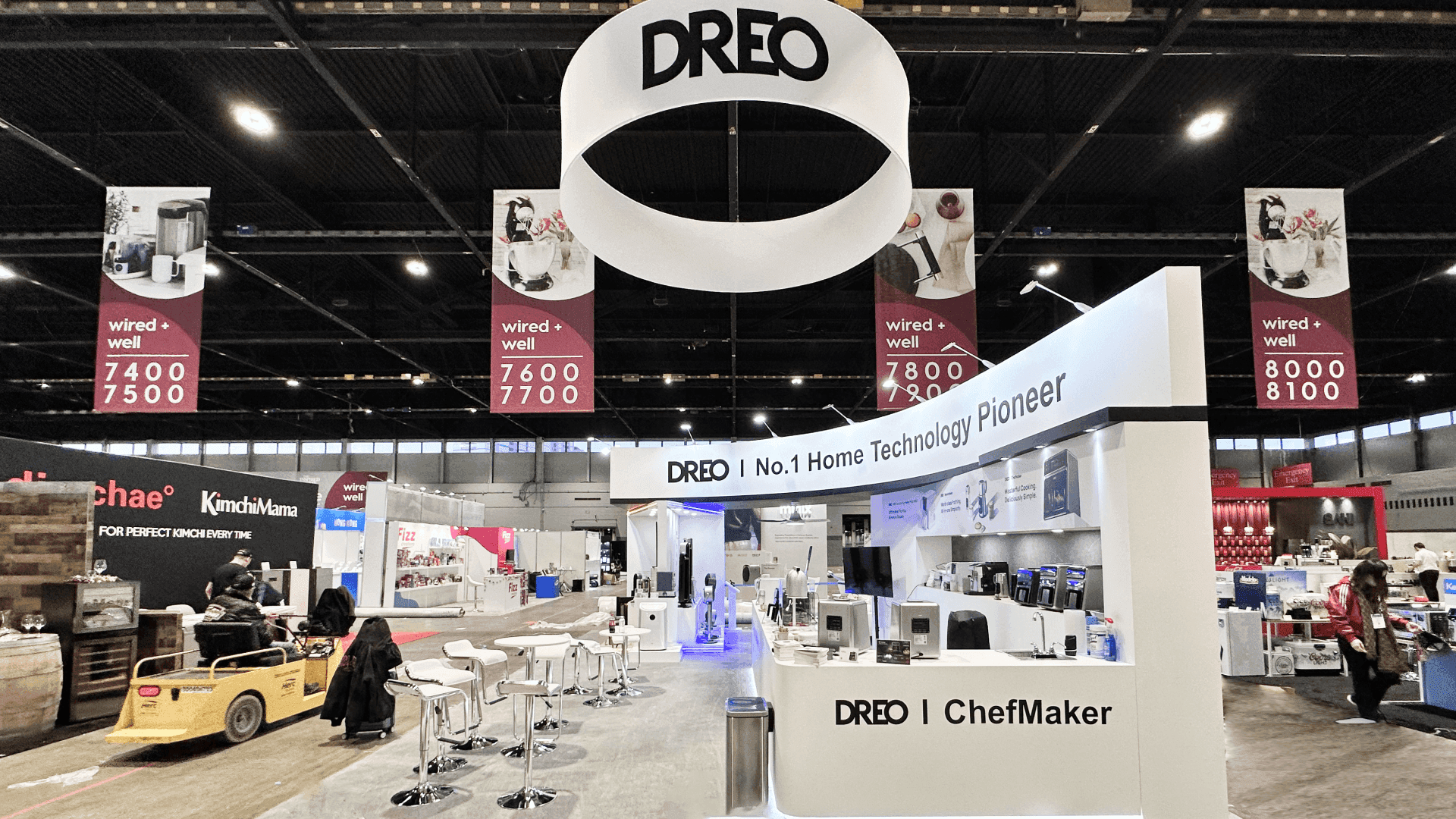
Material displays and installed mock-ups should lock product weight, attachment points, structural interfaces, and refill access before production.
Before Production: Confirm the Product-to-Booth Interfaces
Release production only when the connections between product, structure, utilities, and people are stable. Five checks catch most late-stage conflicts without becoming a generic master checklist:
Display and structure: Confirm dimensions, weight, attachment points, openings, support, and any finish that meets the product.
Display and utilities: Match power, data, lighting, and AV locations to the final product position rather than an early concept drawing.
Operation and service access: Protect the space needed to demonstrate, reset, refill, inspect, or maintain the display during show hours.
Floor and mounting: Resolve base plates, floor protection, cable crossings, transitions, and mounting assumptions before flooring and fixtures are released.
Storage and replenishment: Decide what must remain in the booth, how staff will reach it, and when products or samples can be replaced.
These decisions move together: repositioning a product may also move an opening, outlet, screen sightline, service door, or participant boundary. If the interfaces are still changing, return to booth design and engineering before fabrication turns those assumptions into show-site problems.
From Move-In Planning to Opening-Day Verification
Production approval does not guarantee show-floor readiness. Final drawings, orders, freight sequence, installation plan, and physical products must still describe the same booth, with one owner assigned to every open item.
Before Move-In: Match the Plan to the Project
The logistics lead checks crate order and arrival sequence against construction and product access.
The installation lead confirms the assembly order for flooring, structure, graphics, mock-ups, and equipment.
The technical lead matches utility orders and service drawings to final product and screen locations.
The exhibitor and installation lead confirm placement, attachment, access, and handoff responsibility.
A named show-site owner assigns and closes remaining items before booth release.
Use the drayage and move-in planning guide when crate order or delivery timing is still unresolved. For labor handoff, assembly, or dismantle, continue with the Las Vegas booth installation guide.
Before Opening: Test What the Visitor Will Experience
The final test should follow the visitor’s path, not the equipment list. Can someone recognize the product, see the intended proof, participate where appropriate, and reach the next conversation without crossing a service zone? Test connected-demo fallbacks under actual screen, lighting, and cable conditions. Run supervised trials through a full start, stop, and reset. For meeting-led exhibits, test the staff handoff as well as the AV.
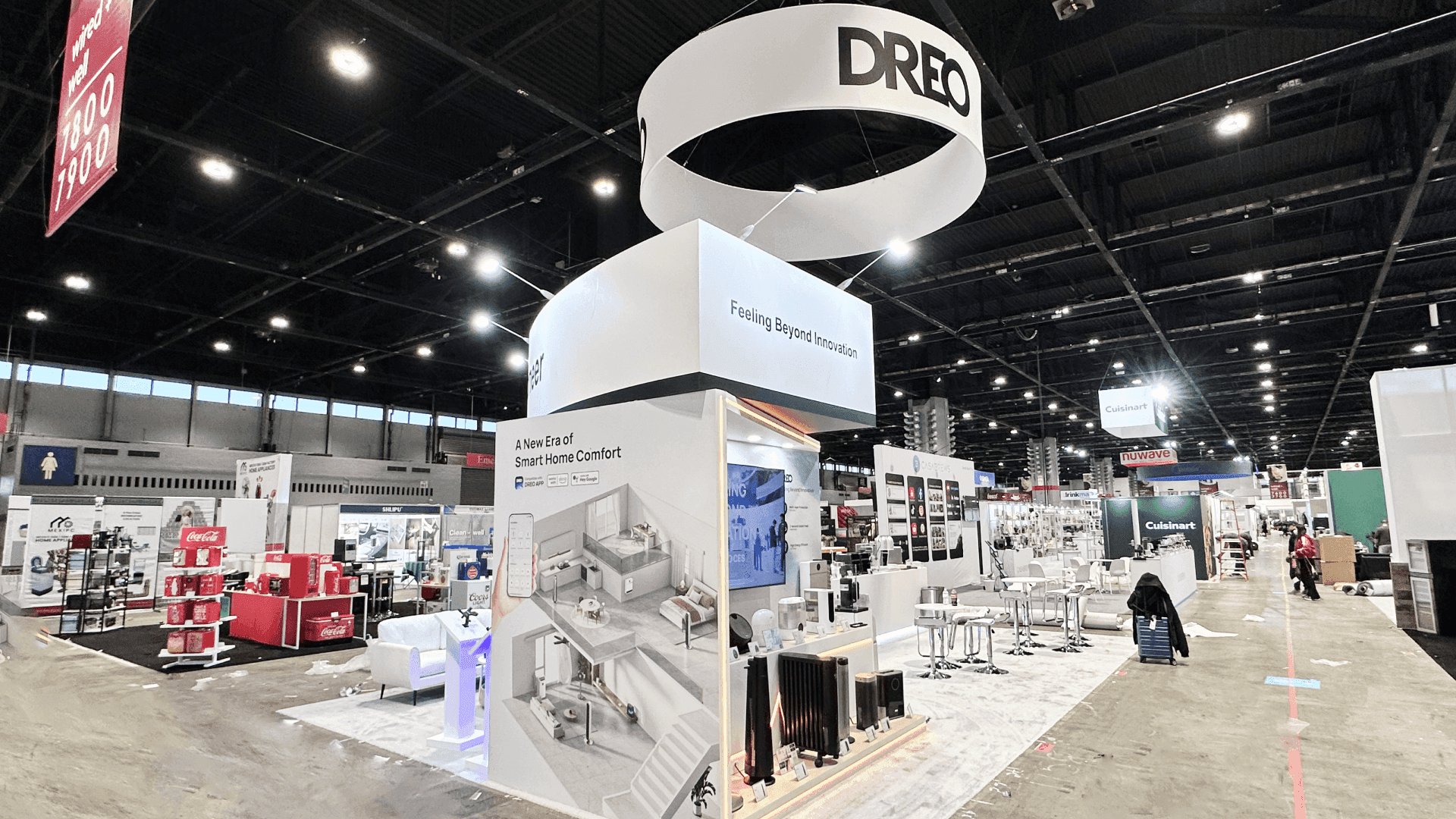
Before opening, test the visitor-facing result, fallback mode, operating boundary, and staff handoff—not simply whether the equipment powers on.
What This Means for IBS Exhibitors at LVCC
IBS brings several exhibit functions into the same program, but they do not share the same operating needs. If the team has not decided what a buyer should see, compare, or believe, define that outcome first with the IBS product demonstration guide. Only then should the team lock the LVCC dependencies.
Building Materials and Installed Displays
Building-product exhibitors often combine samples with a full-scale or cutaway installation. Samples need to be easy to compare and replenish; the installation needs exact interfaces and an assembly sequence. Commercial goals, footprint, and the overall exhibit program remain on the IBS booth planning hub.
Connected Home Demonstrations
For connected products, LVCC readiness means aligning screens, power, data, cabling, and fallback with the visitor path. The Home Technology Zone booth planning page explains how those devices become one understandable household outcome.
Supervised Safety and Tool Trials
Tool and safety-product exhibitors must settle equipment position, operating clearance, floor condition, and the boundary between participants and observers before production. Use Jobsite Safety Zone booth planning for the supervised trial sequence and staff handoff.
Frequently Asked Questions
Can production begin before final product dimensions are available?
Only when the surrounding booth does not depend on them. If the product controls an opening, support, utility point, screen position, finish, or access route, an estimate transfers risk into fabrication and installation. Treat final dimensions as a production input, not a show-site detail.
Does every LVCC demonstration need internet access?
No. A live connection is necessary only when the proof depends on real-time data or a remote service. Otherwise, a controlled offline mode may produce a clearer, more reliable demonstration. Test the fallback rather than assuming it will work.
Where should exhibitors verify current LVCC rules and deadlines?
Use the current exhibitor service manual, organizer instructions, designated service-provider documents, and official LVCC information. This article identifies planning dependencies; it does not replace current orders, deadlines, approvals, or show requirements.







