
Start With Priority Accounts, Not the Pass Count
The available Guest Pass allotment sets a limit, but it should not decide who receives an invitation. Start with the account list and identify where an onsite conversation could move an evaluation, customer relationship, or implementation plan forward.
Existing customers may have adoption, renewal, or expansion questions. Active opportunities may already be comparing HR technology solutions, while strategic accounts may have a defined payroll, recruiting, workforce management, analytics, or employee-experience problem. Partners should be included when there is a real integration, implementation, or buyer opportunity to discuss.
A smaller group of relevant accounts is easier to schedule, staff, and follow up than a longer list created simply to use every available pass.
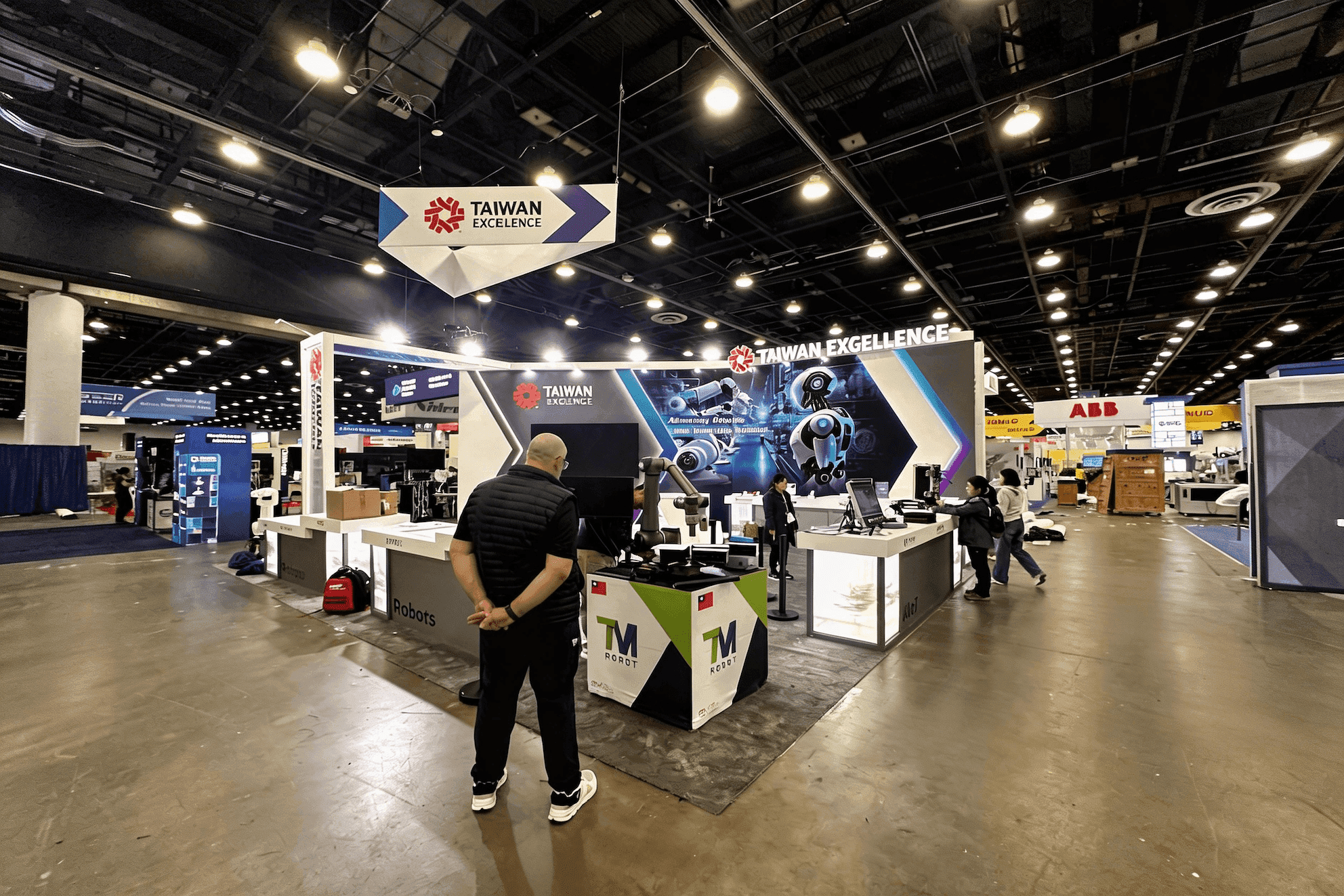
Guest Pass planning starts with the account and the next buying decision. HR, HRIS, IT, security, finance, and procurement may need different reasons to join the meeting.
Invite the People Needed for the Next Decision
A buyer meeting may begin with HR, but the next decision can involve HRIS, IT, security, finance, legal, implementation, or procurement. The right attendee mix depends on what the account still needs to understand.
Not every account needs several visitors, and not every stakeholder needs to attend at the same time. Each invitation should explain the reason for meeting rather than repeat the same product message for every contact.
Stakeholder Table
Meeting purpose | Who may need to attend | What the booth should support |
|---|---|---|
Product-fit discussion | HR leader, business owner | A concise explanation and guided product demo |
Workflow review | HR team, operations, product users | A visible workflow with time for practical questions |
Integration review | HRIS, IT, implementation | An integration diagram and access to a technical specialist |
Security or data review | IT, security, legal | A quieter discussion point and clear supporting information |
Procurement next step | Finance, procurement, account owner | A scheduled conversation with notes and an agreed next action |
A visitor may also arrive with an HRIS manager or security colleague who was not included in the original invitation. The booth team should be able to move from a short product conversation into an integration or risk discussion without shutting down the main demo.
Build a Meeting Calendar the Booth Can Support
A full calendar is not automatically a productive one. Scheduled meetings need room for live demonstrations, walk-in visitors, equipment resets, staff breaks, and conversations that begin late or run longer than expected.
Before confirming the HR Tech exhibitor meeting schedule, account for:
Meeting length: Match the time block to the intended discussion.
Meeting interval: Leave room for notes, visitor movement, and demo resets.
Daily capacity: Base the number of appointments on available staff and meeting space.
Demo coverage: Keep the primary product experience available during scheduled meetings.
Walk-in buffer: Protect time for unplanned priority buyers.
Session conflicts: Avoid booking essential staff during relevant conference or theater content.
Breaks and delays: Expect some appointments to start late or exceed their original slot.
A 20-minute meeting often uses more than 20 minutes of booth time. Arrival, introductions, moving the group away from the aisle, recording notes, and resetting the demo all extend the operating block.
Leaving deliberate gaps in the calendar usually produces better conversations than filling every slot and forcing the team to choose between a scheduled appointment and the visitor waiting at the demo screen.
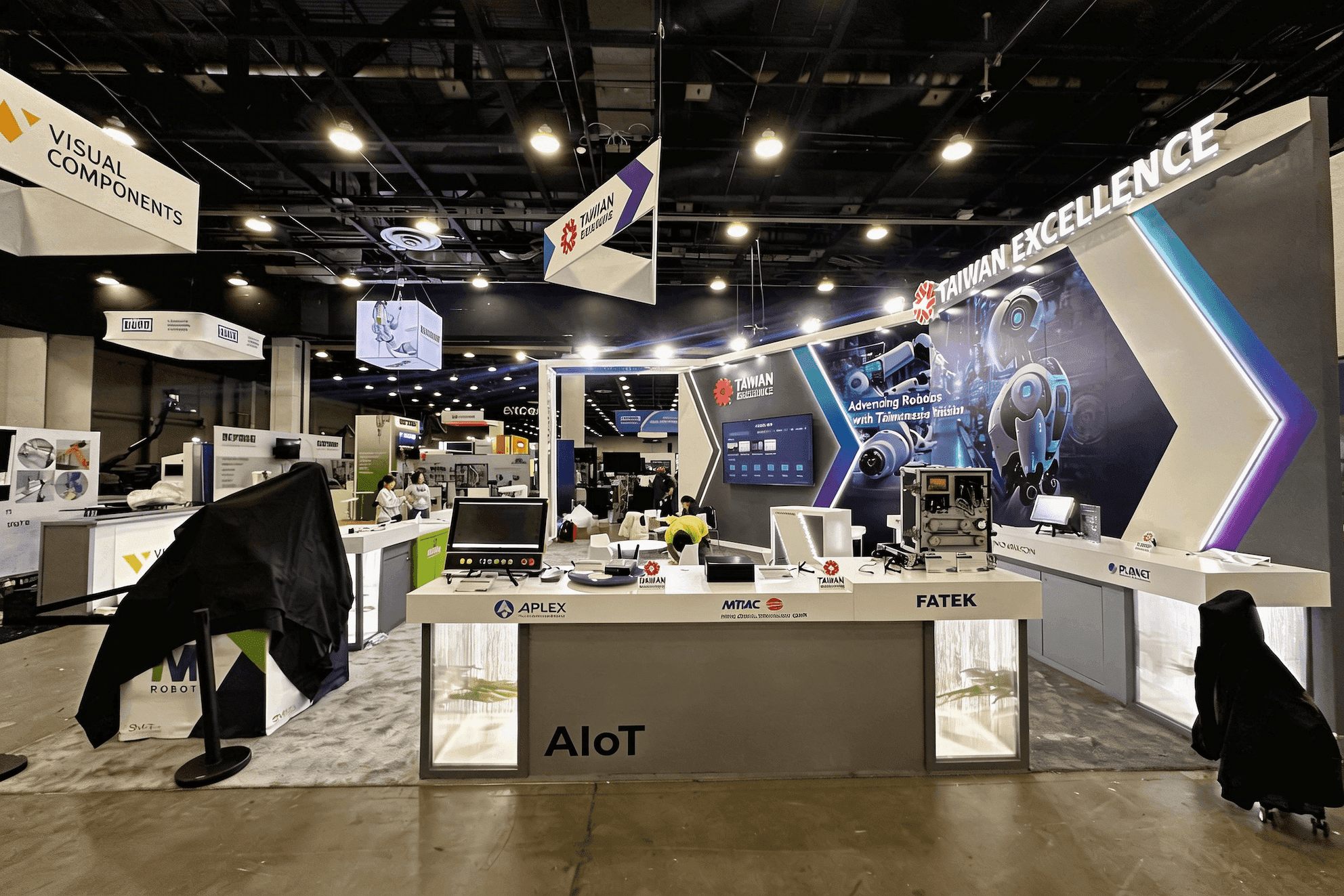
A workable meeting calendar leaves time for product demos, walk-in visitors, notes, equipment resets, staff breaks, and appointments that run longer than planned.
Keep the Demo Available During Scheduled Meetings
The first capacity limit is often not the number of Guest Passes. It is the number of people who can receive visitors, run the product demo, answer technical questions, and document a buyer meeting at the same time.
The onsite plan needs clear coverage for reception and qualification, product demonstrations, HRIS or security questions, scheduled appointments, and meeting notes. Follow-up ownership should also be assigned before the calendar is filled.
Space becomes part of the same decision. In a compact booth, two staff members and a three-person buying group can quickly occupy the main screen position or visitor path. The problem is not simply comfort; it is whether the demo remains visible, walk-in traffic can enter, and equipment or personal items stay out of the circulation route.
When a multi-stakeholder meeting must continue while the primary demo remains active, the functional separation available in a 20x20 booth layout can become relevant for reception, demonstration, discussion, circulation, and storage. The footprint should follow the number of simultaneous functions—not the assumption that a larger booth is automatically better.
Startup exhibitors face a tighter version of the same problem. Pitchfest, founder meetings, breaks, and buyer appointments can leave the kiosk uncovered, which is why staff coverage plays such a central role in HR Tech Startup Pavilion kiosk planning.
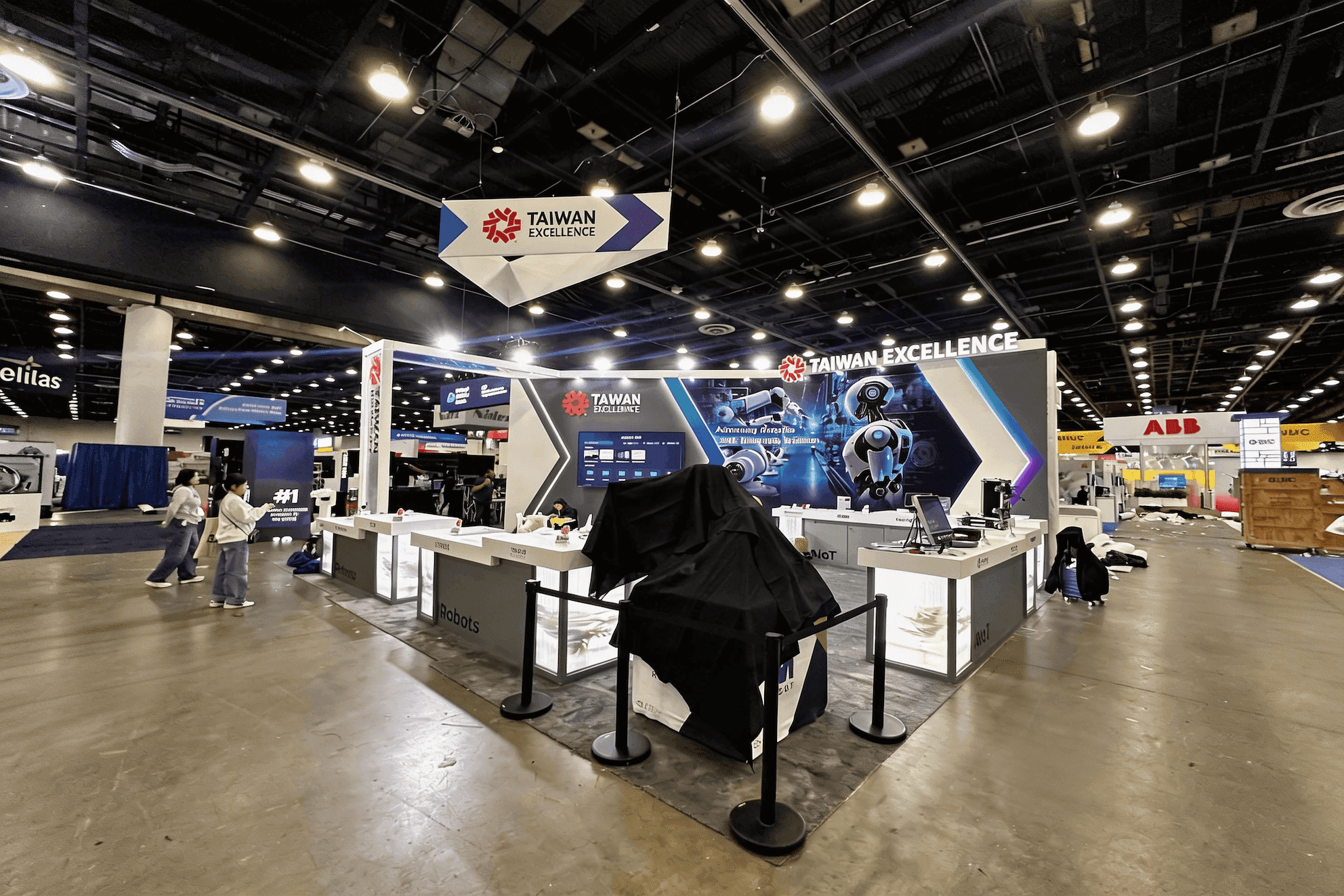
When scheduled meetings and product demonstrations must continue together, the booth needs clear separation between reception, screens, discussion space, circulation, and storage.
Record What the Buyer Actually Asked
No-shows, late arrivals, added stakeholders, meeting overruns, and unscheduled priority visitors can change the calendar quickly. The schedule needs enough flexibility to move or extend a useful conversation without leaving the booth uncovered.
A badge scan confirms attendance, but it does not show whether the buyer asked about payroll integration, requested a security review, questioned the implementation timeline, or agreed to involve procurement.
After each meeting, record:
The account and attendee roles
The reason for the meeting
The workflow or product area reviewed
Open product, integration, security, or implementation questions
The agreed next step
The person responsible for follow-up
These notes preserve the buyer’s evaluation context. They allow the post-show team to continue the real conversation instead of treating every scanned contact as the same type of lead.
Frequently Asked Questions
Who should receive an HR Tech exhibitor Guest Pass?
Prioritize existing customers, active opportunities, strategic accounts, and stakeholders directly involved in evaluating the product. Each recipient should have a clear reason to visit the booth or join a scheduled buyer meeting.
How early should exhibitors begin Guest Pass invitations?
Begin after the current Guest Pass terms, staff availability, meeting calendar, and relevant event deadlines are clear. Leave enough time for recipients to respond, include another stakeholder, or replace a declined invitation.
How should scheduled meetings affect booth size and staffing?
Appointments should not stop product demonstrations or block walk-in visitors. The team may need separate coverage for reception, demos, technical questions, and buyer meetings, along with enough space for discussion, circulation, and storage.







