
A Demo Short Enough to Repeat
Most buyers only need to see a few decisive actions. For a rod, that may be grip, reach, and controlled movement. A reel may need a short retrieve or drag adjustment, while a lure may only require a close look at its action or finish. Marine electronics usually need the main screen, controls, and one clear operating sequence.
Dimensions, compatibility limits, pricing, and detailed performance data can follow after the active demo. When too much explanation happens at the station, buyers begin waiting and the aisle fills quickly. Once the main action is clear, move longer questions to the side and prepare the product for the next run.
Set the product and working surface.
Show the one or two actions buyers need to see.
Allow brief viewing or limited handling.
Continue detailed questions away from the active station.
Return the product and tools to their marked positions.
Confirm the station is clear before starting again.
The same sequence should still work late in the day, after products have been handled repeatedly and staff are moving between conversations.
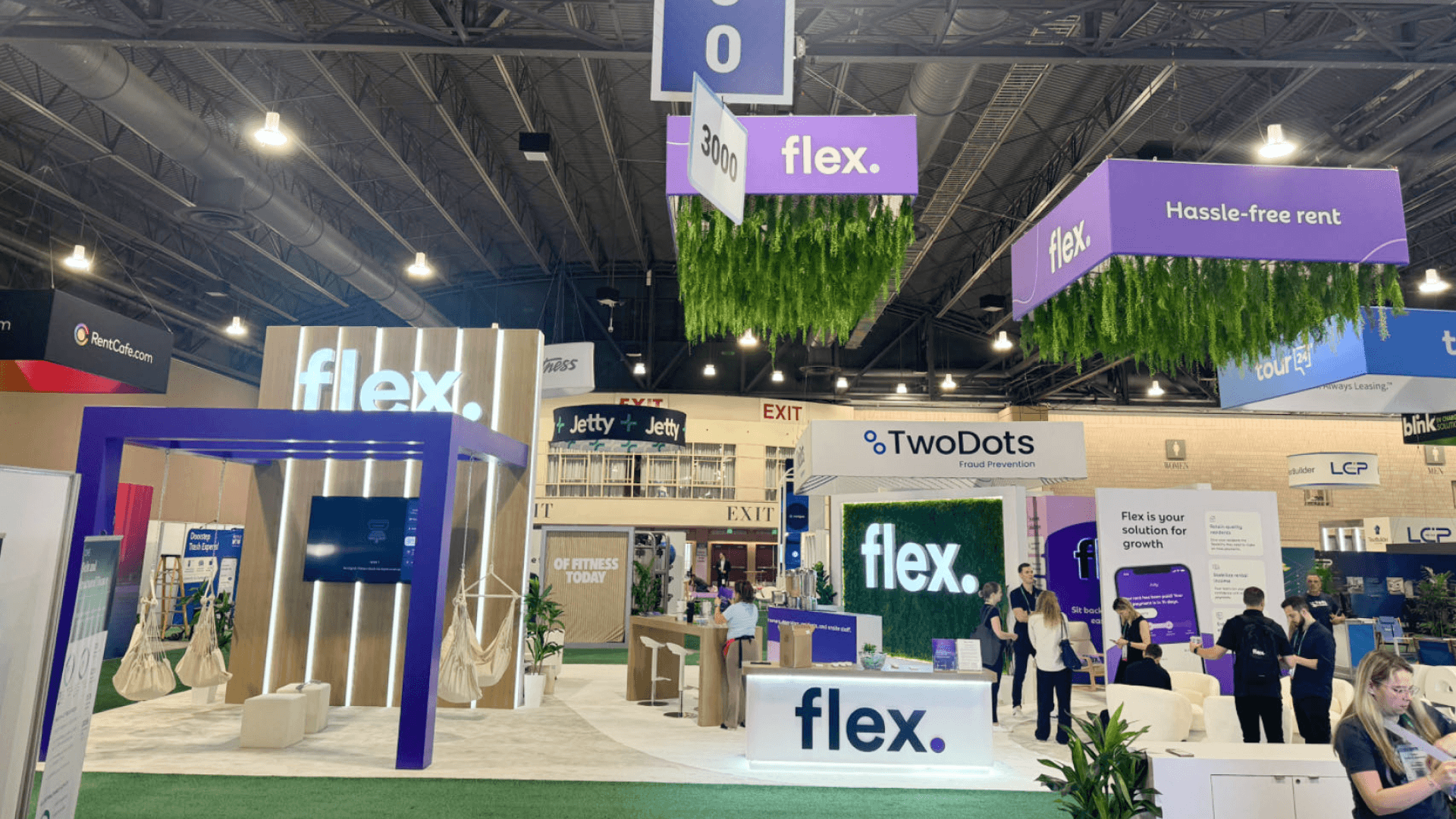
Clear staff and buyer positions keep the product visible while leaving the entrance and working surface open.
Where Staff and Buyers Stand Around the Product
A buyer should be able to stop once and see the product, the staff member, and any supporting screen without moving around the station. Staff belong beside the product or slightly behind it, leaving the action and screen in the same line of sight.
Keep the working area inside the booth. Rod movement, handled samples, cables, and tools should not extend across the entrance or force people in the aisle to step around the demo. Setting these sightlines and clearances is part of booth design and engineering, especially when the product and screen need to be understood together.
After the main action, move longer questions to the side. This leaves the working surface open for reset and gives the next buyer a clear place to stop.
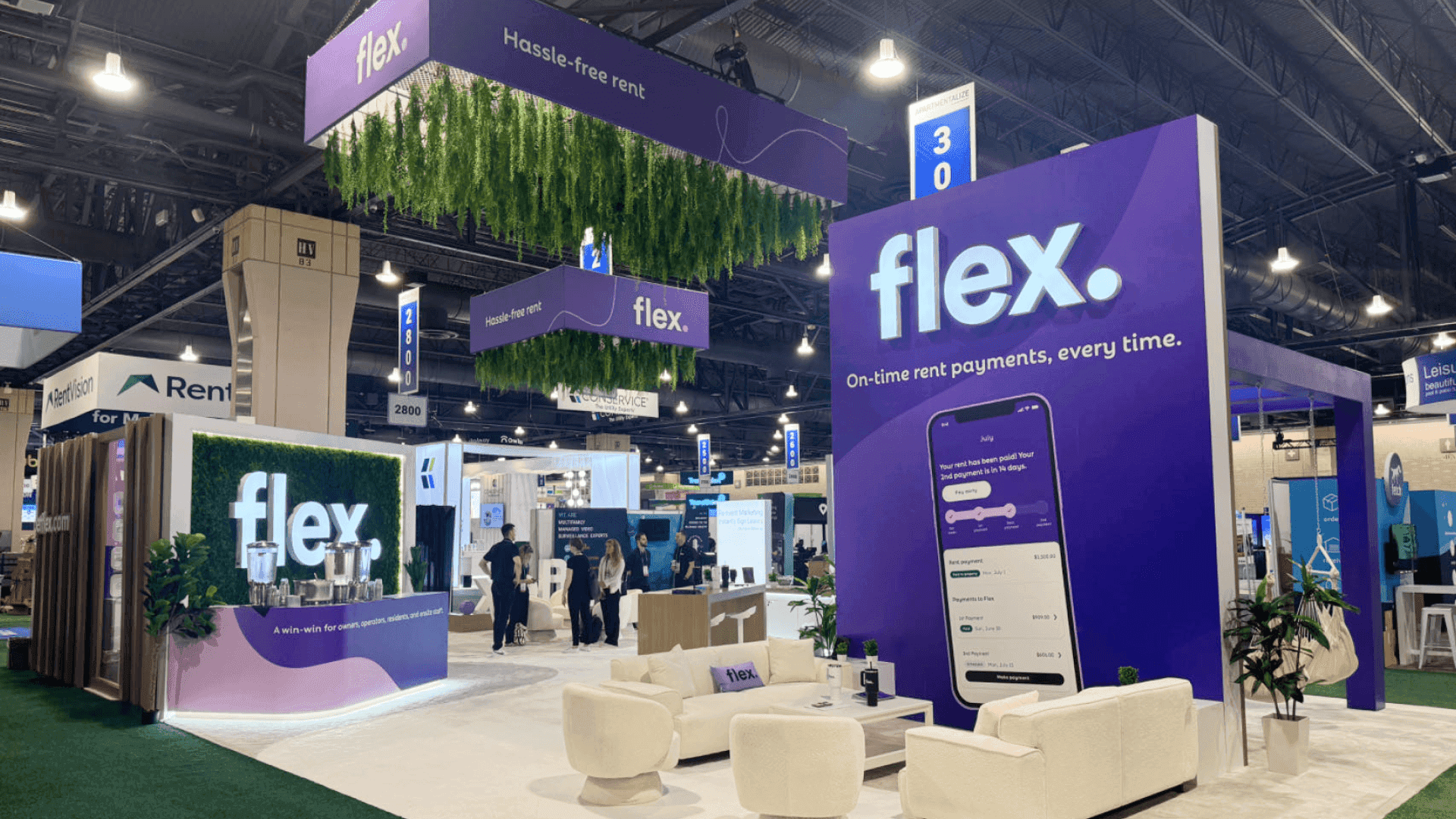
Each fishing product needs a different combination of movement space, close-range viewing, power, controls, and backup content.
Demo Setups for Rods, Reels, Lures, and Marine Electronics
A demo station should follow the way the product is handled. Rods need room to move, reels and lures need close viewing, and marine electronics depend on power, visible controls, and a reliable fallback.
Rod Demonstrations
A rod demonstration needs a clear movement zone inside the booth. Buyers should stand far enough back to see the rod’s reach and response without moving into the aisle.
Use a stable support and one fixed return position. After handling, the rod should go back to that support rather than rest against a counter or project into the walkway.
Reels and Lures at Close Range
Reels, lures, and small components are easier to inspect over a counter. A shallow product tray keeps handled items, labels, and loose parts together while giving buyers a closer view.
Each item should have a marked position. That makes it easier to spot a missing component, restore the grouping, and prepare the counter for the next buyer.
Marine Electronics With Power and Backup Content
The screen, controls, and product should be visible from the same stopping point. Power and data cables need a fixed route that stays clear of hands, product handling, and the buyer’s view.
If a live connection or software feed fails, an offline video or static screen sequence should still show the interface, operating steps, and expected result.
Demo conditions change with the product, so the station should be planned around how buyers interact with it.
Product type | Buyer interaction | Station requirement | Reset or fallback |
|---|---|---|---|
Rods | Watch movement or briefly handle the rod | Clear movement zone and stable support | Fixed support position |
Reels and lures | Close viewing and limited handling | Counter, shallow tray, readable labels | Restore tray layout |
Marine electronics | Follow controls and operating steps | Stable power, visible screen, secured cables | Restart or switch to fallback |
Small accessories | Compare fit or compatibility | Grouped tray or mounted set | Replace pieces and restore grouping |
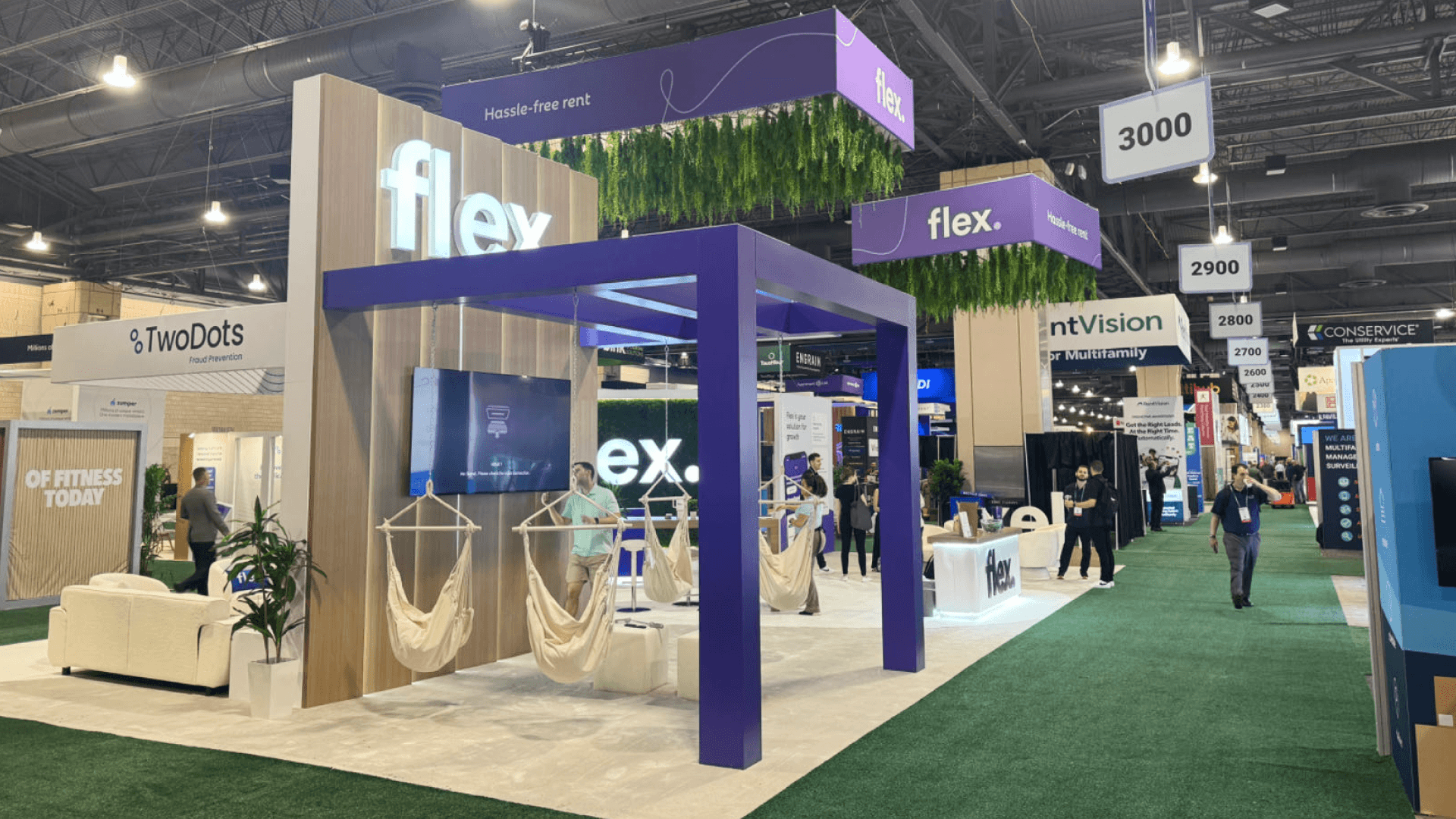
A fixed reset routine helps staff restore the station quickly and repeat the demonstration throughout the day.
What Stays Near the Demo Station
Keep the active surface almost bare: the product, its controls, and only the tools needed for that run. Chargers, batteries, spare parts, cleaning supplies, printed instructions, literature, and a backup unit should be close enough for staff to reach quickly, but outside the buyer’s main line of sight.
A labeled drawer, concealed shelf, or cabinet beside the station usually works better than open storage. Keep power items, tools, and replacement parts on the staff side, with literature and instructions closer to the follow-up area. The backup unit should be easy to retrieve without looking like a second featured product.
Keeping the Aisle Clear During Product Demos
The demo point should sit far enough inside the booth for buyers to leave the aisle before stopping. Waiting visitors should remain to one side rather than gather around the working surface.
Keep each run to the number of people who can see the product without crowding the station—often two or three for reels, lures, or electronics, and fewer when a rod needs movement room. People waiting for the next run should still be able to follow the action without interrupting a nearby sales conversation.
When the run ends, longer questions move to the follow-up area and the next group steps forward. That small handoff keeps the entrance open and gives staff room to reset.
Resetting the Station for the Next Buyer
Reset begins as soon as a buyer steps away. Rods, reels, lures, controls, tools, and cables should return to fixed positions so staff can spot anything missing or out of place. Wipe handled products and clear the counter before the next item is set down.
Replace any literature, batteries, samples, or small parts used during the run, then restore the working surface to the same layout. For marine electronics, confirm that the primary unit has returned to the opening screen and that the fallback is still ready. A station that resets the same way each time is easier to run cleanly through the final hours of the day.
Product Demo Flow Checklist
Before the first run, confirm that:
The demo is limited to the few actions buyers need to see.
Staff can work without blocking the product or screen.
Buyers have a clear, marked viewing point.
Power, screens, controls, and cables have been tested.
Tools, chargers, spare parts, and the backup unit are close at hand but outside the main sightline.
Every handled product has a fixed return position.
An offline video or static screen sequence is ready if the live demo stops working.
FAQ
How long should a fishing product demo take?
A fishing product demo should end once buyers have seen the few actions that explain how the product works. Specifications, compatibility limits, pricing, and longer performance questions can move to the follow-up conversation, allowing the same demo to run again without delay.
How can a product demo avoid blocking the aisle?
Move the demo point far enough inside the booth for buyers to step out of traffic before stopping. Give them one clear viewing position, and keep staff, product movement, and screens within the booth rather than across the entrance.
What backup plan should a marine electronics demo have?
Keep a backup unit and spare battery ready when practical. If the live connection or primary device fails, staff should be able to switch to an offline video or static screen sequence and explain the operating steps manually.







