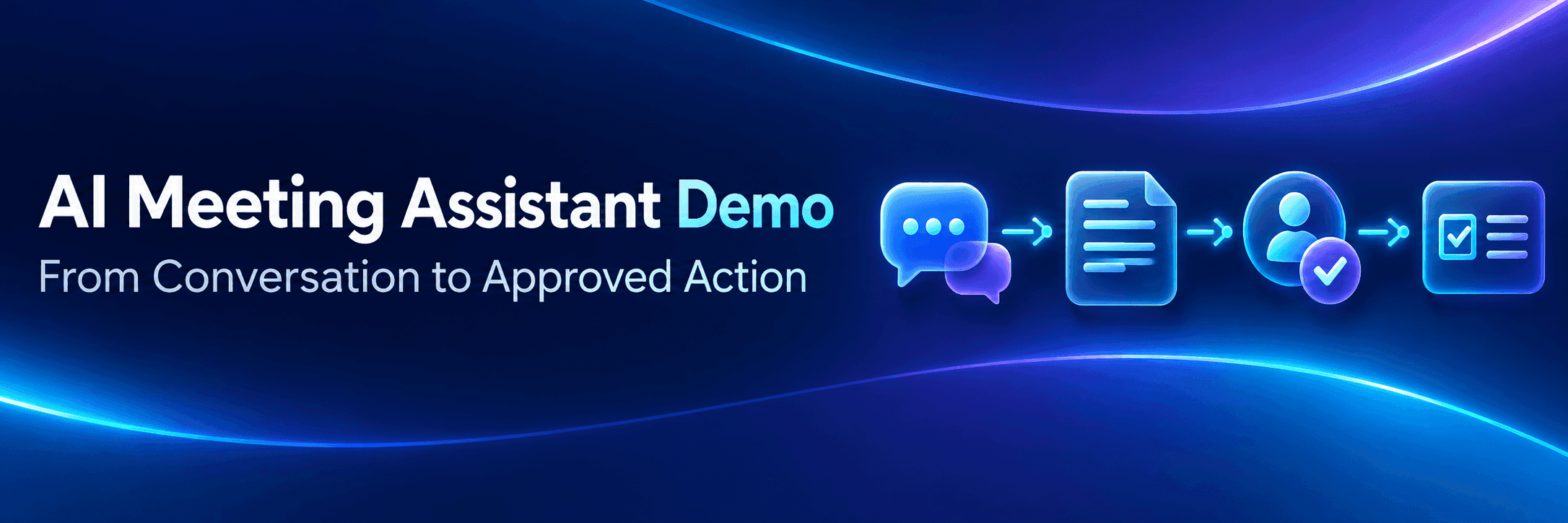
Why a Finished Meeting Summary Is Not Enough Evidence
A summary can sound definitive even when the conversation was not. If it says, “IT will approve the rollout by Friday,” buyers need to know whether the team confirmed that commitment, mentioned Friday as a preferred target, or never agreed to it. The same summary might omit a revised deadline, an unresolved concern, or an action assigned near the end of the meeting.
The risk becomes real when the output enters another system. An unsupported decision can appear in a project record, while an uncertain owner can receive a task that nobody actually assigned. The user needs access to the source and an opportunity to correct the record before either happens. Teams presenting several AI capabilities can use AI product booth design to decide which claims need their own visible proof.

Each summary statement and action item links back to the part of the meeting that created it.
Begin With a Meeting That Leaves Work Unfinished
Use one recognizable business meeting throughout the walkthrough. A company-wide rollout works well because it naturally produces decisions, dependencies, and follow-up work. In this scenario, the team agrees that the rollout cannot proceed until an integration review is complete. The IT specialist must confirm whether the proposed system works with the company’s existing tools, the project manager must revise the implementation timeline after that review, and the account owner must then schedule the next customer meeting.
The meeting should end before those tasks are completed. The integration review unlocks the revised timeline, and the timeline unlocks the next customer conversation. This gives the demonstration one clear chain to follow instead of several disconnected features.
Trace the Summary Back to the Conversation
Do not open with a polished summary and ask buyers to trust it. Start with the meeting record. When a buyer selects an important summary statement, the interface should reveal the part of the discussion that supports it and indicate whether the team confirmed the point or merely discussed it.
Apply the same traceability to action items. If the assistant creates an integration-review task, buyers should be able to see which statement produced it, who was proposed as the owner, and whether the meeting established a deadline.
Proof Step | What the Buyer Sees | What It Establishes |
|---|---|---|
Source meeting | A prepared rollout record with a decision, an open integration question, and follow-up work | The output begins with recognizable business context |
Linked summary | A summary statement paired with the relevant meeting excerpt | The statement can be checked against its source |
Decision status | A label such as confirmed, open, or inferred | Agreement is separated from general discussion |
Action item | The integration-review task with its proposed owner, deadline, and supporting statement | A specific exchange can become follow-up work |
Exception state | An unclear owner or unconfirmed deadline waiting for review | Missing information remains visible instead of being silently completed |
Make Ownership and Uncertainty Visible
Identifying an action item is only the first step. The walkthrough must also show whether the owner and deadline were stated directly, inferred from context, or left unresolved. If the IT specialist and project manager both discuss confirming the rollout schedule, the assistant should separate the technical review from the timeline update rather than assigning everything to “IT and the project team.”
Deadlines need the same treatment. Friday can appear as confirmed if the team agreed to it, but it should remain tentative if someone mentioned it only as a preferred target. Until the meeting organizer confirms the owner and deadline, the action remains a draft.
Approve the Record Before Work Moves Forward
The assistant’s initial output should not change another system automatically. In the rollout scenario, it might summarize the discussion as “The integration was approved” when the team actually said that a technical review was still required. The meeting organizer can correct that statement, assign the review to the IT specialist, and confirm or remove the proposed deadline. The organizer can also hold the next customer meeting until the revised rollout timeline is available.
The interface needs to distinguish three states:
AI-generated information
User-edited information
Approved information
This history lets buyers see what the assistant produced, what a person changed, and which version the team accepted. Only the approved version can create the project task.
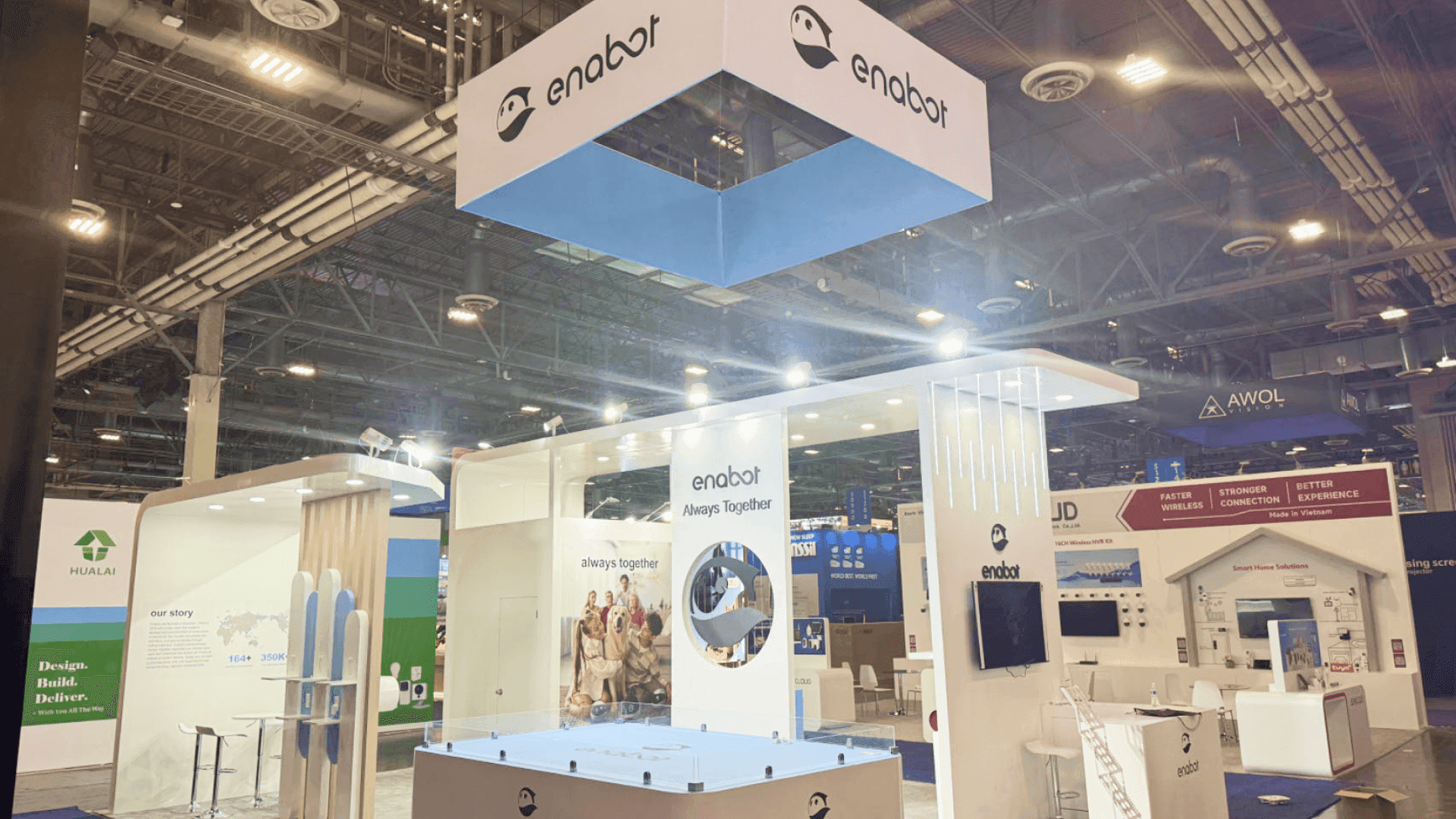
After user approval, the integration review moves into the team’s work system with its owner, deadline, and meeting context preserved.
Show What Happens After the Meeting
Once the record is approved, take one action into the system where the team already works. Here, the integration review becomes a task titled “Review rollout integration requirements.” It retains the confirmed owner, due date, source meeting, and relevant discussion excerpt, so the IT specialist sees both the assignment and the decision behind it.
In the IT specialist’s work queue, the task appears as “Awaiting Integration Review.” The specialist can open it, review the meeting context, complete the assessment, and record the outcome without reconstructing the discussion from separate notes. Once the review is complete, the project manager can finalize the rollout timeline and the account owner can schedule the customer meeting.
Use a Controlled Meeting Record Without Making the Demo Feel Staged
On the show floor, staff may run the same walkthrough repeatedly. Every run needs a reliable starting point, a known end state, and a quick reset process. Use a fictional, anonymized, or explicitly approved meeting record, but keep the conversation realistic enough to include a confirmed decision, ambiguous responsibility, follow-up action, and dependency between participants.
Choose the moments that need to happen live. The transcript and initial summary can be prepared, while the operator opens a source excerpt, resolves an owner, corrects the record, and approves the task in front of the buyer. This preserves meaningful interaction without making every run depend on unpredictable input.
After each walkthrough, return the workflow to its original state so the next buyer does not inherit previous edits or completed tasks. Keep a recorded version of the same sequence available in case a generated output or external system fails.
Demo Path | Buyer Goal | Required Proof |
|---|---|---|
Short walk-up version | Understand the central product claim quickly | Meeting problem, linked summary, one unresolved action, and user approval |
Deeper buyer review | Examine control and workflow fit | Source traceability, ambiguity resolution, edit history, approval, and task handoff |
Once this sequence is fixed, use Enterprise Connect AI booth planning to plan shared viewing, operator access, and space for follow-up conversations.
FAQ
What should happen if an AI meeting assistant cannot identify the action owner?
The assistant should mark the item as unresolved, connect it to the relevant part of the meeting record, and ask an authorized user to confirm or reassign it. The task should remain a draft rather than silently assigning responsibility to the most likely participant.
Should an AI meeting assistant create tasks automatically after a meeting?
It can draft a task automatically, but the workflow should include an approval point before that task reaches another person or system. The approved task should retain its owner, due date, and source meeting context so the recipient understands why it was created.
Is a live meeting necessary for an AI meeting assistant demo?
No. A fictional, anonymized, or explicitly approved meeting record often provides clearer and more repeatable proof. Use a live meeting only when consent, input quality, output behavior, external dependencies, and the reset process have been tested. Keep a recording of the same workflow available as a backup.
A credible meeting-assistant walkthrough does not end when the summary appears. It ends when buyers can see where the result came from, what a person changed, who approved the action, and where the work went next. If the footprint, meeting space, or overall exhibit direction is still open, review Enterprise Connect booth planning before approving the final brief.







