
AFCEA WEST booth planning is different from a general trade show layout because many exhibitors need to explain complex defense technology in a short show-floor interaction. A strong booth should make the product story, demo path, and next conversation easy to understand before the visitor steps deeper into the space.
Plan the Booth Around the Defense Technology Being Demonstrated
For AFCEA WEST exhibitors, booth planning should start with the defense technology itself, not a standard exhibit layout. On a San Diego defense and Sea Services show floor, visitors need to quickly understand whether the booth is showing naval systems, secure communications, cybersecurity software, C4ISR tools, maritime technology, or a mission-support platform.
Each product type needs a different layout. Maritime defense systems may need larger visuals and system context. Cybersecurity or secure communications products often need a cleaner demo station where the workflow is easy to follow. A multi-solution defense company may need separate zones so visitors can understand which product or technical conversation applies to them.
The booth should make three things clear: what the technology does, who it supports, and what discussion should happen next.
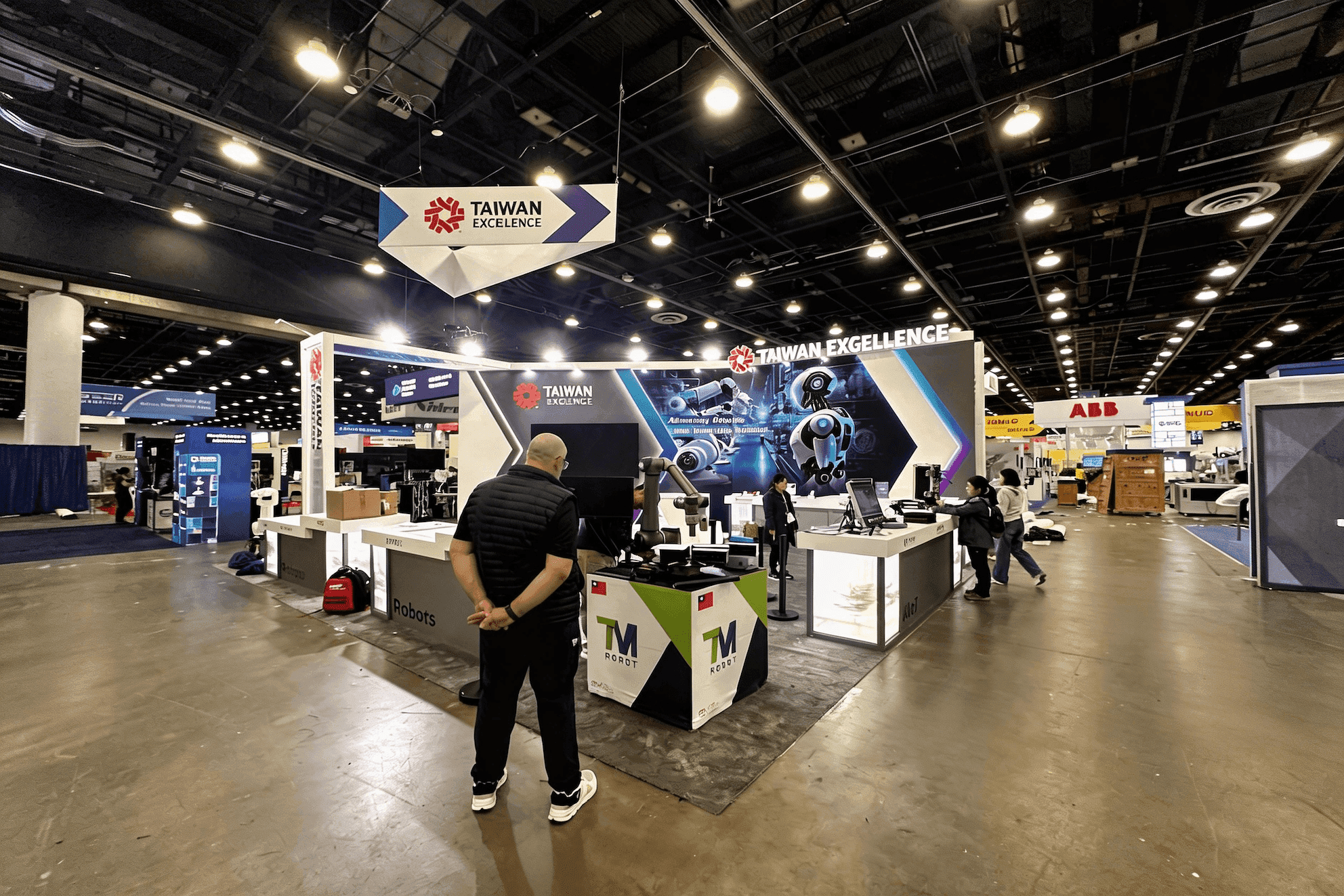
A defense technology booth planned around naval systems, secure communications, C4ISR tools, and clear demo conversations for AFCEA WEST exhibitors.
AFCEA WEST Booth Planning Priorities by Product Type
Once the product story is clear, booth planning priorities should be separated by product type. A naval system, a cybersecurity platform, a secure communications product, and a command-and-control tool may all belong in the same defense environment, but they do not need the same booth layout.
Product focus | Booth planning priority | Layout notes |
|---|---|---|
Naval systems | Show mission context clearly | Use larger visuals, system diagrams, and space for technical discussion |
Maritime defense technology | Explain how the solution fits into operations | Keep the booth focused on use case, not just product display |
Secure communications | Make the workflow easy to follow | Place screens where visitors can read the process from the aisle |
Cybersecurity software | Support a focused demo path | Avoid too many dashboards or competing messages |
C4ISR or multi-solution defense company | Separate product stories by zone | Use graphics, counters, and meeting areas to guide different conversations |
The goal is to make the booth easy to read before a staff member starts explaining. When each product type has a clear planning priority, visitors can quickly understand what is being shown and whether a deeper technical conversation makes sense.
Field Note: Defense Booths Need Clear Demo Sequences
A defense technology booth can look polished and still be hard to follow. This usually happens when screen content, wall graphics, and staff conversations all compete for attention, but the visitor does not know where to start.
For AFCEA WEST, the first few seconds matter. A visitor should understand the mission context, recognize what the technology does, and know whether the next step is a quick overview, a technical demo, or a more private buyer discussion.
In many cases, one clear demo path is stronger than adding another monitor, another panel, or another layer of copy.
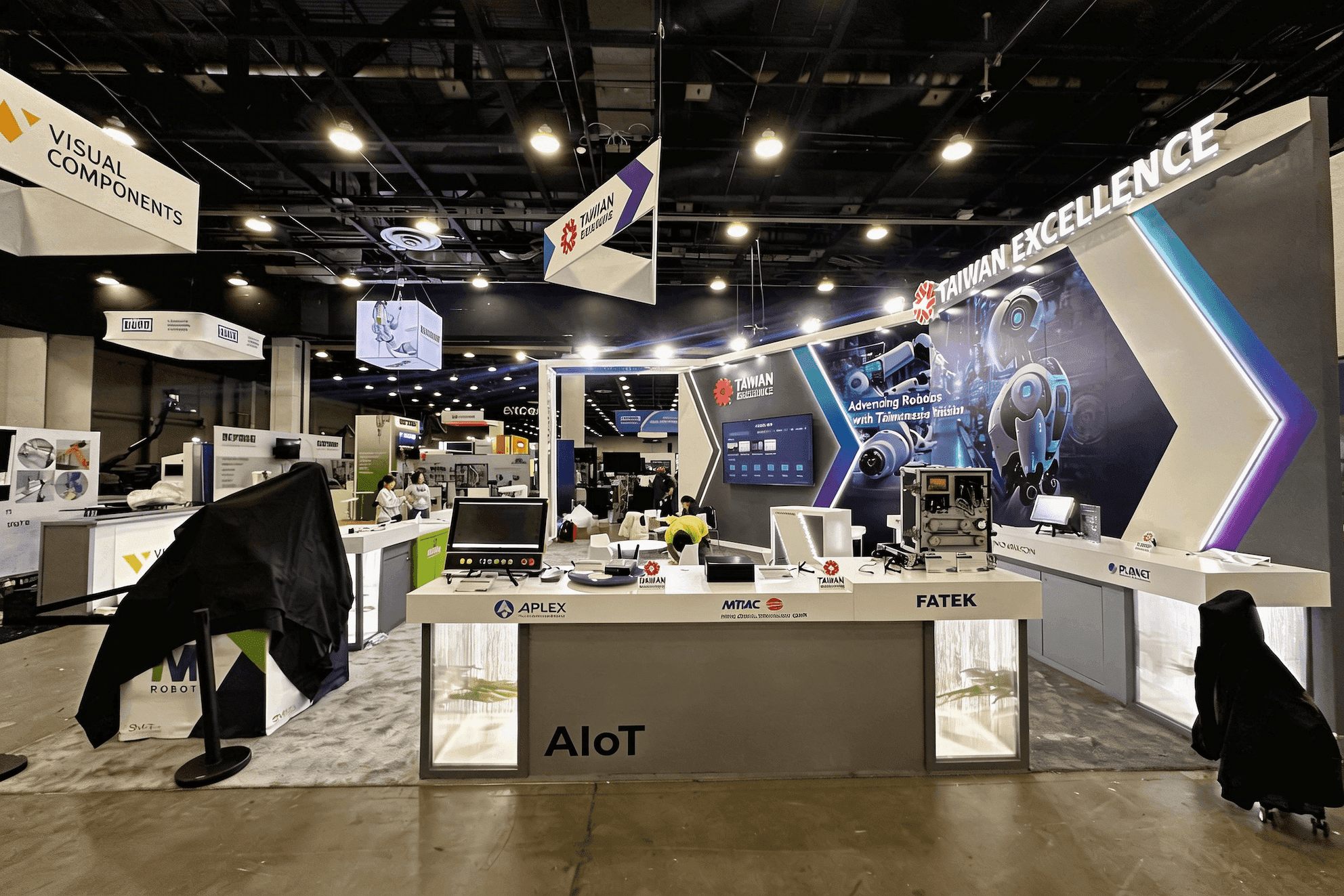
A focused cybersecurity or secure communications demo area helps visitors understand the workflow before moving into a deeper technical conversation.
Demo Areas for Operator, Buyer, and Technical Conversations
AFCEA WEST booths often need more than one conversation space. Some visitors may only need a quick explanation from the aisle. Others may want to review a workflow, discuss integration, or sit down for a more focused buyer conversation.
The layout should give each conversation a clear place. A front-facing overview area can explain the product category and mission context. A demo station can support software, communications, cyber, or system-level walkthroughs. A meeting area gives staff room for longer discussions with operators, government buyers, partners, or technical teams.
This separation helps the booth stay readable on a busy show floor and gives each visitor a natural next step: stop for a quick overview, move into a demo, or continue into a deeper discussion.
Booth Size Fit for AFCEA WEST Exhibitors
For AFCEA WEST exhibitors, booth size should be chosen around how many product stories, demo points, screens, and meeting conversations the booth needs to support.
A 20x20 booth can work well for one focused defense technology story, such as secure communications software, a cybersecurity platform, or a compact C4ISR demo. It can support a clear front message, one or two demo points, and a small meeting area. For this type of layout, 20x20 booth planning is usually enough if the message stays focused.
A 20x30 booth gives the team more room to separate overview, demo, and meeting conversations. This is useful for exhibitors showing multiple workflows, larger screens, or a mix of software and system-level explanations. 20x30 booth planning also gives staff more space to manage technical discussions without blocking the aisle.
Larger layouts may be needed for multi-solution defense companies, maritime systems, or booths with stronger meeting requirements. But more space only helps when the booth story is organized.
Cybersecurity and Secure Communications Demo Notes
Cybersecurity and secure communications exhibitors should keep the booth message narrow. Visitors need to understand what the product protects, connects, monitors, or helps control before they can follow a deeper technical demo.
For AFCEA WEST, the demo area should not feel like a wall of dashboards. A stronger approach is to show one clear workflow: the operating environment, the problem, the product’s role, and the action it supports.
For exhibitors planning a more focused cybersecurity or secure communications booth, see AFCEA WEST cybersecurity booth planning.
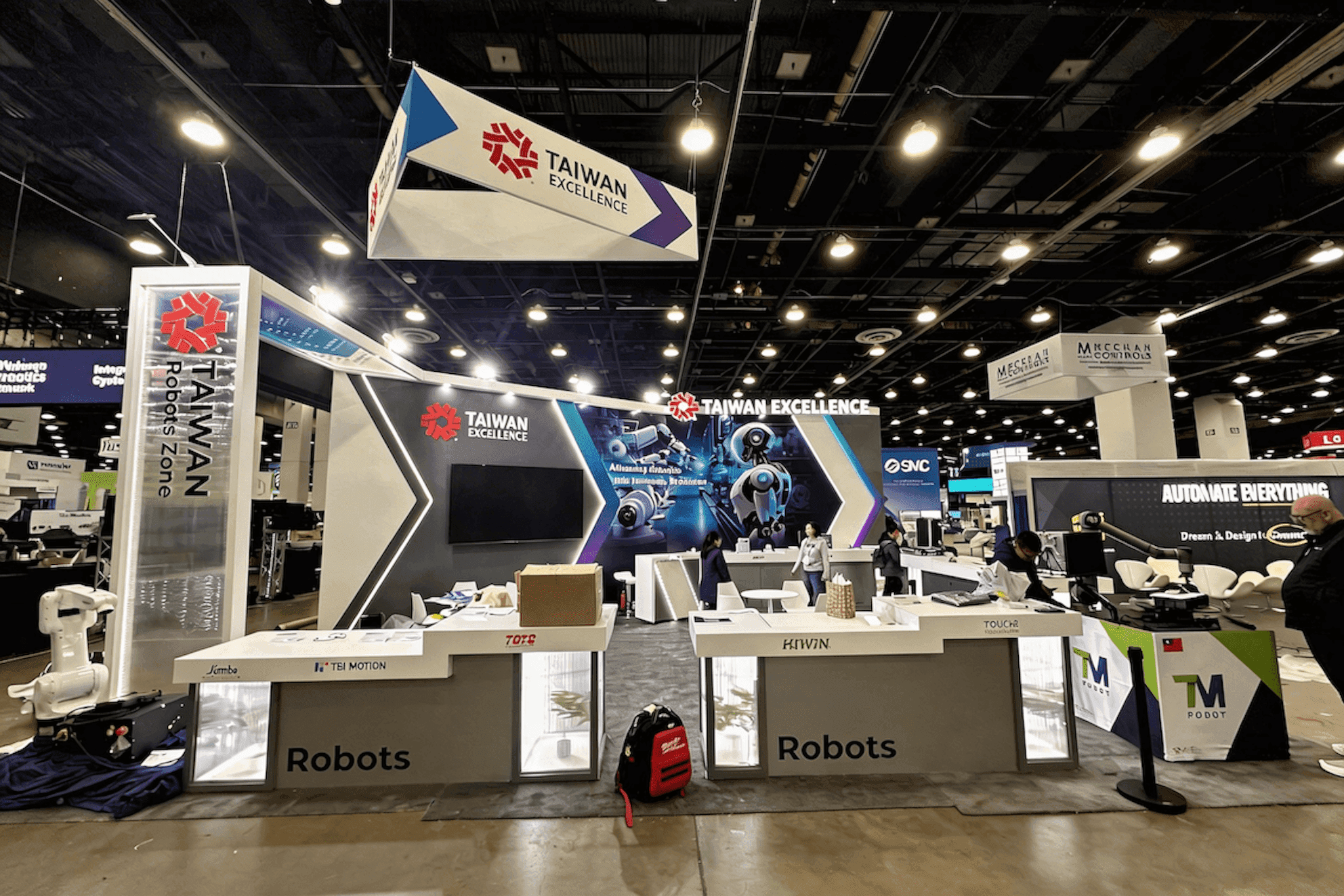
AFCEA WEST booth setup should account for screens, AV, power access, graphics, crate labels, and demo station readiness before the show opens.
Graphics Should Make the System Story Easier to Read
For AFCEA WEST exhibitors, booth graphics should help visitors understand the system before the conversation starts. This matters when the product involves secure communications, cyber workflows, C4ISR tools, maritime technology, or a broader mission-support platform.
The booth does not need every technical detail on the wall. The first visual layer should make the basics clear: what the product is, where it fits, and why it matters. A strong graphic system may include a short category statement, a simple workflow diagram, demo station labels, mission-context visuals, and a clear brand hierarchy.
For this type of planning, graphics and brand presentation should be considered early, not added after the booth structure is already finalized.
San Diego Convention Center Setup Notes
The booth also has to work once it reaches the San Diego Convention Center floor. AFCEA WEST exhibitors often rely on screens, AV equipment, demo devices, printed graphics, power access, and a clean handoff between the install team and booth staff.
Before the booth ships, exhibitors should confirm monitor locations, cable paths, demo station requirements, crate labels, and the unpacking sequence. If the booth includes cybersecurity, secure communications, or system-level demos, each station should be clearly marked so the setup team understands what belongs where.
Small details can affect how the booth performs once the show opens. A screen placed too low, a storage area in the wrong corner, or a crowded counter can make a technical product harder to explain.
AFCEA WEST Booth Planning Checklist
Before the booth layout is approved, AFCEA WEST exhibitors should check the details that affect demo clarity, setup, and show-floor movement.
Define the main defense technology story before booth design starts
Decide whether the booth needs software demos, hardware display, system diagrams, or private discussion space
Separate quick overview areas from deeper technical or buyer conversations
Check screen placement, viewing angles, and aisle readability
Keep demo station labels short, specific, and easy to understand
Confirm power, AV, internet, cable paths, and demo device requirements
Prepare graphics that explain product category, mission context, and workflow
Label crates, booth components, monitors, and demo equipment before shipping
Prepare install notes so the setup team understands the booth sequence
Plan dismantle, outbound shipping, storage, or booth reuse before the show opens
FAQ
What should exhibitors plan for an AFCEA WEST booth?
AFCEA WEST exhibitors should plan around the defense technology being shown, the demo flow, and the type of conversation the booth needs to support. Important details include screen placement, graphics, meeting space, AV, power, internet, installation notes, and San Diego Convention Center setup requirements.
Is a 20x20 booth enough for AFCEA WEST exhibitors?
A 20x20 booth can work for one focused product story, such as a cybersecurity platform, secure communications tool, compact C4ISR demo, or software-based defense technology. If the booth needs multiple demo areas, larger screens, private meetings, or several product categories, a 20x30 or larger layout may fit better.
How should cybersecurity or secure communications products be shown at AFCEA WEST?
Cybersecurity and secure communications products should be shown through one clear workflow, not a crowded wall of dashboards. The booth should explain what the product protects, connects, monitors, or helps control, with readable screens, a focused demo station, and space for technical follow-up.






