
Why On-Site Rework Often Starts Before Move-In
A booth can be fabricated correctly and still create unnecessary work during installation.
The problem may have started with an outdated drawing, an unresolved technical requirement, a late product change, or a service responsibility that was never confirmed. The installation crew is often where the mismatch becomes visible, not where it begins.
By that point, labor, materials, and technical services may already be active. A correction that was simple during planning or in the shop can now require waiting, reopening finished work, additional handling, or coordination between several teams on the floor.
Before move-in, those dependencies are still easier to correct without disrupting active labor or technical work.
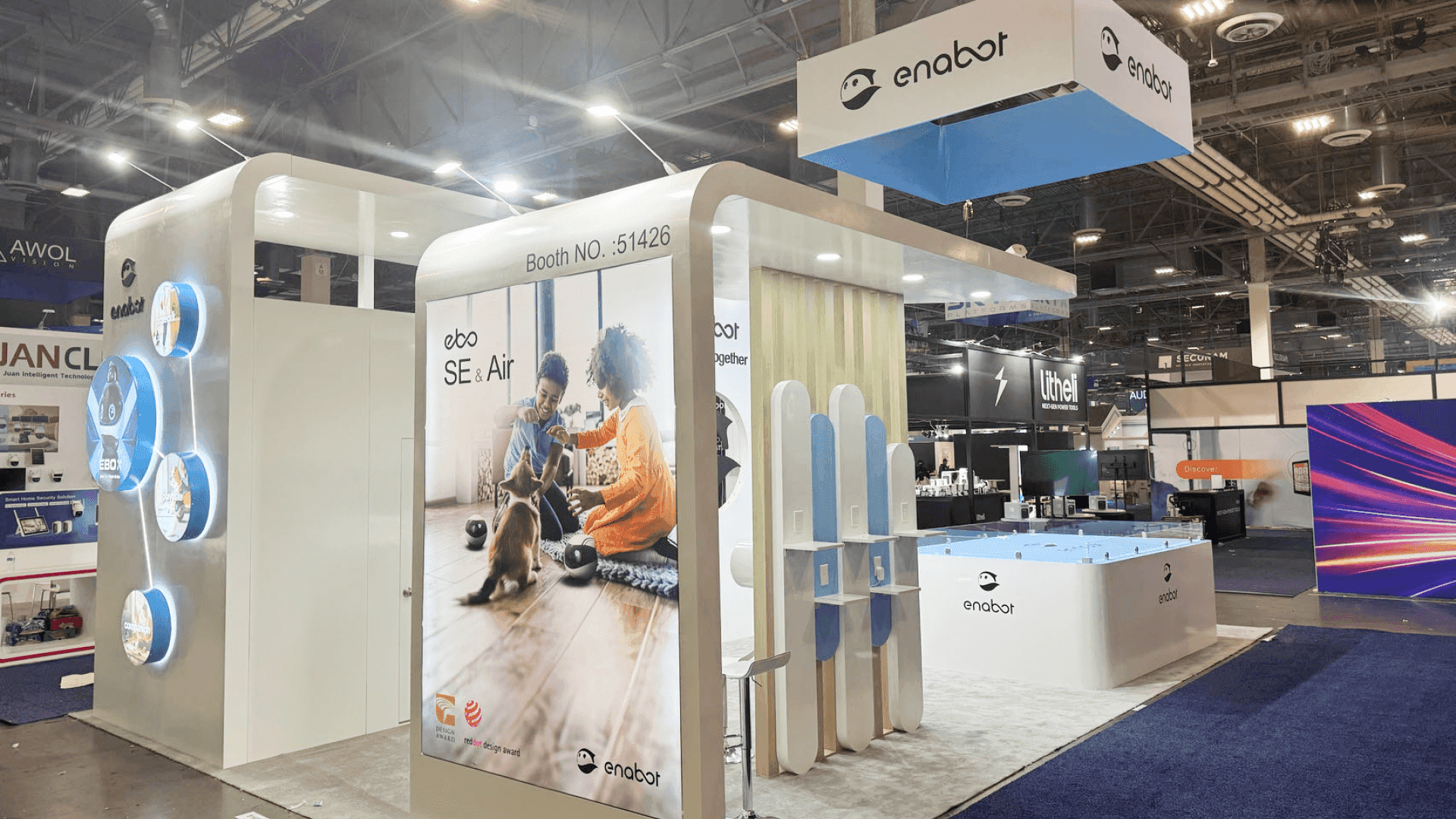
Pre-show coordination helps keep drawings, graphics, AV, electrical requirements, and installation teams aligned before move-in begins.
Where Coordination Gaps Turn Into On-Site Rework
Coordination Gap | What Happens On Site | Rework / Waiting Created | Preventive Check |
|---|---|---|---|
Drawing revisions are not synchronized | Production or installation follows an older layout or mounting position | Components are moved, reopened, or installed twice | Confirm that production, graphics, technical teams, and installation are working from the same approved revision |
Graphics do not match the final structure | Sizes, locations, or attachment points no longer align | Graphics need adjustment, replacement, or temporary placement | Match the final graphic schedule to the approved booth configuration |
AV and electrical information is not aligned | Screens, equipment, outlets, or cable paths conflict with the built booth | Structure is reopened, equipment is moved, or technical work waits | Check AV locations, power requirements, and access points against the final layout |
Material priority does not match installation needs | First-use components are difficult to identify or access | Cases are reshuffled or the crew waits for usable materials | Identify first-use components before packing is finalized and reflect that priority in the handoff information |
Show-site responsibilities are unclear | One team expects another provider to complete or order a required service | Work stops while ownership or authorization is resolved | Assign an owner to every show-site dependency before move-in |
Products or demos change late | Final equipment no longer matches planned space, power, mounting, or access | Layout or technical setup must be changed on site | Confirm dimensions, power, mounting, and access requirements before final release |
Once several teams are active on site, even a small handoff gap can create waiting, duplicate work, or changes to work that has already been completed.
One Final Drawing Set Needs to Reach Every Team
Revision control sounds administrative until two teams arrive with different versions of the same booth.
The approved drawing set should be the common reference for everyone working from the booth layout. When a wall, counter, screen position, or another physical condition changes, the revised information has to reach every team whose work depends on it.
The real check is not whether a final drawing exists. It is whether everyone is actually using it.
Before final release, confirm that production, graphics, technical teams, and installation are all working from the same approved revision. A drawing stored in the correct folder but missing from the field package is still a coordination gap.
Keep Graphics, AV, and Electrical Aligned With the Final Layout
A layout change can affect several technical scopes at once.
Moving a screen can change its mount, outlet location, cable route, nearby graphic area, and access behind the structure. A wall adjustment can change both the available graphic space and where electrical or AV components can be installed.
Each team may complete its own work correctly and still arrive at a conflict if the information they used describes different versions of the booth.
Before move-in, compare the approved layout with the graphic schedule, AV plan, electrical requirements, cable access, and any service orders tied to physical locations.
The useful question is whether these scopes still work together—not simply whether each one has been completed.
Material Priority Should Reflect What Installation Needs First
Materials become a coordination problem when the crew cannot easily identify or access the items needed at the beginning of the build.
Determine which structural components, hardware, graphics, or technical items are needed first, then make sure the packing and handoff information reflects that priority.
The practical check is simple:
Can the installation crew identify and access the materials it expects to use first?
If not, time can be lost locating cases, moving materials, or waiting for a component that is already on site but not accessible when the crew needs it.
Every Show-Site Dependency Needs a Clear Owner
Some delays happen even when everyone knows a requirement exists. The missing piece is ownership.
Electrical orders, internet service, rigging, AV equipment, product delivery, contractor paperwork, specialty labor, and replacement graphics can all become show-floor problems when one team assumes another has already handled them.
Complete drawings do not solve a service that was never ordered or an approval that no one submitted.
Before move-in, every show-site dependency should have a clear owner and a known status. One company does not need to perform every service, but the project team should know who is responsible for ordering, supplying, coordinating, or approving each item.
Clear ownership keeps responsibility questions from becoming installation delays.
Late Product or Demo Changes Can Affect Several Scopes at Once
Late changes are especially disruptive when the booth has to physically support them.
A new machine, larger product, different monitor, added demo device, or revised equipment package can change:
dimensions and clearances;
power demand;
mounting requirements;
structural support;
packing;
cable access;
installation time.
These changes rarely stay confined to the product area. They can affect several parts of the project at once.
Product and demo requirements should be confirmed before final release. Once a late change reaches the floor, the correction may require extra labor, reopened work, overlapping service time, or schedule compression—all common installation and dismantle cost drivers.

Clear material priorities, confirmed product details, and assigned show-site responsibilities can reduce waiting and avoidable rework during booth installation.
Prebuild and Coordination Catch Different Types of Risk
Pre-show coordination does not replace a physical prebuild.
If the question is whether the exhibit itself fits, connects, finishes, and assembles correctly, that belongs in prebuild checks before the show floor. A prebuild can expose problems with fit, hardware, connections, access, finish, or assembly readiness while the exhibit is still in a controlled environment.
Coordination checks something different:
Do the drawings, graphics, technical requirements, products, material priorities, and show-site responsibilities still describe the same finished booth?
A booth can pass a physical prebuild and still create field rework if those surrounding scopes change afterward or were never fully aligned.
Pre-Move-In Coordination Check
Before the project reaches move-in, confirm that:
One approved drawing revision is being used across the project.
Final graphics match the approved structure and locations.
AV, electrical, and related service requirements match the final layout.
Product and demo dimensions and technical requirements are confirmed.
First-use booth components are identified for installation.
Every show-site service or dependency has a clear owner and status.
The installation team has the current drawings and relevant field information.
A useful coordination check should be short enough to complete and specific enough to expose a real handoff gap.
Final Takeaway
On-site rework is often the cost of an unresolved handoff becoming visible too late.
Drawings, graphics, technical requirements, products, material priorities, and service responsibilities need to describe the same finished booth before move-in begins. When they do, the field team can execute a coordinated project instead of reconciling conflicting information on the show floor.
Even with those handoffs aligned, productive work can still slow if sequence conflicts, restricted access, crowded work zones, or unfinished prerequisites block the next task. These installation bottlenecks are field-execution problems rather than coordination gaps.
Once those dependencies are settled, on-site installation and dismantle support can focus on executing the approved booth rather than correcting upstream issues during setup.
FAQ
What causes avoidable rework during trade show booth installation?
Common causes include outdated drawings, graphics that no longer match the structure, AV or electrical changes that were not coordinated, unclear service responsibilities, inaccessible first-use materials, and late product or demo changes.
How is pre-show coordination different from a booth prebuild?
A prebuild checks the physical exhibit—fit, finish, hardware, connections, access, and assembly readiness. Pre-show coordination checks whether the different project scopes, technical requirements, materials, and responsibilities are still aligned before move-in.
Why can a small AV or product change create installation rework?
A single change can affect mounting, electrical service, cable routing, graphics, structural access, material handling, or nearby booth components. If the related scopes are not updated together, the conflict may not become visible until installation is underway.
When should the final coordination check happen?
After the major booth, graphic, product, and technical requirements are known, but before move-in begins with unresolved dependencies.







