How CES Booth Graphics Should Explain the Product Before the Demo Starts
Published:
Jan 6, 2026
Updated:
Jan 6, 2026

Circle Exhibit Team
Industry professionals
Exhibition industry professional dedicated to delivering the latest insights and curated recommendations to you.
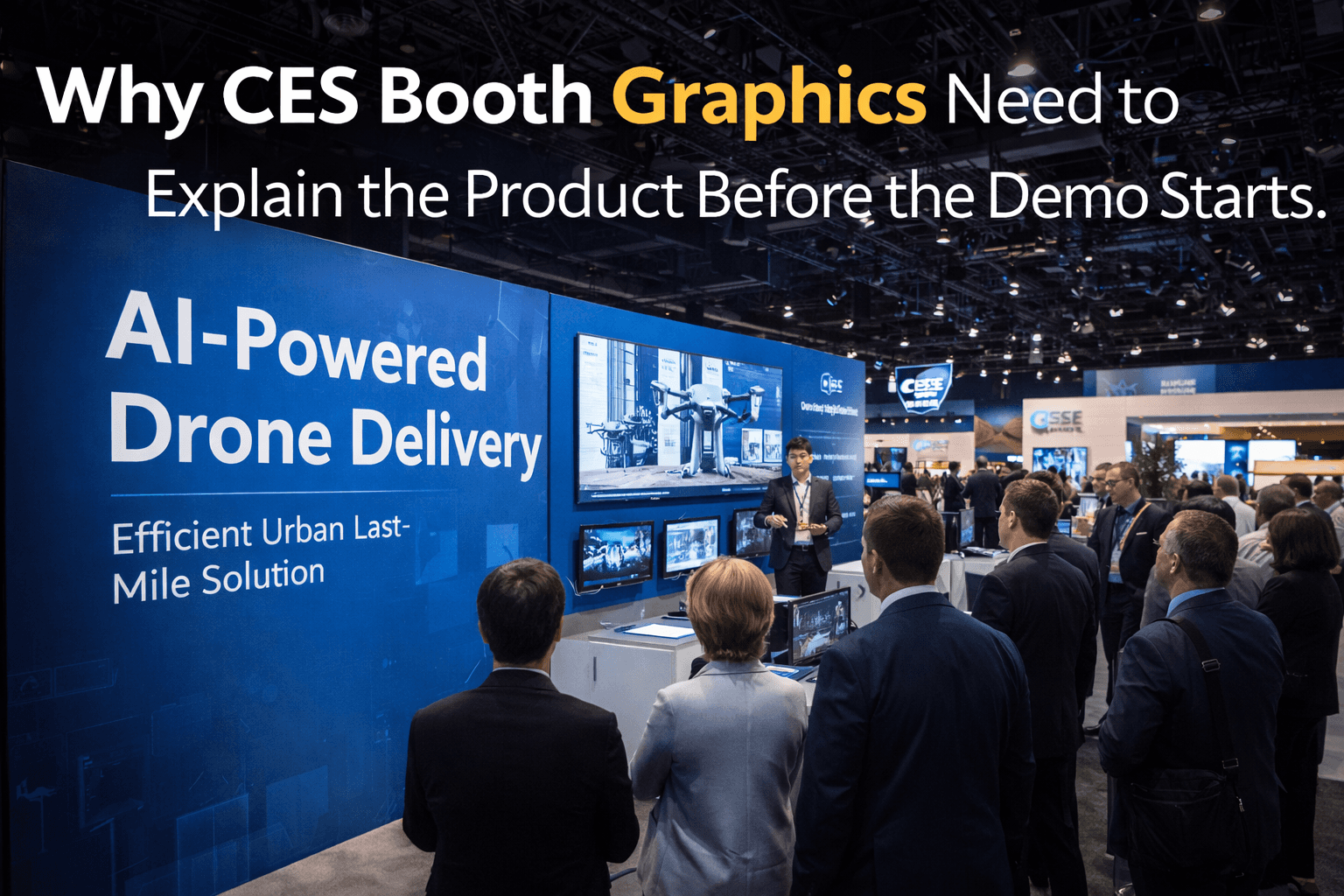
CES visitors decide quickly, so graphics need to explain the product before the demo begins. Strong aisle-facing graphics help visitors understand the product category, key benefit, and demo purpose before they speak with staff.
Quick Answer: How should CES booth graphics explain a product before the demo starts?
CES booth graphics should make the product category, key benefit, and demo purpose clear before visitors stop to talk. Strong graphics help visitors understand what the technology does, where to look, and whether the booth is relevant before the sales or technical demo begins.
Quick Answer: How should CES booth graphics explain a product before the demo starts?
CES booth graphics should make the product category, key benefit, and demo purpose clear before visitors stop to talk. Strong graphics help visitors understand what the technology does, where to look, and whether the booth is relevant before the sales or technical demo begins.
CES booths often depend on fast understanding. Visitors may only give a booth a few seconds before deciding whether to stop, watch, ask, or keep walking. For technology exhibitors, graphics are not just decoration. They help explain what the product is, where the demo starts, and why the visitor should care before a sales or technical conversation begins.
CES Booth Graphics Need to Work Before Staff Start Talking
CES booth graphics should answer the visitor’s first question before the demo begins.
That question is usually simple: What is this product, and why should I stop?
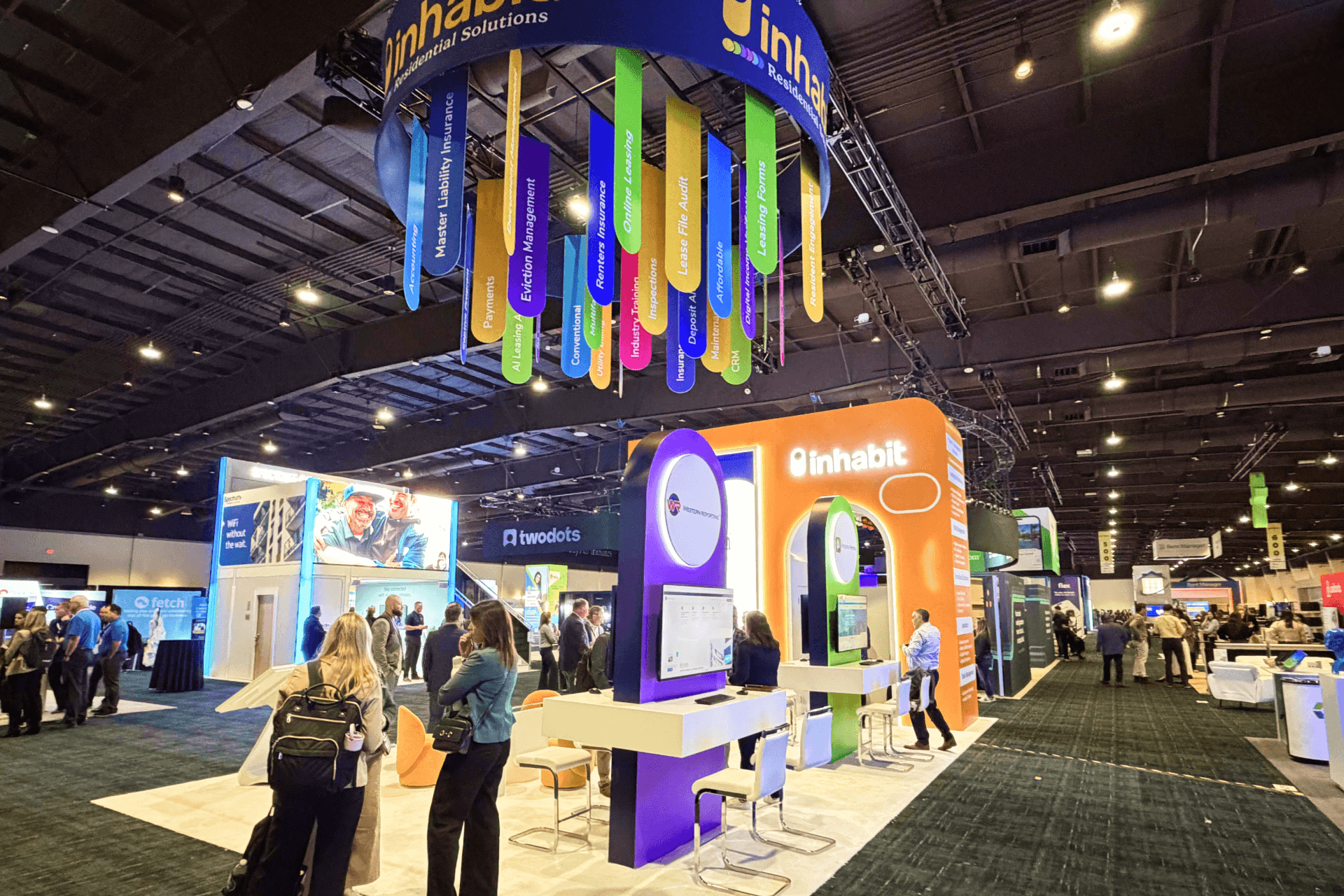
At CES, visitors move through dense aisles, screen walls, product counters, live demos, media moments, and competing booth messages. If the booth graphics only show a brand name or a vague slogan, visitors may not understand the product fast enough to step in.
That is why CES booth planning context should include graphics from the beginning. The graphics need to support the visitor path, not just fill the wall after the layout is finished.
A strong CES graphic system should clarify:
product category
demo purpose
key product benefit
where the visitor should look first
where the demo conversation should begin
The booth does not need more words. It needs the right message in the right place.
Product Category Clarity Comes First
The product category should be clear before the feature list appears.
CES exhibitors often show products that are not instantly understood from the aisle: AI platforms, smart devices, robotics, mobility technology, digital health tools, enterprise dashboards, sensor systems, or connected home products. If the category is unclear, visitors may not know whether the demo is relevant to them.
A good aisle-facing graphic should quickly answer:
Is this hardware, software, platform, device, system, or service?
Is the product for consumers, enterprise buyers, developers, partners, or media?
What product behavior will the demo show?
For example, a visitor should not need to stand through a full staff explanation to learn that the booth is showing an AI home device, robotics navigation system, energy dashboard, health monitoring interface, or connected mobility product.
Category clarity gets the right people to stop.
It also helps the wrong visitors keep moving without creating unnecessary crowding.
Feature Hierarchy Should Not Compete With the Demo
Feature hierarchy should guide visitors toward the demo, not replace it.
Many CES booths try to show every product capability on the wall. That creates the opposite effect: visitors see many claims but do not know which one matters first.
A cleaner hierarchy usually works better:
Graphic Layer | Main Job | Best Use |
|---|---|---|
Primary message | Explain the product category or core problem | Large aisle-facing wall or header area |
Secondary message | Show the main benefit or demo reason | Near the demo counter or screen |
Supporting points | Explain 2–3 key features | Side panel, counter front, or screen support |
Detail content | Support qualified conversation | Meeting area, tablet, brochure, or secondary screen |
The primary message should be the fastest to understand.
The technical details can come later, after the visitor has chosen to engage.
Aisle-Facing Graphics Should Create a Fast Stop Decision
Aisle-facing graphics need to help visitors decide quickly.
At CES, the aisle is not a reading environment. Visitors are moving, scanning, comparing, and reacting. That means long text blocks, dense feature lists, and abstract claims usually fail from a distance.
Good aisle-facing graphics should use:
one clear headline
one product category cue
one visual that supports the demo
strong contrast
readable type size
enough open space around the message
The goal is not to explain the whole product from the aisle.
The goal is to make the visitor think: This is relevant enough to stop for a demo.
That is where graphics and booth flow meet.
Screen Messages Should Support the Wall Graphics
Screen content should not fight the printed graphics.
CES booths often use large screens, demo monitors, product videos, dashboards, and interactive interfaces. If the screen says one thing and the wall graphic says another, visitors may not know where to focus.
A stronger approach is to align the graphic message and screen message:
Booth Element | What It Should Explain |
|---|---|
Main wall graphic | What product category or problem the booth is about |
Main screen | What the product does in action |
Demo counter graphic | Where the visitor should stop or interact |
Secondary screen | What deeper use case or workflow the buyer should review |
Meeting-area graphic | Why the product matters for technical or business fit |
For CES tech products, screen hierarchy is part of graphic planning. The wall pulls attention. The screen proves the action. The counter starts the conversation.
Demo-Before-Sales Requires Clear Visual Direction
A CES booth should let visitors understand the demo before the sales conversation begins.
This is especially important for technology products because the visitor may need to see the product behavior before they understand the sales value. If staff have to explain everything before the visitor even knows what they are looking at, the booth slows down.
The graphic system should direct visitors toward:
the main screen
the product interaction point
the demo counter
the first staff conversation
the follow-up area for deeper questions
This supports a better flow: see, understand, test, then talk.
When graphics do this well, staff spend less time explaining the basics and more time answering useful buyer questions.
CES Booth Project Examples Help Show How Graphics Work in Real Layouts
CES booth graphics are easier to judge when they are connected to real booth layouts.
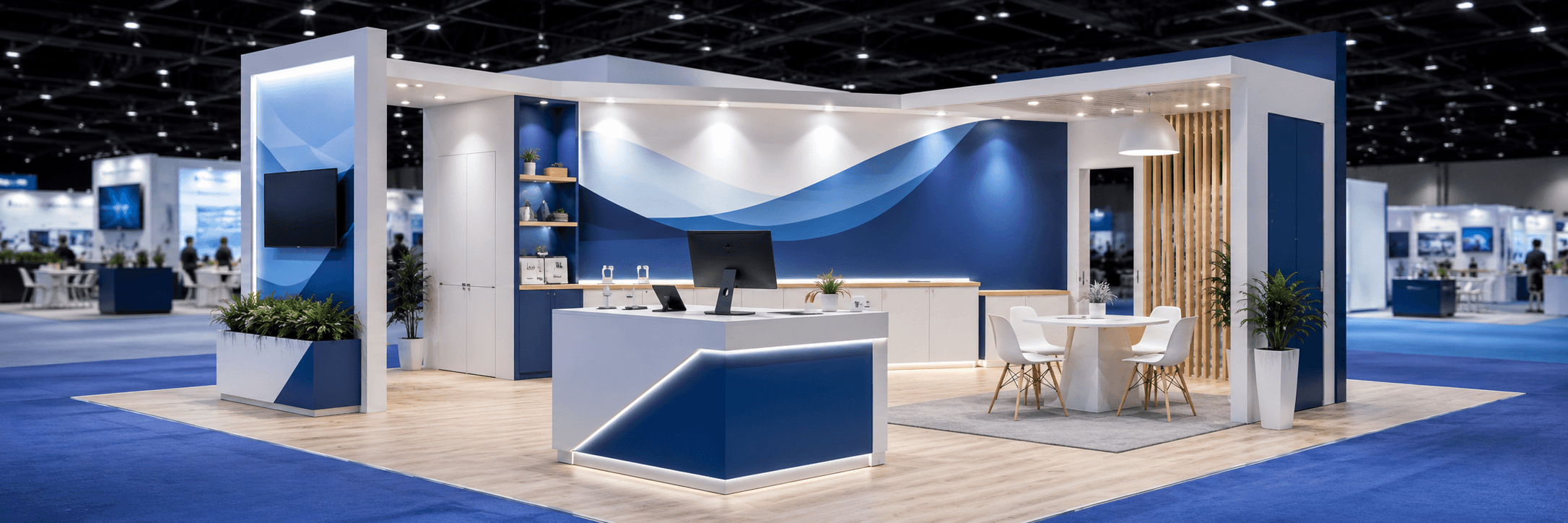
A graphic wall may look strong by itself, but it only works if it supports the booth’s demo counter, screen placement, product display, and visitor movement. That is why CES booth project examples can be useful for reviewing how graphics, structure, and demo areas work together.
When looking at CES project examples, exhibitors should pay attention to:
whether the product category is clear from the aisle
how the screen and wall message relate
where the demo counter sits
whether visitors can understand the booth without crowding the front
how graphics guide attention toward the product interaction
The best CES graphics do not just look good in a photo.
They help the booth operate better during traffic.
Graphics Should Support Both Fast Visitors and Qualified Buyers
CES graphics need to work for two different visitor types.
Some visitors only need a fast category read. They want to know what the product is and whether it is relevant. Other visitors are qualified buyers, media contacts, investors, or partners who need deeper context after they stop.
A strong CES booth should use different graphic layers for different moments:
Visitor Moment | Graphic Need |
|---|---|
Walking past the booth | Fast product category and reason to stop |
Watching the demo | Clear demo purpose and product action |
Asking a first question | Feature or use-case support |
Moving into buyer conversation | Deeper proof, workflow, or technical context |
This prevents the booth from trying to say everything at the front.
The front graphics attract and orient. The deeper graphics support qualified discussion.
Why Graphics and Brand Presentation Should Be Planned Early
Graphics should be part of booth planning before production starts.
If graphics are added after the booth layout is finished, the message may not match the screen placement, counter position, lighting, or visitor flow. For CES booths, that can create confusion because the product demo depends on fast understanding.
Graphics and brand presentation for CES booths should consider:
aisle visibility
screen hierarchy
product category language
demo counter placement
lighting and glare
wall size and viewing distance
brand consistency
installation alignment
Graphics are not only a design task. They are part of how the booth communicates under pressure.
Builder Coordination Keeps Graphics Aligned With Booth Execution
CES booth graphics still need show-site execution.
Large wall graphics, SEG panels, lightboxes, counter wraps, hanging elements, and screen surrounds all depend on booth structure and installation sequence. If the graphic system is not coordinated with the build, the booth may face fit issues, poor sightlines, or rushed adjustments during setup.
This is where booth build support in Las Vegas helps connect graphics with the physical booth environment.
For CES exhibitors, build coordination should confirm:
wall dimensions
graphic panel order
screen placement
counter wrap alignment
lightbox fit
install sequence
final viewing angles
aisle-facing readability
The graphic message only works if it is installed where visitors can actually read it.
Common CES Booth Graphics Mistakes
Most CES graphic problems come from trying to say too much too early.
Common mistakes include:
using a vague slogan without product category clarity
placing the main message too high, too small, or too far from the demo
showing too many features on the main wall
letting screen content and wall graphics compete
using dense text where visitors only have seconds to read
treating counter graphics as decoration instead of direction
placing technical proof points in the wrong part of the booth
forgetting that visitors approach from different aisle angles
These mistakes make the booth harder to understand.
A CES booth does not need more visual content. It needs a better order of information.
CES Booth Graphics Planning Checklist
A practical graphics checklist helps keep the booth focused.
Checklist
Can visitors identify the product category from the aisle?
Does the main message explain what the product does?
Is there one clear benefit before the feature list?
Does the screen message support the wall message?
Does the demo counter graphic help visitors know where to stop?
Are detailed proof points placed away from the busiest front zone?
Can the message be read from the main aisle angle?
Are graphics aligned with screen placement and lighting?
Does the visual hierarchy support demo-before-sales flow?
Are graphics coordinated with the booth installation plan?
This checklist keeps graphics connected to booth behavior, not just visual style.
Final Takeaway
CES booth graphics should reduce the time it takes for visitors to understand the product.
The best graphics explain the category, guide attention to the screen or demo counter, and help visitors decide whether to step into the booth. They support the demo before the sales conversation starts.
For technology exhibitors, this matters because complex products need fast clarity.
A strong CES graphic system does not try to tell the whole story from the aisle. It gives visitors enough understanding to stop, watch, and ask the right next question.
CES Booth Graphics Need to Work Before Staff Start Talking
CES booth graphics should answer the visitor’s first question before the demo begins.
That question is usually simple: What is this product, and why should I stop?
At CES, visitors move through dense aisles, screen walls, product counters, live demos, media moments, and competing booth messages. If the booth graphics only show a brand name or a vague slogan, visitors may not understand the product fast enough to step in.
That is why CES booth planning context should include graphics from the beginning. The graphics need to support the visitor path, not just fill the wall after the layout is finished.
A strong CES graphic system should clarify:
product category
demo purpose
key product benefit
where the visitor should look first
where the demo conversation should begin
The booth does not need more words. It needs the right message in the right place.
Product Category Clarity Comes First
The product category should be clear before the feature list appears.
CES exhibitors often show products that are not instantly understood from the aisle: AI platforms, smart devices, robotics, mobility technology, digital health tools, enterprise dashboards, sensor systems, or connected home products. If the category is unclear, visitors may not know whether the demo is relevant to them.
A good aisle-facing graphic should quickly answer:
Is this hardware, software, platform, device, system, or service?
Is the product for consumers, enterprise buyers, developers, partners, or media?
What product behavior will the demo show?
For example, a visitor should not need to stand through a full staff explanation to learn that the booth is showing an AI home device, robotics navigation system, energy dashboard, health monitoring interface, or connected mobility product.
Category clarity gets the right people to stop.
It also helps the wrong visitors keep moving without creating unnecessary crowding.
Feature Hierarchy Should Not Compete With the Demo
Feature hierarchy should guide visitors toward the demo, not replace it.
Many CES booths try to show every product capability on the wall. That creates the opposite effect: visitors see many claims but do not know which one matters first.
A cleaner hierarchy usually works better:
Graphic Layer | Main Job | Best Use |
|---|---|---|
Primary message | Explain the product category or core problem | Large aisle-facing wall or header area |
Secondary message | Show the main benefit or demo reason | Near the demo counter or screen |
Supporting points | Explain 2–3 key features | Side panel, counter front, or screen support |
Detail content | Support qualified conversation | Meeting area, tablet, brochure, or secondary screen |
The primary message should be the fastest to understand.
The technical details can come later, after the visitor has chosen to engage.
Aisle-Facing Graphics Should Create a Fast Stop Decision
Aisle-facing graphics need to help visitors decide quickly.
At CES, the aisle is not a reading environment. Visitors are moving, scanning, comparing, and reacting. That means long text blocks, dense feature lists, and abstract claims usually fail from a distance.
Good aisle-facing graphics should use:
one clear headline
one product category cue
one visual that supports the demo
strong contrast
readable type size
enough open space around the message
The goal is not to explain the whole product from the aisle.
The goal is to make the visitor think: This is relevant enough to stop for a demo.
That is where graphics and booth flow meet.
Screen Messages Should Support the Wall Graphics
Screen content should not fight the printed graphics.
CES booths often use large screens, demo monitors, product videos, dashboards, and interactive interfaces. If the screen says one thing and the wall graphic says another, visitors may not know where to focus.
A stronger approach is to align the graphic message and screen message:
Booth Element | What It Should Explain |
|---|---|
Main wall graphic | What product category or problem the booth is about |
Main screen | What the product does in action |
Demo counter graphic | Where the visitor should stop or interact |
Secondary screen | What deeper use case or workflow the buyer should review |
Meeting-area graphic | Why the product matters for technical or business fit |
For CES tech products, screen hierarchy is part of graphic planning. The wall pulls attention. The screen proves the action. The counter starts the conversation.
Demo-Before-Sales Requires Clear Visual Direction
A CES booth should let visitors understand the demo before the sales conversation begins.
This is especially important for technology products because the visitor may need to see the product behavior before they understand the sales value. If staff have to explain everything before the visitor even knows what they are looking at, the booth slows down.
The graphic system should direct visitors toward:
the main screen
the product interaction point
the demo counter
the first staff conversation
the follow-up area for deeper questions
This supports a better flow: see, understand, test, then talk.
When graphics do this well, staff spend less time explaining the basics and more time answering useful buyer questions.
CES Booth Project Examples Help Show How Graphics Work in Real Layouts
CES booth graphics are easier to judge when they are connected to real booth layouts.
A graphic wall may look strong by itself, but it only works if it supports the booth’s demo counter, screen placement, product display, and visitor movement. That is why CES booth project examples can be useful for reviewing how graphics, structure, and demo areas work together.
When looking at CES project examples, exhibitors should pay attention to:
whether the product category is clear from the aisle
how the screen and wall message relate
where the demo counter sits
whether visitors can understand the booth without crowding the front
how graphics guide attention toward the product interaction
The best CES graphics do not just look good in a photo.
They help the booth operate better during traffic.
Graphics Should Support Both Fast Visitors and Qualified Buyers
CES graphics need to work for two different visitor types.
Some visitors only need a fast category read. They want to know what the product is and whether it is relevant. Other visitors are qualified buyers, media contacts, investors, or partners who need deeper context after they stop.
A strong CES booth should use different graphic layers for different moments:
Visitor Moment | Graphic Need |
|---|---|
Walking past the booth | Fast product category and reason to stop |
Watching the demo | Clear demo purpose and product action |
Asking a first question | Feature or use-case support |
Moving into buyer conversation | Deeper proof, workflow, or technical context |
This prevents the booth from trying to say everything at the front.
The front graphics attract and orient. The deeper graphics support qualified discussion.
Why Graphics and Brand Presentation Should Be Planned Early
Graphics should be part of booth planning before production starts.
If graphics are added after the booth layout is finished, the message may not match the screen placement, counter position, lighting, or visitor flow. For CES booths, that can create confusion because the product demo depends on fast understanding.
Graphics and brand presentation for CES booths should consider:
aisle visibility
screen hierarchy
product category language
demo counter placement
lighting and glare
wall size and viewing distance
brand consistency
installation alignment
Graphics are not only a design task. They are part of how the booth communicates under pressure.
Builder Coordination Keeps Graphics Aligned With Booth Execution
CES booth graphics still need show-site execution.
Large wall graphics, SEG panels, lightboxes, counter wraps, hanging elements, and screen surrounds all depend on booth structure and installation sequence. If the graphic system is not coordinated with the build, the booth may face fit issues, poor sightlines, or rushed adjustments during setup.
This is where booth build support in Las Vegas helps connect graphics with the physical booth environment.
For CES exhibitors, build coordination should confirm:
wall dimensions
graphic panel order
screen placement
counter wrap alignment
lightbox fit
install sequence
final viewing angles
aisle-facing readability
The graphic message only works if it is installed where visitors can actually read it.
Common CES Booth Graphics Mistakes
Most CES graphic problems come from trying to say too much too early.
Common mistakes include:
using a vague slogan without product category clarity
placing the main message too high, too small, or too far from the demo
showing too many features on the main wall
letting screen content and wall graphics compete
using dense text where visitors only have seconds to read
treating counter graphics as decoration instead of direction
placing technical proof points in the wrong part of the booth
forgetting that visitors approach from different aisle angles
These mistakes make the booth harder to understand.
A CES booth does not need more visual content. It needs a better order of information.
CES Booth Graphics Planning Checklist
A practical graphics checklist helps keep the booth focused.
Checklist
Can visitors identify the product category from the aisle?
Does the main message explain what the product does?
Is there one clear benefit before the feature list?
Does the screen message support the wall message?
Does the demo counter graphic help visitors know where to stop?
Are detailed proof points placed away from the busiest front zone?
Can the message be read from the main aisle angle?
Are graphics aligned with screen placement and lighting?
Does the visual hierarchy support demo-before-sales flow?
Are graphics coordinated with the booth installation plan?
This checklist keeps graphics connected to booth behavior, not just visual style.
Final Takeaway
CES booth graphics should reduce the time it takes for visitors to understand the product.
The best graphics explain the category, guide attention to the screen or demo counter, and help visitors decide whether to step into the booth. They support the demo before the sales conversation starts.
For technology exhibitors, this matters because complex products need fast clarity.
A strong CES graphic system does not try to tell the whole story from the aisle. It gives visitors enough understanding to stop, watch, and ask the right next question.
Planning CES Booth Graphics for a Product Demo?
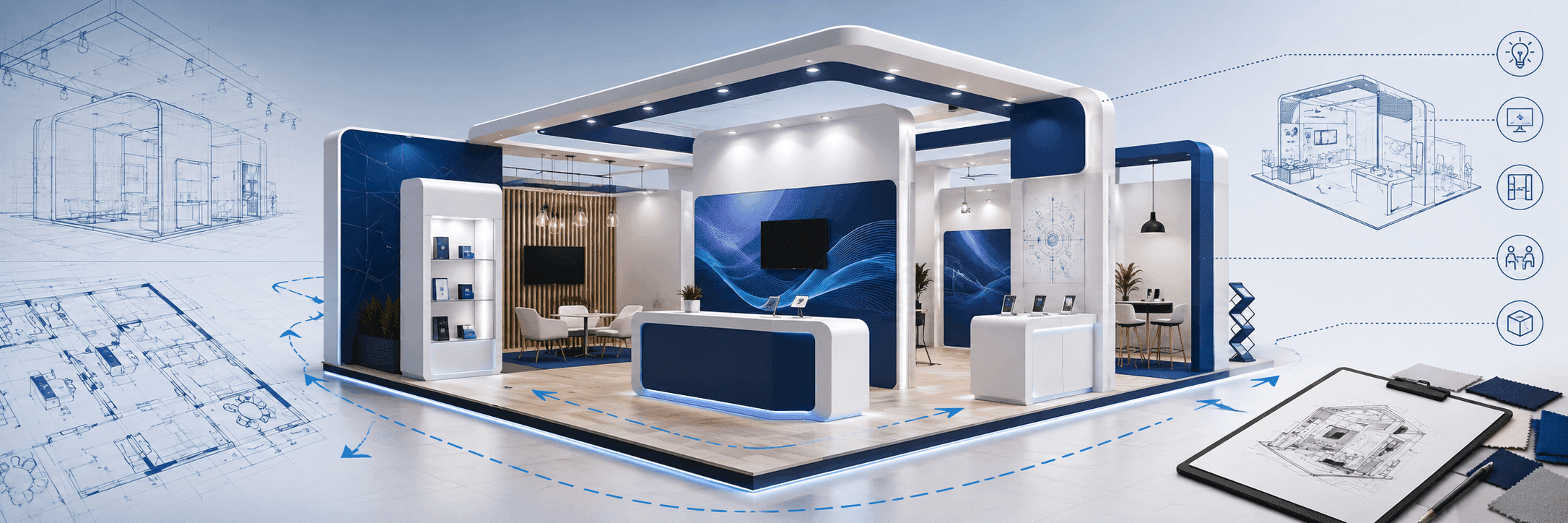
Start with the CES booth context, then plan aisle-facing graphics, product message hierarchy, screen content, demo counter placement, and booth execution as one connected system.
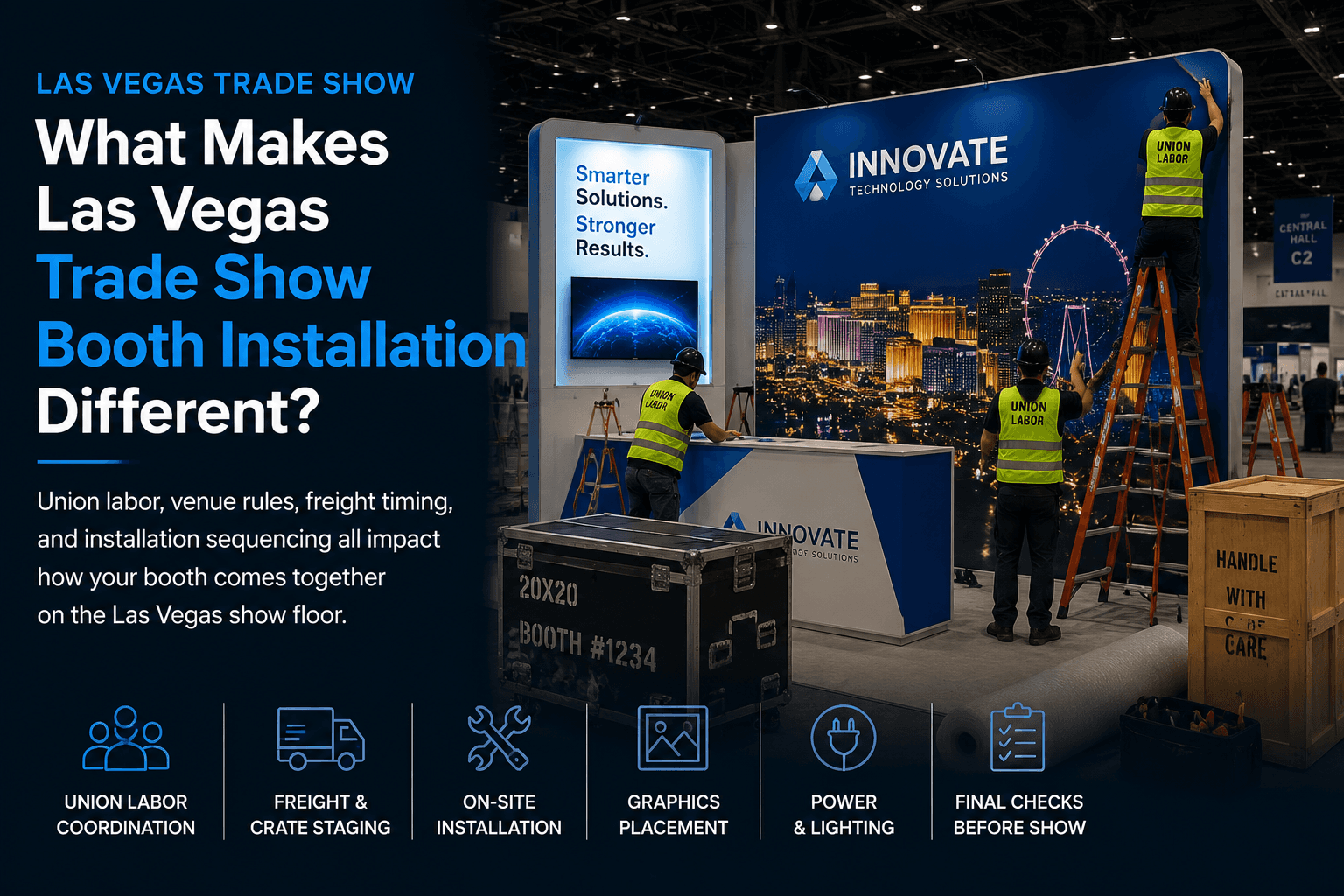
The first two hours of setup can affect floor marking, crate access, structure staging, graphics checks, power confirmation, and final closeout. Circle Exhibit teams help exhibitors plan on-site installation and dismantle support so booth components move into place with a clear crew sequence.