
A Portable Booth Has to Read as One Composition
The first review should happen from the aisle rather than from inside the booth.
Where does the eye land first? Is there one clear message or product focus? Does the screen reinforce it? Does the counter belong to the composition, or does it look like furniture placed in front of a graphic wall?
Portable displays have limited surfaces, so every available panel can easily end up carrying a message. The backwall introduces the company, another panel promotes a product, the screen tells a different story, and the counter adds another graphic. Each element may work independently while the booth as a whole becomes harder to read.
The primary message should work at aisle distance. Product information can become more specific as visitors move closer. Screens, printed graphics, product presentation, and counters should reinforce the same hierarchy rather than create competing focal points.
When that hierarchy continues through the trade show graphics and branding system, the backwall, digital content, products, and smaller branded surfaces begin to read as parts of one presentation rather than separate places to put information.
From the aisle, visitors should register the booth first and its individual components second.
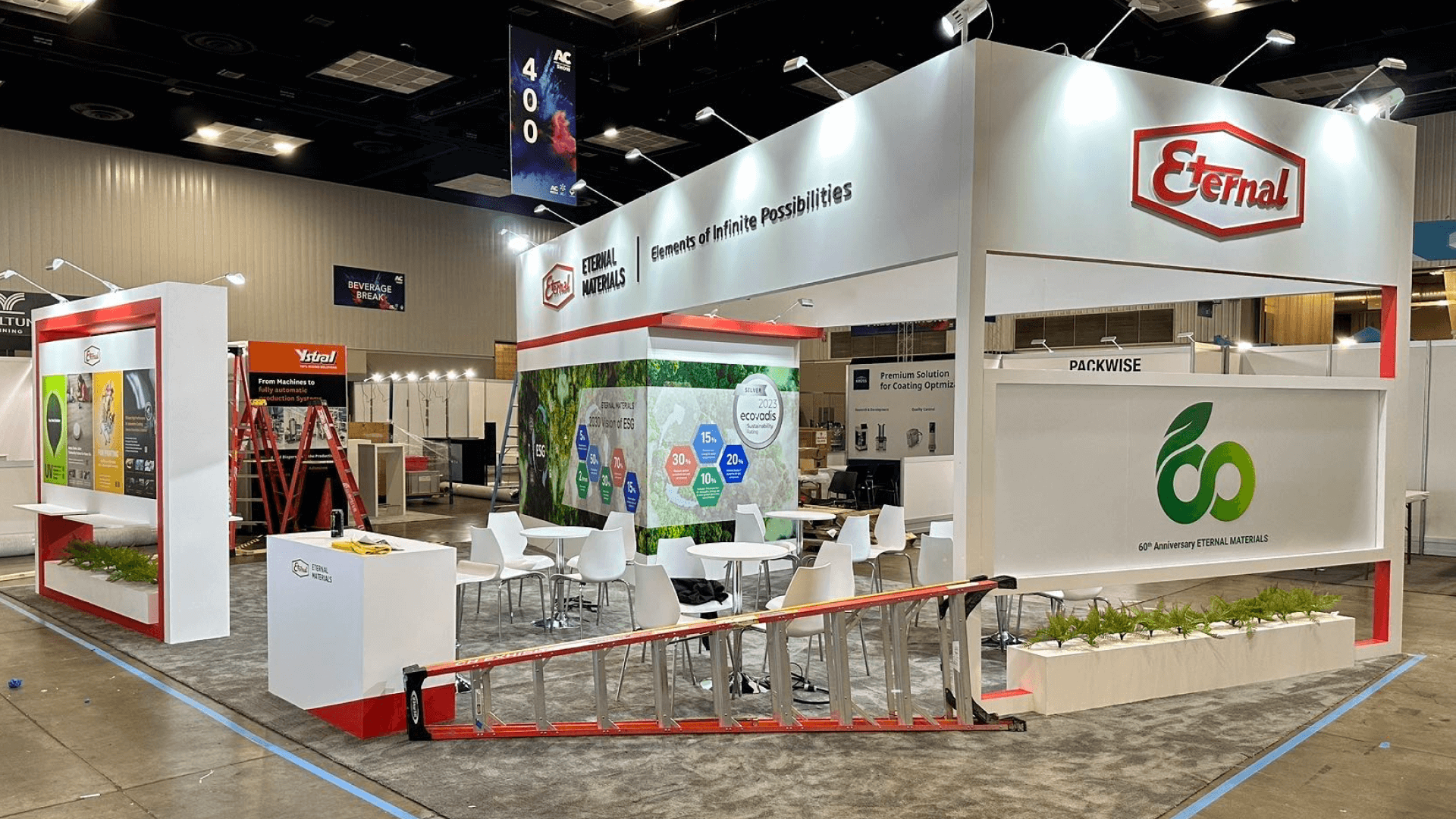
A portable booth feels more complete when the graphics, screen, counter, and product focus follow the same visual hierarchy instead of competing for attention.
Consistency Matters More Than Expensive Finishes
Compact portable displays make small inconsistencies easy to notice.
A section of exposed frame, uneven fabric tension, mismatched graphic edges, different surface treatments, or a counter that does not visually relate to the backwall can interrupt an otherwise clean presentation.
That does not automatically call for more expensive materials.
A lightweight system with controlled seams, consistent frame treatment, clean graphic edges, and coordinated counters can look more resolved than a booth using higher-cost finishes without the same discipline.
Reusable components can remain part of the presentation as well. For this particular problem, their age or reuse history matters less than whether their proportions, finish, and visible treatment still belong with the booth around them.
Material quality contributes to the result. Visual continuity is what stops the individual pieces from calling attention to themselves.
Screens, Lighting, and Cables Should Look Designed In
Technical elements often reveal integration gaps that were not obvious in the initial layout.
A monitor may be necessary, but its size, mounting height, surrounding graphics, visible hardware, viewing angle, and cable route all affect whether it appears intentional. When those decisions happen separately, the screen can quickly look like equipment attached to a backwall.
Lighting introduces another relationship. A fixture may improve a printed graphic while creating glare across the screen. Different light temperatures can change how neighboring surfaces read. Power and data cables may only become visible after the equipment reaches its final position.
These are connected decisions.
Screen position affects graphics. Lighting affects the screen and products. Power access can change where a counter or storage element needs to sit. When those requirements begin affecting one another, they are better resolved together through exhibit design and engineering than as individual fixes during installation.
The technology does not need to disappear. It should look as though the booth was designed to accommodate it.
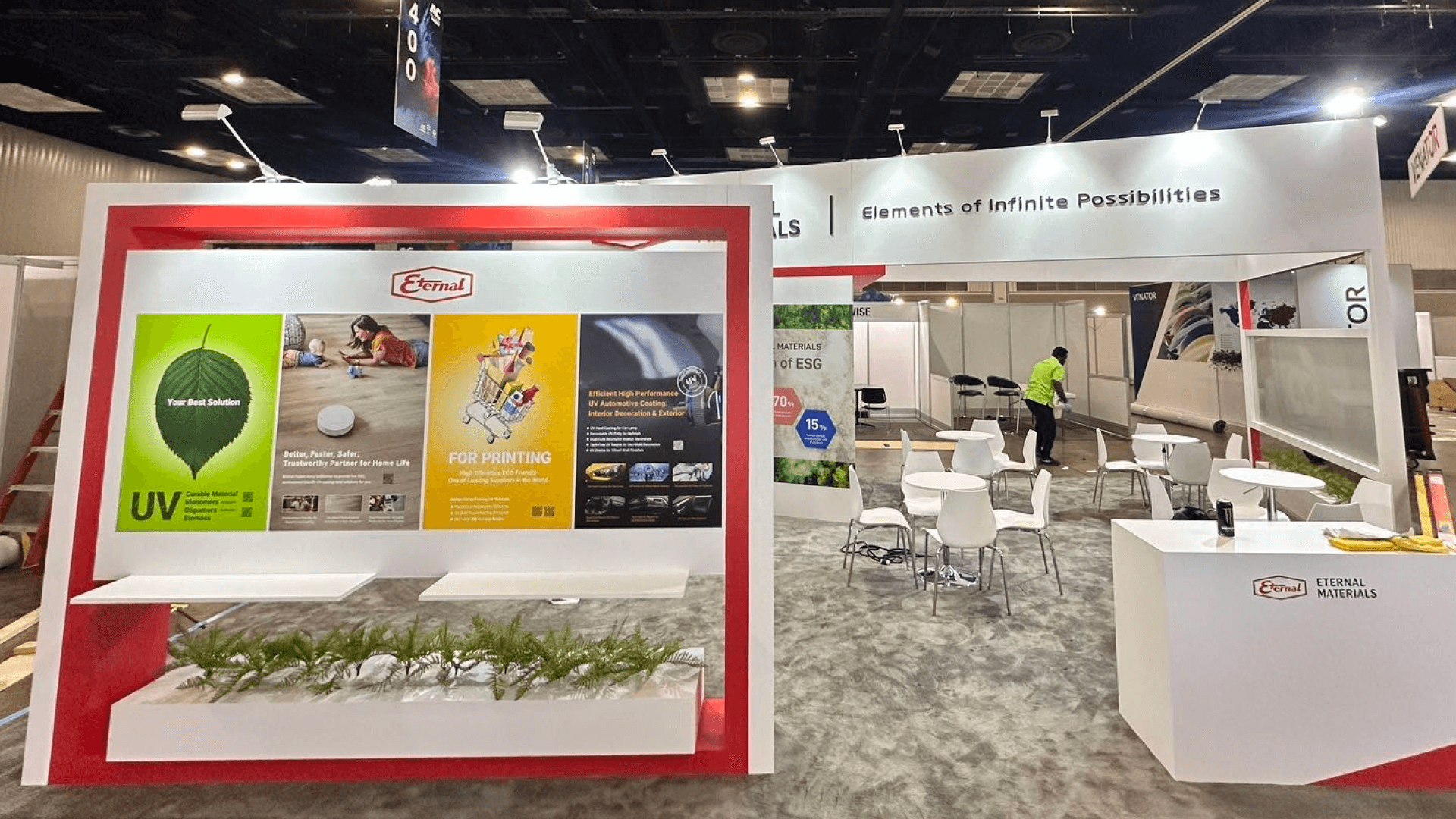
Screen placement, lighting, power access, and cable control should be planned together so technical elements feel built into the display rather than added later.
Operational Clutter Is Usually a Planning Problem
Portable booths often look their cleanest immediately after installation.
Then the show begins.
Samples need replenishment. Brochures arrive on the counter. Staff bring chargers and bags. Demo equipment requires adapters, cleaning supplies, or backup products. Giveaways and water bottles begin occupying whatever surface is available.
Calling this only a housekeeping problem misses part of what happened.
If something is required to operate the booth, the booth needs somewhere for it to go.
Samples need a replenishment point. Demo accessories need storage close enough to be useful. Literature should remain accessible without permanently taking over the counter. Staff belongings should not depend on whatever floor space happens to remain.
This also changes what a counter may need to do. In a compact exhibit, the counter can carry the brand visually while also supporting charging, product handling, literature, demo equipment, or concealed storage.
A booth that looks complete only before normal operations begin has not fully solved the presentation problem.
The Last Five Percent Happens on the Show Floor
Portable systems remain adjustable late into installation, which makes the final setup unusually visible in the finished result.
A graphic may be slightly loose. Two panels can sit just out of alignment. A screen may be a little off level. Venue lighting can introduce glare that was not obvious during planning. Moving a counter a few inches may expose a cable that was supposed to remain hidden.
None of these issues requires a redesign. Several together, however, can change how finished the booth feels.
Before final sign-off, review the exhibit from the visitor side after the graphics, screens, products, lighting, and operating materials are already in place. Check:
graphic tension, seams, and visible edges;
screen height and alignment;
exposed cables, adapters, and power strips;
lighting angles and screen glare;
counter and product positions;
tape, packaging, tools, or setup materials;
staff supplies and spare products visible from the aisle.
This review should happen when the booth is close to normal operating condition, not only when the structure has been assembled.
A technically complete installation is not necessarily a visually finished one.
There is also a point where presentation work stops being the real solution. If the portable kit keeps feeling fragmented because the exhibit is being asked to support more functions than the system can integrate cleanly, the issue has moved upstream. That is when deciding between portable, modular, and custom booth systems becomes the more useful question.
Frequently Asked Questions
Why do some portable trade show displays look temporary?
Usually because the visible elements do not read as one composition. Graphics, screens, counters, lighting, wiring, and operating materials may all work independently while still looking unrelated when placed together.
Can a portable or pop-up trade show booth still look professional?
Yes. Portable construction does not prevent a polished presentation. Clear visual hierarchy, consistent finishes, integrated technical elements, controlled storage, and careful final setup matter more than simply making the structure heavier or more complex.
Should better materials be the first upgrade?
Not necessarily. First check whether the existing structure, graphics, counter, screen, and visible finishes already work together. More expensive materials will not fix a fragmented composition.
Why does hidden storage matter in a small portable booth?
Because normal booth operation quickly creates visible materials. Samples, literature, adapters, staff belongings, and demo supplies need planned locations or they begin competing with the visitor-facing presentation.
What should be checked before the show opens?
Review the booth from the aisle after screens, lighting, products, and operating materials are in place. Look for loose graphics, alignment problems, glare, visible wiring, counter clutter, and anything left visible from setup.
A portable exhibit does not need to disguise the fact that it is portable. It needs to feel resolved.
When the visual hierarchy is clear, finishes relate to one another, technology looks planned, operating materials stay controlled, and final setup is properly finished, lightweight components can read as one professional brand environment instead of a collection of temporary display pieces.







