
Why AI Product Demos Need Clear Booth Planning
A CES AI product demo booth should not begin with technical complexity. It should begin with the problem the AI solves.
Many AI products involve models, data, automation, prediction, computer vision, natural language, hardware input, dashboards, or workflow tools. These details matter, but they can overwhelm visitors if the booth does not provide a clear order.
For exhibitors planning this type of presentation, CES AI product demo booth planning should focus on use case explanation, dashboard visibility, screen hierarchy, data visualization, staff flow, and buyer follow-up.
The booth should help visitors understand three things quickly:
what the AI does
who uses it
what outcome it produces
Once those points are clear, staff can explain the deeper technology.
Explain the AI Use Case Before the Technology Stack
AI exhibitors often want to explain how the technology works. Visitors usually need to understand why it matters first.
A strong AI product demo booth should place the use case near the front of the experience. This can be done through a headline, short screen message, product graphic, or demo label.
Good use case messaging answers:
What task does the AI improve?
What decision does it support?
What workflow does it automate?
What data does it read or generate?
What result should the visitor notice?
The goal is not to simplify the product too much. The goal is to give visitors a clear entry point before showing the dashboard, model output, or technical workflow.
Dashboard and Data Visualization Demo Zones
AI dashboards need visual control. If every chart, number, alert, and screen is shown at once, visitors may not know where to look.
A better AI dashboard demo zone guides the visitor through one primary view first. That may be a performance screen, before-and-after comparison, live output, system alert, prediction result, or data visualization panel.
AI Demo Element | Booth Planning Purpose |
|---|---|
Dashboard screen | Show the product interface clearly |
Data visualization | Make AI output easier to understand |
Workflow diagram | Explain how the product fits into a real process |
Model output example | Show what the AI produces |
Proof point | Support accuracy, reliability, or adoption |
Staff explanation point | Help visitors ask deeper questions |
The screen should support the story. It should not become a wall of disconnected data.
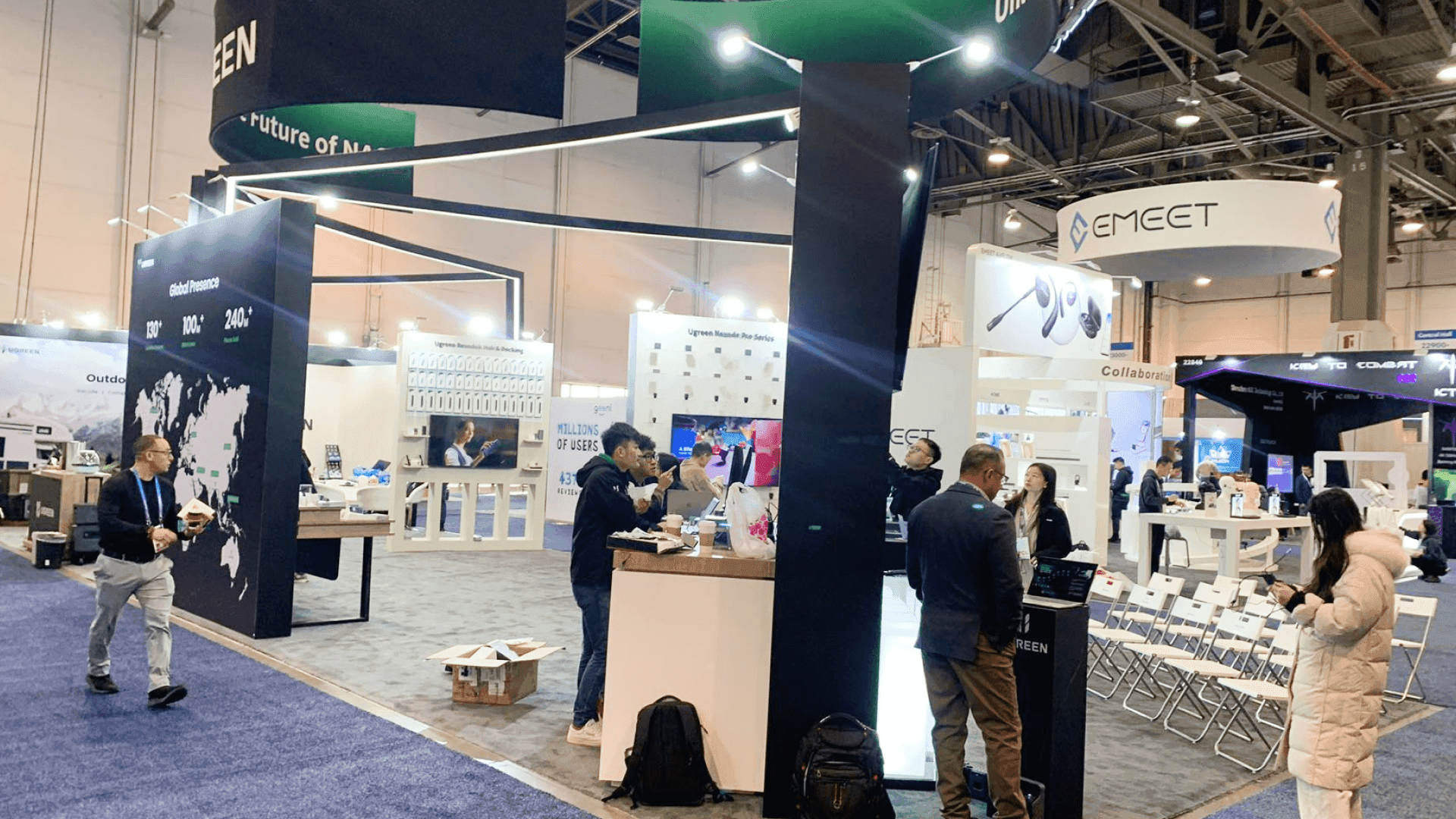
A CES AI product demo booth should make dashboards and data visualization easy to read so visitors can understand the AI output before the conversation becomes too technical.
AI Workflow Booth Layout for Buyer Understanding
AI products often need workflow explanation. Buyers may want to know where the AI sits inside their current process, what data it uses, and how the output is applied.
A clear AI workflow booth layout can show:
input data or product signal
AI processing or model step
dashboard or user interface
decision support or automation result
business, operational, or user outcome
This kind of layout works especially well when the booth uses a screen, product counter, workflow graphic, and staff-guided explanation together.
For exhibitors with broader technology demo needs, CES technology product demo booth planning can support product interaction, screen placement, and visitor flow beyond AI-specific use cases.
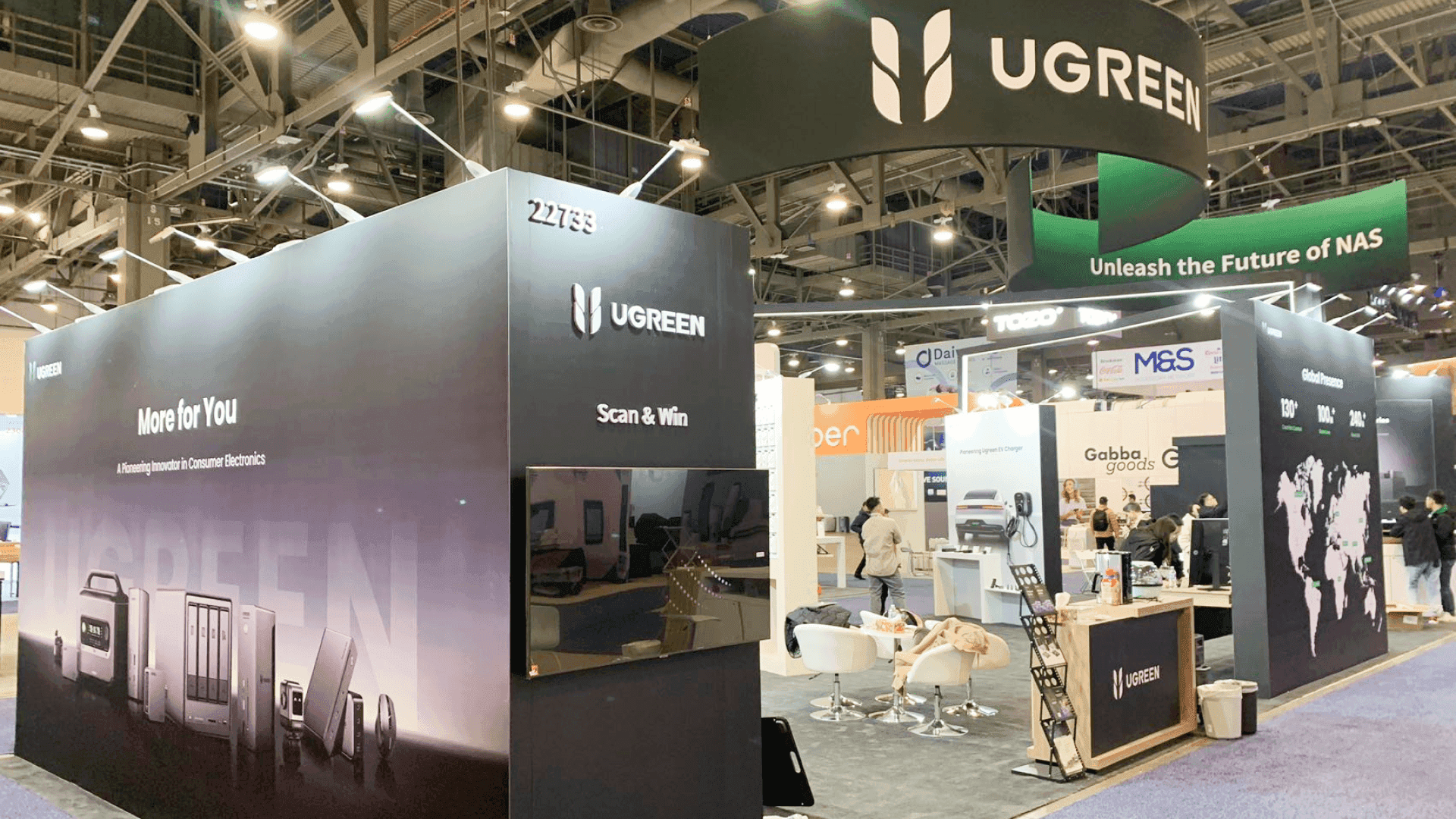
An AI workflow booth layout should show how data, model output, dashboard views, and buyer outcomes connect inside one clear product story.
Screen Messaging for AI Product Demonstrations
Screen messaging is important because AI products are often invisible until the output is shown.
A screen should not only say that the product uses AI. It should show what the AI helps people do.
Strong AI booth screen messaging may include:
one short use case statement
one dashboard or interface view
one visual output example
one workflow or process cue
one trust or proof point
one next step for interested buyers
That is why graphics and brand presentation support should be planned around explanation, not decoration. The booth graphics, screen content, and demo labels should help visitors follow the AI story in the right order.
Trust, Privacy, and Proof Points in AI Booths
AI products often raise buyer questions around accuracy, privacy, integration, compliance, and reliability. These questions should not be hidden until the end of the conversation.
The booth does not need to explain every technical detail upfront, but it should make trust easier to discuss.
Useful proof points may include:
data source clarity
privacy or security message
accuracy or validation cue
integration example
customer or pilot use case
workflow outcome
compliance or operational note
These proof points should be short and visible. They should support the demo without turning the booth into a technical document.

Trust, privacy, accuracy, and proof points should be visible in an AI product demo booth without overwhelming the dashboard or workflow explanation.
Booth Size Planning for CES AI Product Demos
AI product demos can work in different booth sizes, but the layout must match the explanation.
A 20x20 CES booth can work when the exhibitor needs one dashboard demo, one screen area, compact storage, and a short explanation path. Good 20x20 booth planning keeps the AI use case focused and avoids adding too many competing screens.
A 20x30 CES booth works better when the AI demo needs multiple workflow stations, a larger screen wall, more staff positions, or a clearer split between public explanation and buyer follow-up. Good 20x30 booth planning can help connect AI dashboard display, data visualization, staff movement, storage, and follow-up space.
The booth size should follow the demo logic. If the AI product needs step-by-step explanation, the booth should leave enough space for visitors to watch, ask, and continue the conversation.
Questions to Review Before Finalizing the AI Demo Booth
Before finalizing a CES AI product demo booth, exhibitors should review the booth from the visitor’s point of view.
Useful questions include:
Can visitors understand the AI use case from the aisle?
Does the screen show a clear dashboard or output?
Is the data visualization easy to follow?
Can staff explain the workflow without blocking the demo?
Are trust, privacy, and proof points visible enough?
Is there a clear next step after the demo?
Does the booth avoid too much technical language at first?
For broader show context, exhibitors can also review CES booth planning before finalizing booth size, messaging, and show-site setup.
FAQ
What should a CES AI product demo booth include?
A CES AI product demo booth should include a clear use case message, dashboard or interface screen, data visualization, workflow explanation, staff demo point, trust proof points, lead capture, and space for buyer follow-up.
How should AI use cases be explained in a booth?
AI use cases should be explained before the technical stack. Visitors should understand what the AI does, who uses it, what data or workflow it supports, and what result it produces.
What is the best way to show an AI dashboard at CES?
The best approach is to show one primary dashboard view first, supported by simple labels, visual output, and staff explanation. Too many charts or screens can make the AI demo harder to understand.
Why do privacy and trust proof points matter in AI booths?
Privacy and trust proof points matter because buyers often need to understand how the AI uses data, how reliable the output is, and whether the product can fit into real workflows or compliance needs.
Is a 20x20 booth enough for a CES AI demo?
A 20x20 booth can work when the AI demo is focused around one dashboard, one workflow, one screen area, and a short explanation path. More complex AI demos may need a 20x30 booth.
Related Planning Links
For exhibitors planning an AI-focused CES booth, these pages connect AI demo planning with event context, booth size, graphics, and technology demo support:
CES AI product demo booth planning
Use this page when the booth needs to explain AI workflows, dashboards, data visualization, use cases, model outputs, and buyer follow-up.
CES technology product demo booth planning
Use this page when the booth needs broader technology product demos, screen placement, product interaction, visitor flow, and demo support.
CES booth planning
Use the main CES planning page to connect AI demo decisions with show context, booth size, venue movement, and show-site setup.
graphics and brand presentation support
Use this service page when AI dashboard visuals, workflow graphics, screen messaging, and brand hierarchy need to support the demo experience.
Final Takeaway
A CES AI product demo booth should make complex technology easier to understand.
The best AI booth does not lead with every model detail, dashboard feature, or technical claim. It starts with the use case, shows the workflow, makes the output visible, and gives visitors a reason to continue the conversation.
For AI exhibitors, strong booth planning turns technical depth into a clearer product story that buyers, partners, media, and technical visitors can follow.







