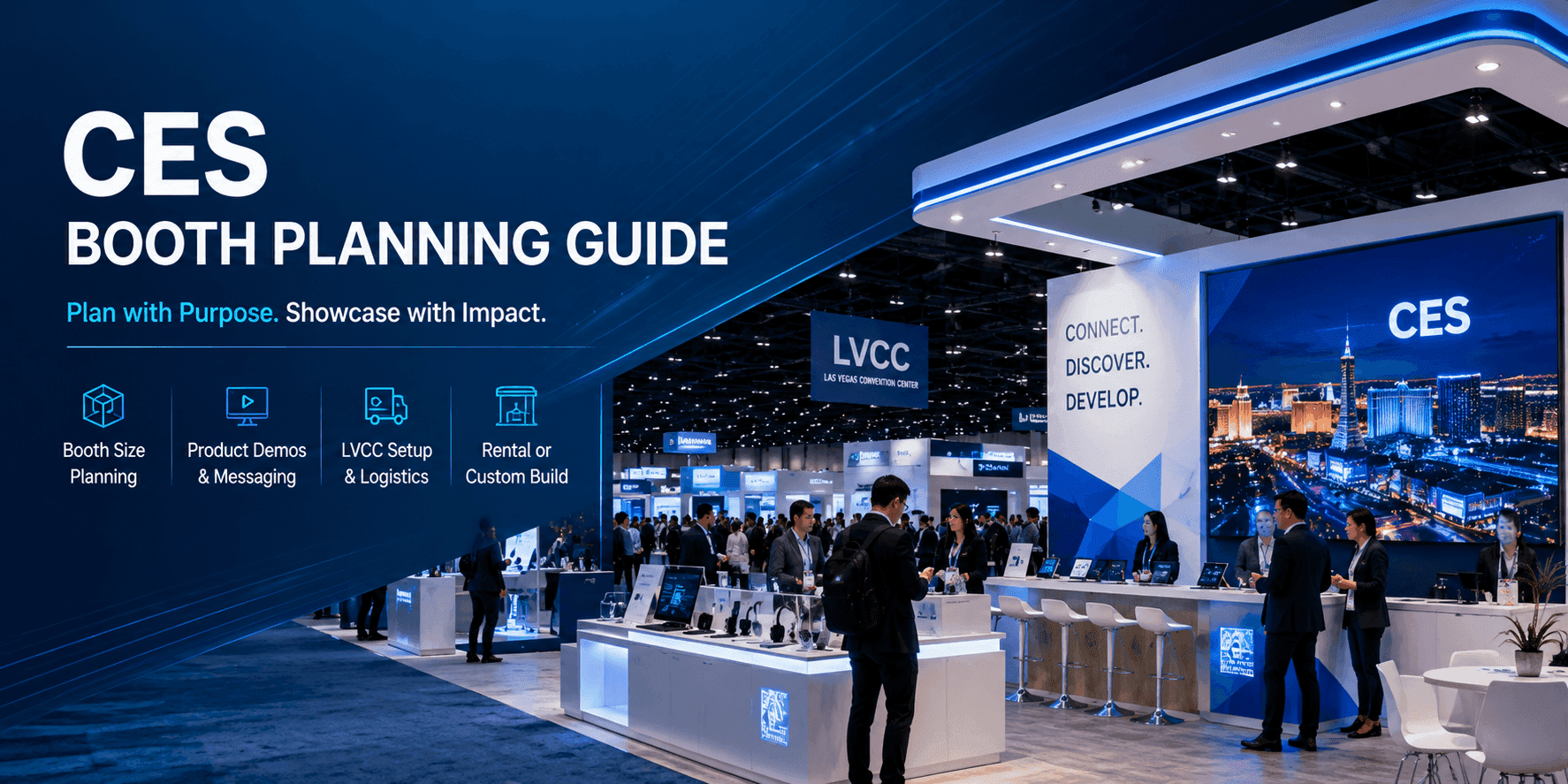
Why CES Booth Planning Needs to Start Early
CES booth planning should start before the booth layout is drawn. The booth has to support product presentation, visitor flow, screen messaging, storage, staff movement, lead capture, freight timing, and show-site setup.
A booth that looks good on a screen may still fail if the demo counter is blocked, the screen is hard to read, storage is missing, or visitors do not know where to stop. Good CES booth planning connects booth design decisions with how the booth will actually work during the show.
Early planning should answer:
what the booth needs to show
which product or message matters first
how many visitors may stop at one time
what booth size supports the display
whether rental, custom, or hybrid build makes sense
what setup work is needed before the show opens
This keeps the booth from becoming a collection of parts. It turns the booth into a working exhibit plan.
What Should a CES Booth Include?
A CES booth should include only what supports the main product message and visitor path. More elements do not always make the booth stronger.
A practical CES booth may include:
Booth Element | Planning Purpose |
|---|---|
Main product display | Shows the product or solution clearly |
Demo counter or station | Gives visitors a place to stop and interact |
Screen messaging | Explains the use case, outcome, or product story |
Graphics | Helps visitors understand the brand and category |
Storage | Keeps the booth clean during show hours |
Meeting or follow-up area | Supports qualified buyer conversations |
Lead capture point | Records interest without slowing the demo |
Staff path | Lets staff guide visitors without blocking traffic |
The booth should be planned around the first visitor question: what is this product, and why should I keep talking?
Booth Size Planning for CES Exhibitors
Booth size should follow the product display and visitor flow. A smaller booth can work well when the message is focused. A larger booth only helps when the product, traffic, or meeting needs justify the space.
A 20x20 booth is often a practical fit for one focused demo, one main screen, compact storage, and short conversations. Good 20x20 booth planning keeps the booth clear and avoids overloading the footprint.
A 20x30 booth gives exhibitors more room for product display, screen support, staff movement, storage, and a follow-up area. Good 20x30 booth planning works well when the booth needs more separation between public demo activity and qualified conversations.
Larger island booths can support more product zones, stronger overhead visibility, meeting areas, or multiple demonstrations, but they also require tighter planning for freight, installation, AV, lighting, and show-site labor.
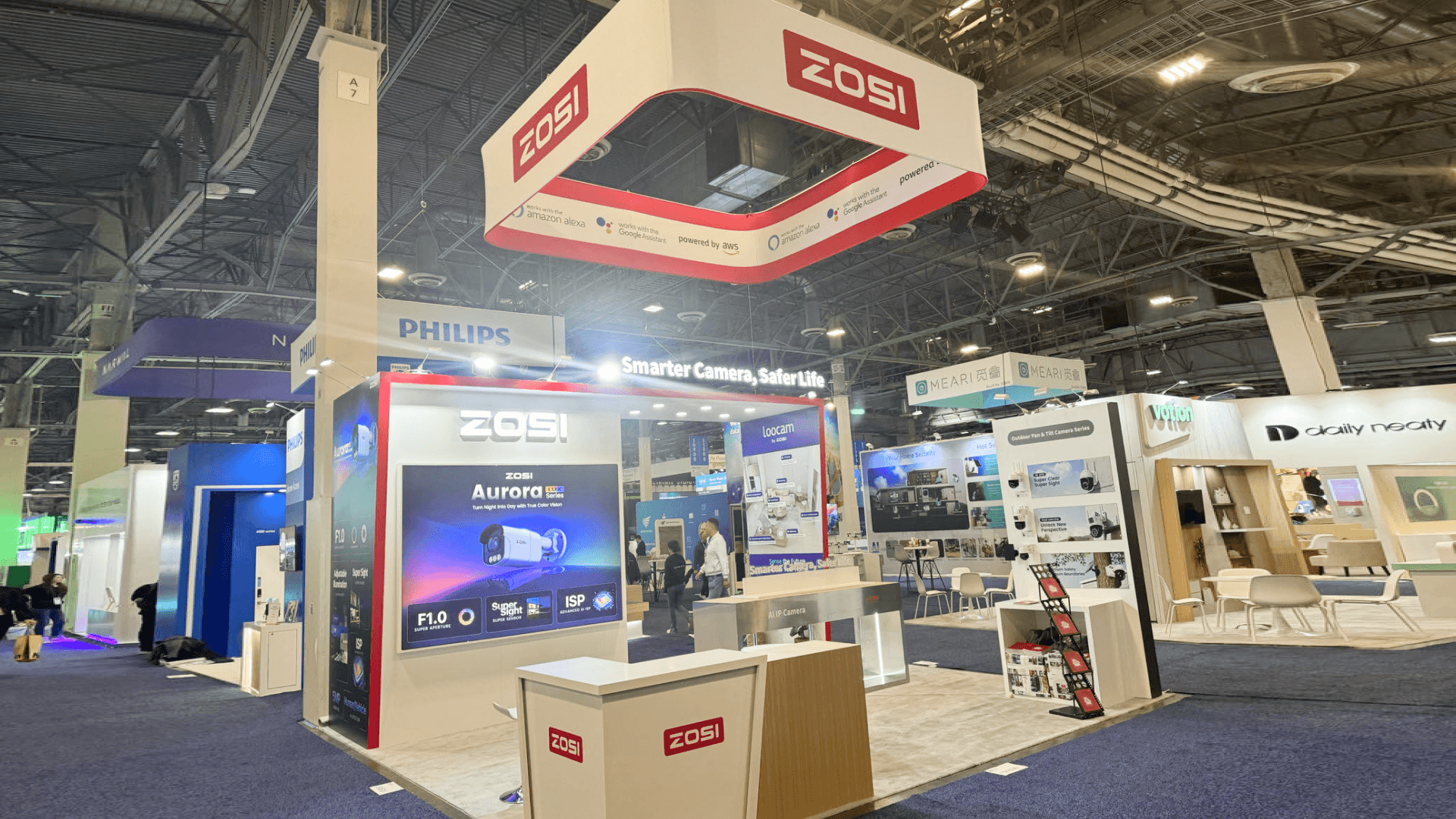
CES booth size planning should match the product demo, screen placement, storage needs, staff path, and visitor flow before the booth layout is finalized.
Product Demo, Screen, and Messaging Zones
A CES booth should make the product easy to understand before the visitor receives a long explanation.
Product demo zones, screens, and graphics need to work together. The demo shows what the product does. The screen explains the use case or outcome. The graphics help visitors understand the category and brand message.
A simple demo path may look like this:
Step | Booth Support |
First attention | Clear headline or product category message |
First stop | Visible demo counter or product display |
Product understanding | Screen, graphic, or short explanation |
Deeper question | Staff-guided conversation |
Follow-up | Lead capture or meeting handoff |
For exhibitors with more technical displays, CES technology product demo booth planning can support deeper product demo decisions. For new product introductions, CES product launch booth planning can support launch messaging and media-facing presentation.

Product demo zones, screen messaging, and booth graphics should work together so CES visitors can understand the product before the conversation becomes too long.
Rental vs Custom Build for CES Booths
CES exhibitors often need to decide between rental, custom build, or a hybrid booth.
A rental booth can work when the exhibitor needs a flexible structure, branded graphics, product counters, storage, and a clean presentation without building a fully custom exhibit. A custom build makes more sense when the booth needs unique architecture, large product display, overhead branding, heavy fabrication, custom lighting, or repeated multi-show use.
Booth Direction | Better Fit |
Rental booth | Faster planning, flexible structure, branded graphics, product demo support |
Custom build | Unique structure, larger brand presence, complex display, repeated reuse |
Hybrid booth | Rental framework with custom graphics, counters, lighting, or product features |
Exhibitors comparing options can review customizable booth rental in Las Vegas when flexibility and faster setup matter, or Las Vegas trade show booth builder when the booth requires deeper fabrication, structural planning, and show-site execution.
LVCC Move-In, Freight, AV, and Installation Notes
CES booth planning should include show-site execution early. Freight timing, advance warehouse delivery, electrical, AV, internet, rigging, labor schedules, and booth installation can affect what is realistic on the floor.
Important setup notes include:
confirm booth size and hall requirements before production
review freight deadlines and move-in timing
plan electrical and AV around screen placement
keep demo equipment protected during setup
confirm storage needs before show opening
check whether staff needs early access for demo testing
leave time for graphics, lighting, and final booth cleaning
These details are not separate from booth design. They determine whether the booth can be installed, tested, and ready before visitors arrive.
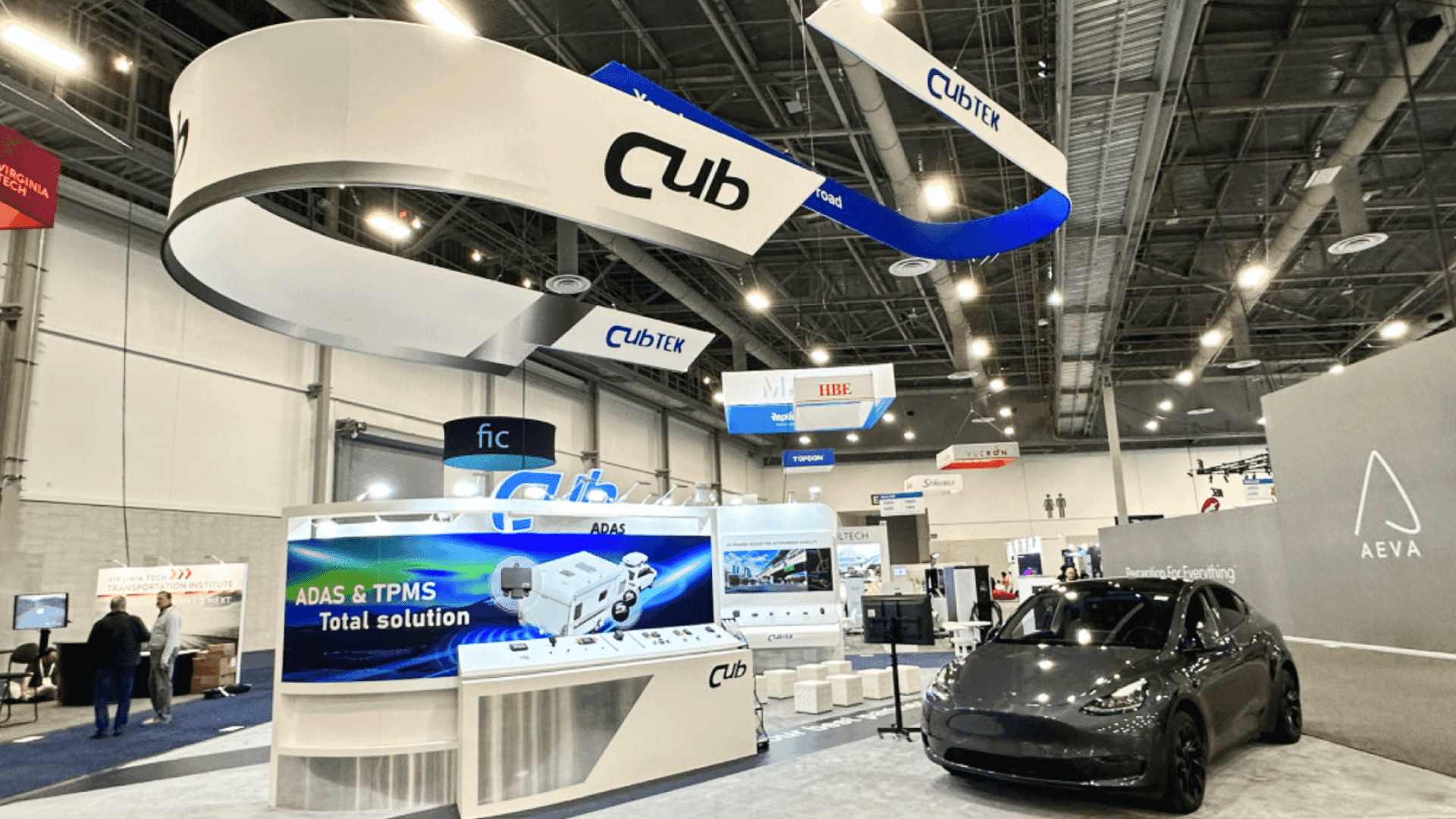
CES booth planning should include LVCC move-in timing, freight delivery, AV placement, electrical needs, installation sequence, and final booth testing before the show opens.
CES Booth Planning Checklist
Before finalizing a CES booth, exhibitors should review the full booth plan from the visitor’s point of view and the show-site team’s point of view.
Useful checklist items include:
Is the main product message visible from the aisle?
Does the booth size support the product demo?
Are screen placement and graphics easy to read?
Is there enough room for visitors to stop?
Can staff move without blocking the booth entrance?
Is storage included?
Is lead capture placed after interest is created?
Are freight, AV, electrical, and installation needs confirmed?
Does the booth support rental, custom build, or hybrid execution?
Are next-step planning pages linked from the CES event page?
This kind of checklist keeps the booth practical. It also helps the exhibitor avoid changing major booth details too late.
FAQ
What is CES booth planning?
CES booth planning is the process of organizing booth size, layout, product demos, screen messaging, graphics, storage, meeting space, freight timing, AV, electrical needs, and show-site installation before the booth is built or installed.
When should exhibitors start planning a CES booth?
Exhibitors should start planning early enough to confirm booth size, product demo needs, graphics, rental or custom build direction, freight deadlines, and installation requirements before production begins.
What booth size works best for CES exhibitors?
The right booth size depends on the product and visitor flow. A 20x20 booth can support one focused demo and screen area. A 20x30 booth can support more demo space, storage, staff movement, and follow-up conversations.
Should CES exhibitors choose a rental booth or custom build?
A rental booth works well for flexible branded displays and focused product demos. A custom build is better when the booth needs unique structure, large product display, overhead visibility, or repeated multi-show use.
What should be included in a CES booth checklist?
A CES booth checklist should include booth size, product display, screen messaging, visitor flow, storage, staff path, lead capture, freight timing, AV, electrical, installation schedule, and final show-site testing.
Related Planning Links
For exhibitors planning a CES booth in Las Vegas, these pages connect the main event plan with booth size, demo planning, rental options, and builder support:
CES booth planning
Use this main CES page to plan booth size, show context, demo needs, rental vs custom build, and Las Vegas setup requirements.
CES technology product demo booth planning
Use this page when the booth needs product demo zones, screen support, visitor flow, and technology presentation planning.
CES product launch booth planning
Use this page when the booth needs to support a new product reveal, launch message, media interest, and follow-up flow.
20x20 booth planning
Use this size page when the booth needs one focused product demo, compact storage, and a controlled visitor path.
20x30 booth planning
Use this size page when the booth needs more room for product display, screens, staff movement, and buyer follow-up.
Final Takeaway
CES booth planning works best when the booth is planned around what visitors need to understand first.
Start with the product message, booth size, demo flow, screen placement, storage, staff path, rental vs custom build decision, and show-site setup needs. Then design the booth around that plan.
A strong CES booth should not only look finished. It should help visitors stop, understand the product, ask the right question, and move into the next conversation.







