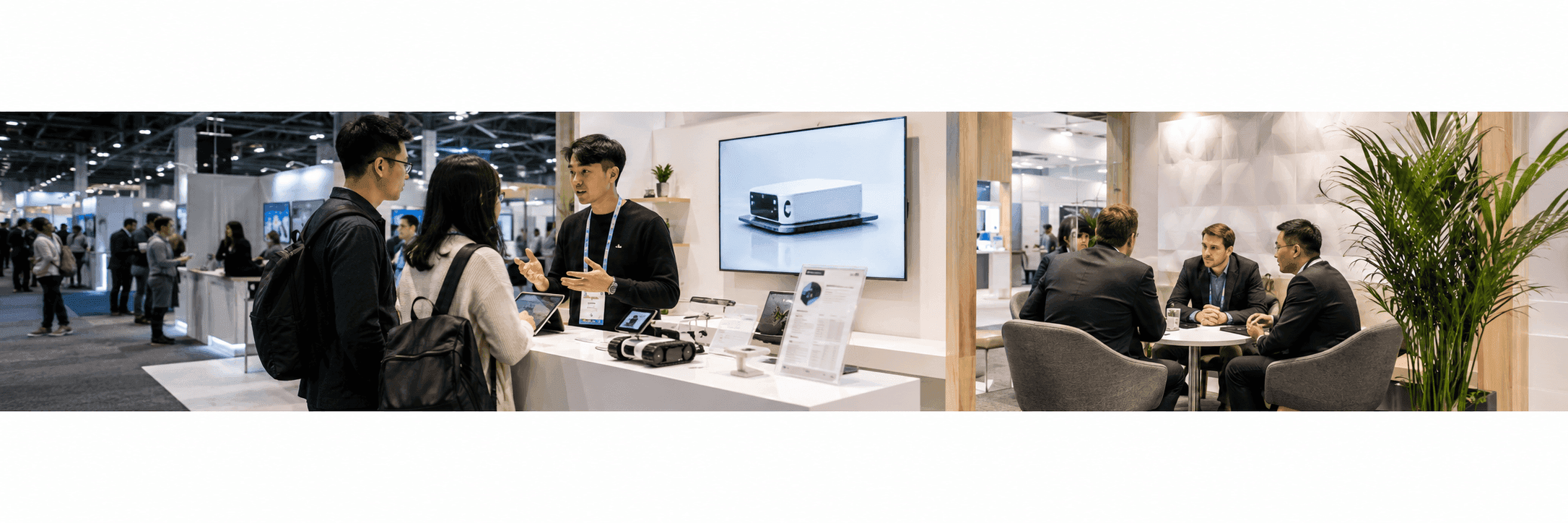
Why Eureka Park Startup Booths Need a Different Plan
A CES Eureka Park startup booth has a different job from a large island booth. It does not need to show everything a company may become. It needs to make one idea clear enough for a visitor to stop, ask a question, and remember the product after the conversation.
For startups, the first few seconds matter. The booth should answer three things quickly:
What is the product?
Who is it for?
Why should someone keep talking?
That is why CES Eureka Park startup booth planning should begin with prototype visibility, founder-led demo flow, and the first serious conversation, not with decoration alone.
Make the Prototype Visible Before the Pitch Starts
A startup booth should not make visitors search for the product.
The prototype, device, screen, sample, dashboard, or product model should be easy to see from the aisle. If the product is small, the booth may need a counter, lighting, close-up graphics, or a screen that explains what the visitor is looking at.
The goal is simple: visitors should understand the product category before the founder starts talking.
A strong prototype display may include:
one visible product or demo point
a short product message near the aisle
a simple screen or visual support
a clear use case statement
space for one or two visitors to stop
a lead capture point that does not interrupt the demo
This is where many startup booths lose attention. If the booth message is too abstract, visitors may walk past before they understand the idea.
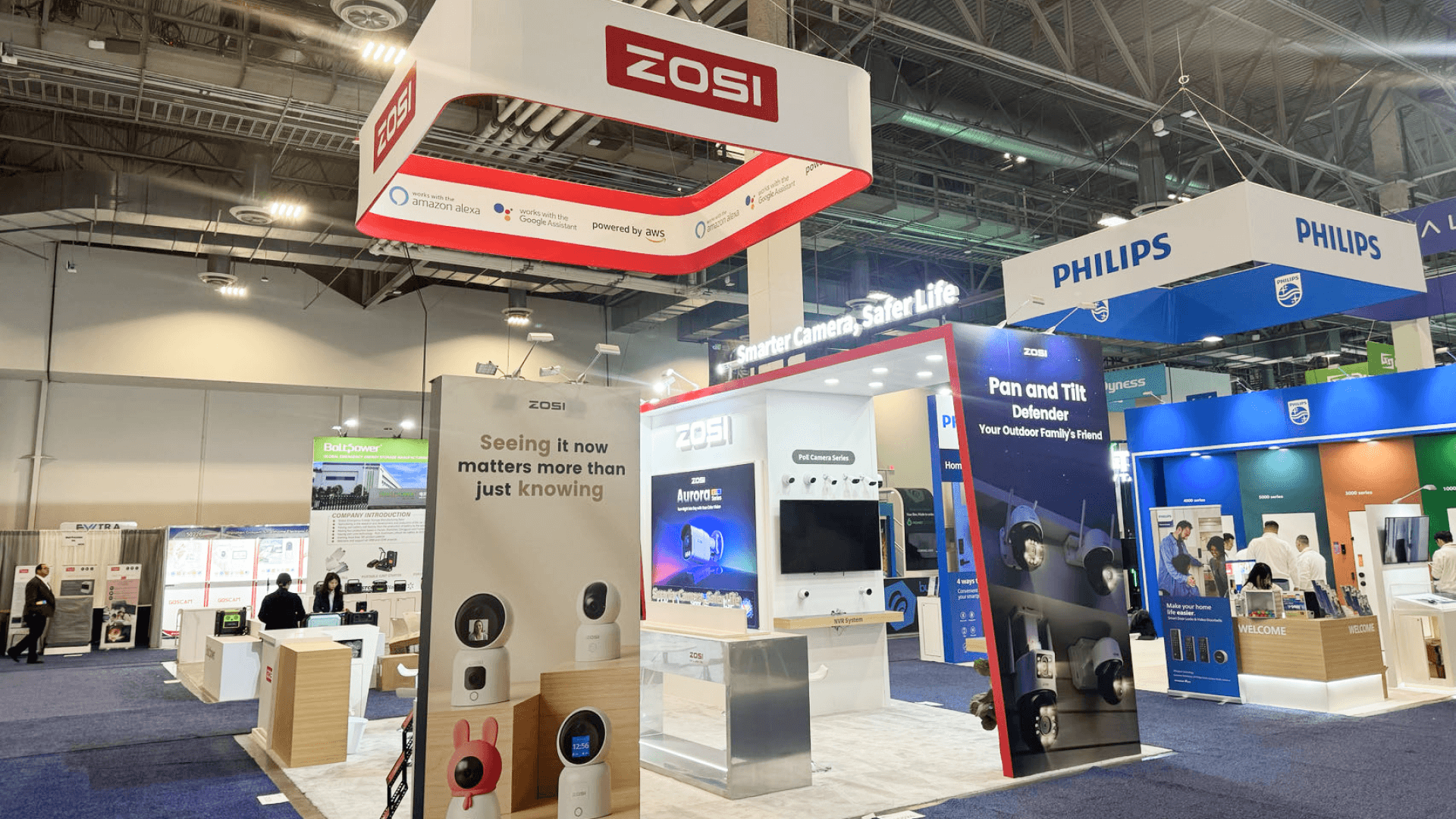
A CES Eureka Park startup booth should keep the prototype visible from the aisle so investors, buyers, and media can understand the product before the founder begins the pitch.
Founder-Led Demo Flow for Startup Booths
Founder-led demos work because the founder can explain the product with context, speed, and conviction. But the booth still needs structure.
A founder should not have to explain the entire company from the first sentence. The booth layout and graphics should do part of that work first.
A practical founder-led demo flow may look like this:
Demo Step | Booth Support Needed |
|---|---|
First stop | Clear headline, visible prototype, open aisle access |
Quick explanation | Demo counter, screen, or product visual |
Use case discussion | Supporting graphic or short proof point |
Investor or buyer interest | Side conversation space |
Follow-up | Lead capture and next-step handoff |
The booth should make the founder’s job easier. It should reduce repeated explanations, not create more of them.
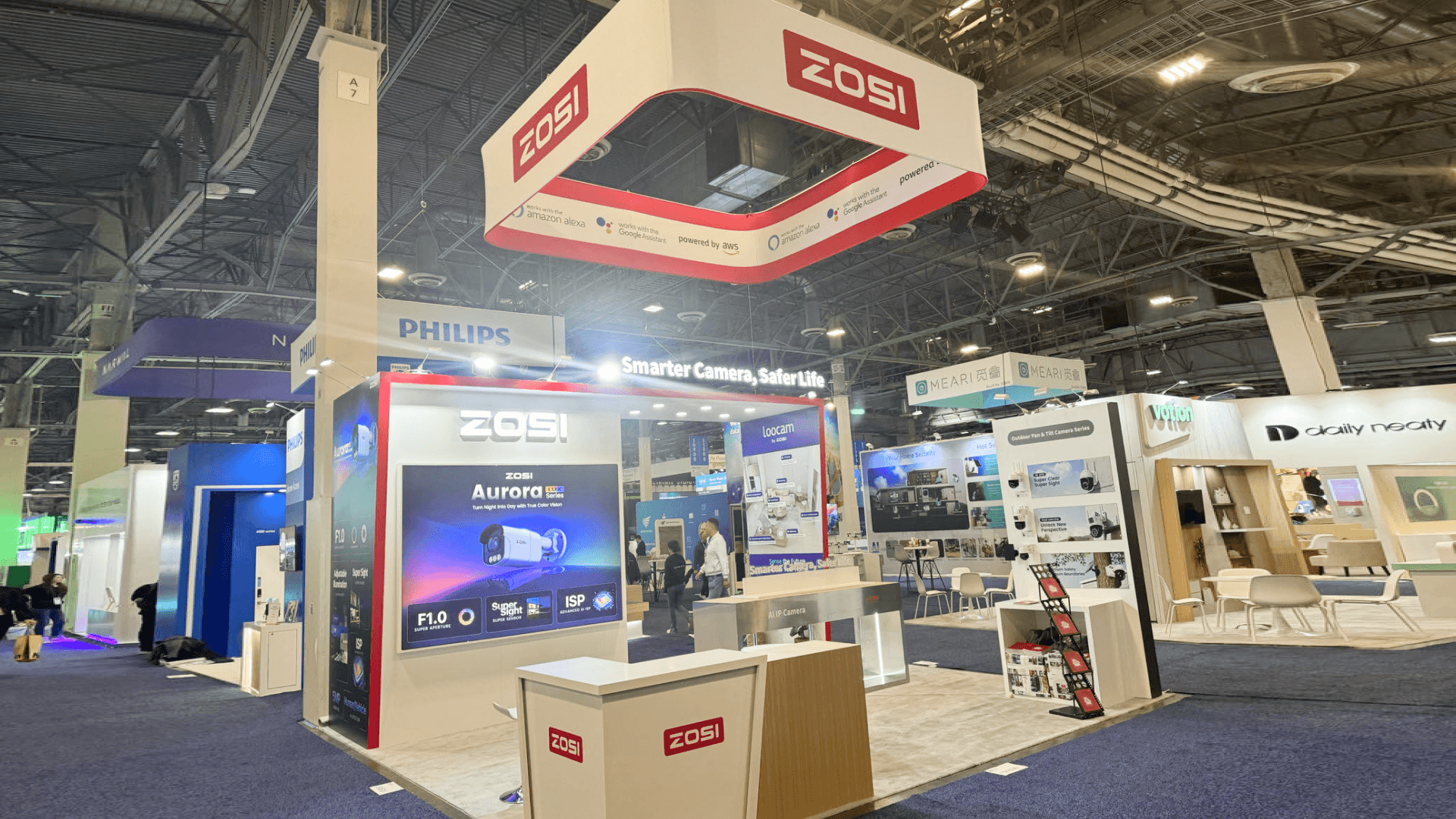
Founder-led demos work best when the booth gives visitors a clear place to stop, view the product, ask questions, and move into the next conversation.
Public Demo Zone vs Investor Conversation Zone
Even a compact Eureka Park booth needs a basic separation between public demo traffic and serious follow-up.
The public demo zone should sit near the front. This is where visitors see the product, hear the short pitch, and decide whether to continue.
The investor conversation zone can be small. It may be a side counter, a narrow meeting edge, or a standing conversation spot. The important thing is that it does not block the demo area.
Booth Area | Main Purpose | Best Use |
Front prototype area | Help visitors understand the product quickly | First stop and short demo |
Founder demo point | Explain the use case and product value | Short pitch and questions |
Pitch graphics | Clarify category, problem, and proof | Reduce repeated explanation |
Investor conversation area | Continue qualified discussions | Buyer, media, or investor follow-up |
Lead capture point | Save contact and next step | After interest is qualified |
A startup booth does not need a large meeting room to be effective. It needs a clean path from curiosity to follow-up.

A compact Eureka Park booth can still separate the public demo zone from the investor conversation area, helping serious visitors continue the discussion without blocking booth traffic.
Booth Size Planning for Eureka Park Startups
Many startup booths work best when the layout stays simple.
A 10x10 booth can support one prototype point, one founder-led demo, a small storage area, and short standing conversations. Good 10x10 booth planning keeps the booth focused so the product does not get buried behind furniture or extra messaging.
A 10x20 booth gives startups more room for two functions: public demo and private follow-up. Good 10x20 booth planning may support a clearer screen area, a demo counter, and a side conversation zone without making the booth feel crowded.
The right size depends on the product. A small software demo may need a screen and counter. A hardware prototype may need more protected display space. A product with investor meetings may need a quieter side zone.
Graphics and Pitch Messaging for Startup Booths
Startup booth graphics should not try to tell the full company story.
They should make the first conversation easier.
Good graphics usually answer:
What does the product do?
Who is it built for?
What problem does it solve?
What should visitors ask about next?
Is the product ready for demo, pilot, partnership, or funding conversation?
That is why graphics and brand presentation support matters for startup booths. The booth message should help visitors understand the product before the founder starts the pitch.
For Eureka Park, simple usually works better than broad. A clear product category, short value statement, and visible demo cue can do more than a crowded wall of startup language.
What Investors and Buyers Need to Understand First
Investors and buyers do not need every detail in the first minute. They need a reason to keep talking.
A startup booth should make these points clear:
the product category
the use case
the type of customer or market
the current stage of the product
the demo status
the next step for follow-up
This keeps the first conversation from becoming too scattered. It also helps booth staff decide whether a visitor needs a quick demo, a founder conversation, or a follow-up meeting after the show.
For broader show context, startups can also review CES booth planning before finalizing booth size, pitch flow, graphics, and show-site setup.
FAQ
What should a CES Eureka Park startup booth include?
A CES Eureka Park startup booth should include a visible prototype or demo point, clear product messaging, founder-led demo space, lead capture, compact storage, and a small area for investor or buyer follow-up.
How should startups present prototypes at Eureka Park?
Startups should keep the prototype visible from the aisle and support it with a short product message, demo counter, screen, or graphic that explains the use case before the founder begins the pitch.
Is a 10x10 booth enough for a CES startup?
A 10x10 booth can work when the startup needs one focused product demo, one founder-led explanation point, compact storage, and short standing conversations. The layout should stay simple and avoid unnecessary furniture.
When should a startup choose a 10x20 booth?
A 10x20 booth works better when the startup needs more separation between public demos and investor follow-up, or when the product requires a larger screen, second demo point, or more protected prototype display space.
Why does pitch messaging matter in a startup booth?
Pitch messaging matters because visitors may only give the booth a few seconds before deciding whether to stop. Clear graphics can explain the product category, use case, and next step before the founder starts the conversation.
Related Planning Links
For startups planning a CES booth, these pages connect Eureka Park booth planning with event context, booth size, graphics, and layout decisions:
CES Eureka Park startup booth planning
Use this page when the booth needs prototype visibility, founder-led demos, investor conversations, and compact startup booth planning.
CES booth planning
Use the main CES planning page to connect startup booth decisions with show context, booth size, venue movement, and show-site setup.
10x10 booth planning
Use this size page when the booth needs one focused demo point, compact storage, and a simple visitor path.
10x20 booth planning
Use this size page when the booth needs more space for product demos, screen support, and investor follow-up.
Final Takeaway
A CES Eureka Park startup booth should not try to look like a large corporate exhibit.
It should make the product easy to understand, give the founder a clear place to demonstrate the prototype, and create a path for serious visitors to continue the conversation.
The best startup booth is not the one with the most claims. It is the one that makes the first conversation easier, keeps the product visible, and helps investors, buyers, media, and partners know what to do next.







